ToolFountain editorial

AI software blog

Explore our reviews, comparisons, best-tools guides, research and pricing articles in one place.

Latest articles

92 published
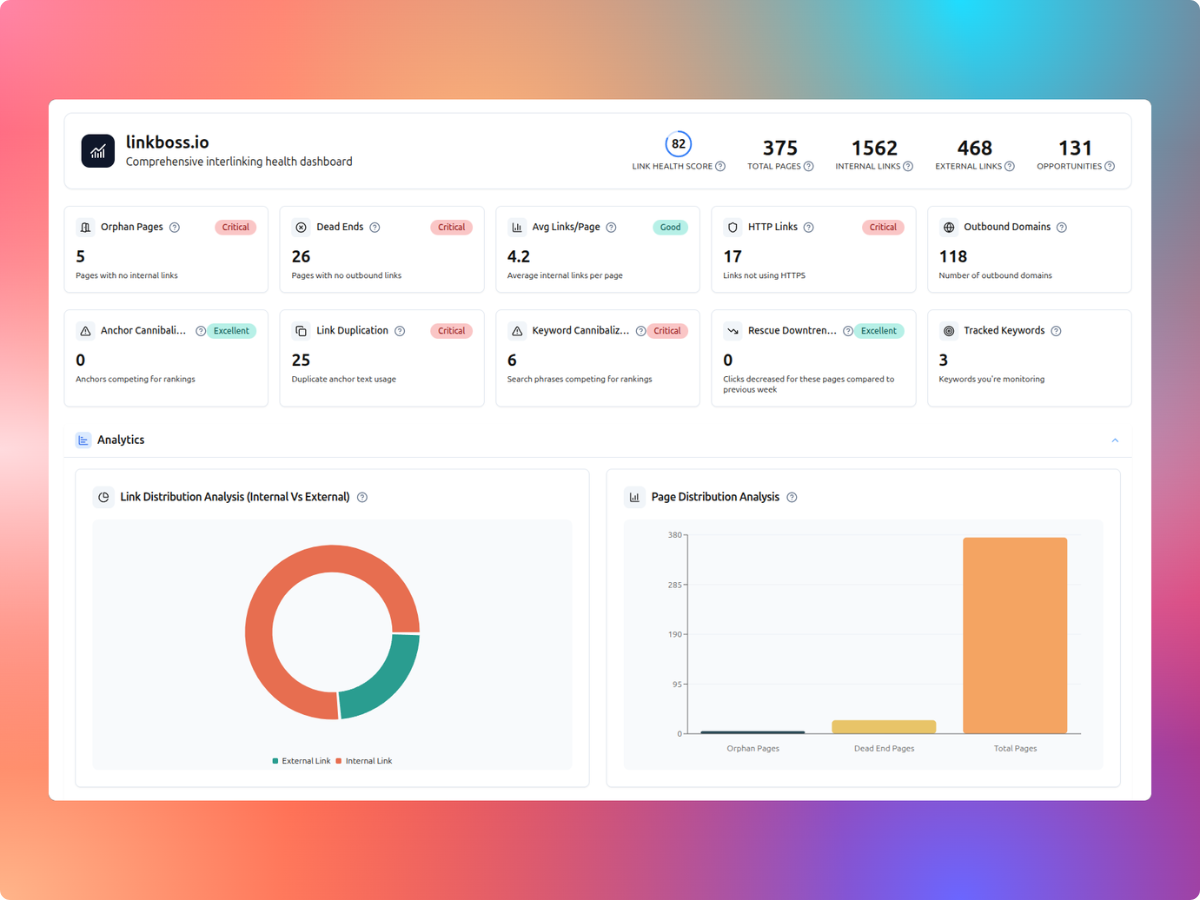
LinkBoss WordPress internal linking health dashboard with orphan, dead-end and duplicate link indicators.
Blog

LinkBoss vs Linkilo (2026): Features, Pricing and Best Fit

LinkBoss and Linkilo both help WordPress publishers manage internal links, but their pricing and workflow priorities differ. LinkBoss emphasizes site audits, bulk link insertion and silo workflows. Linkilo offers an annual site-license model with additional WordPress SEO modules.

Read article
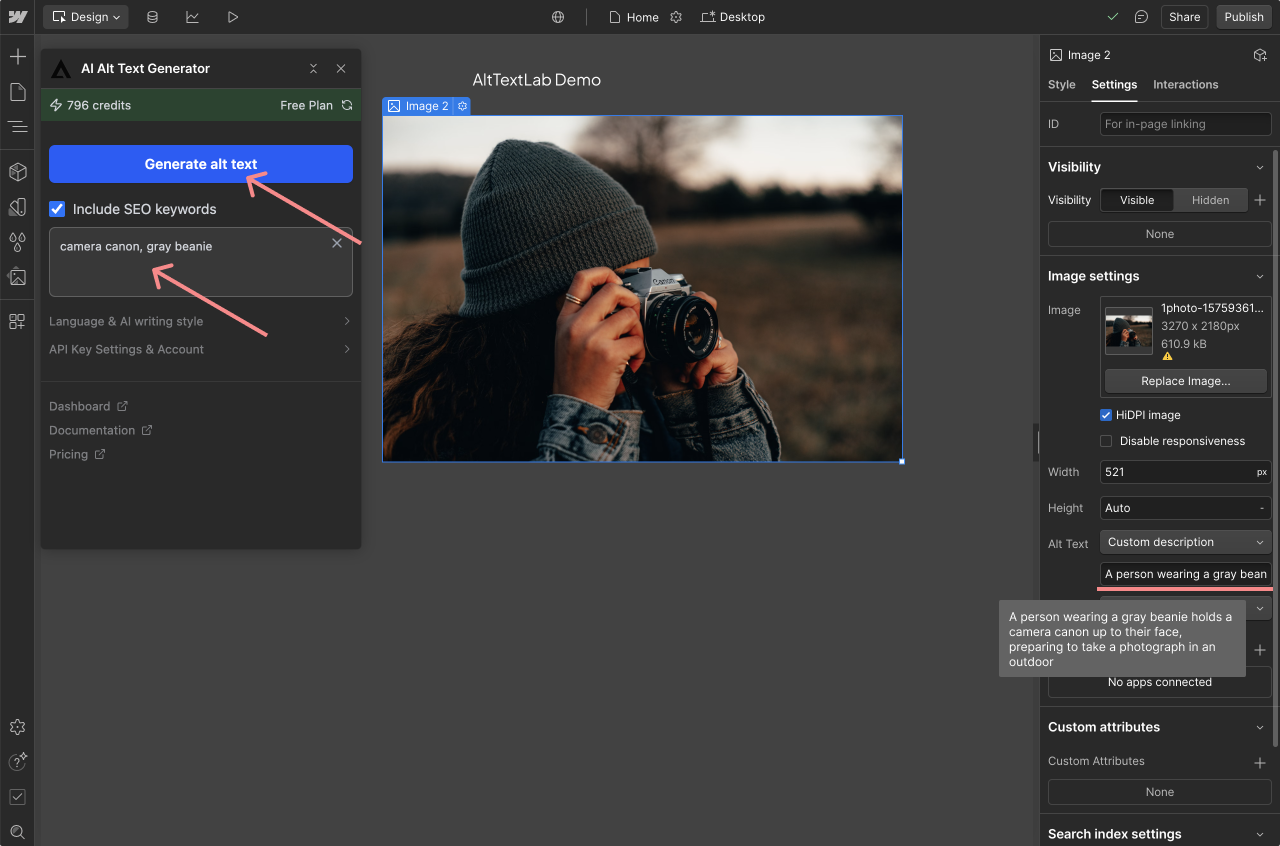
AltTextLab plugin panel inside Webflow Designer
Guides

AltTextLab for Webflow: Designer App, CMS Images and Web Snippet

AltTextLab’s Webflow app generates alt text for individual images and page-level image collections inside Webflow Designer. For images connected to Webflow CMS collections, AltTextLab recommends its Web Snippet. The distinction matters: the Designer app writes a description into the image element, while the snippet supplies alt text dynamically through a script and CDN. For a…

Read article
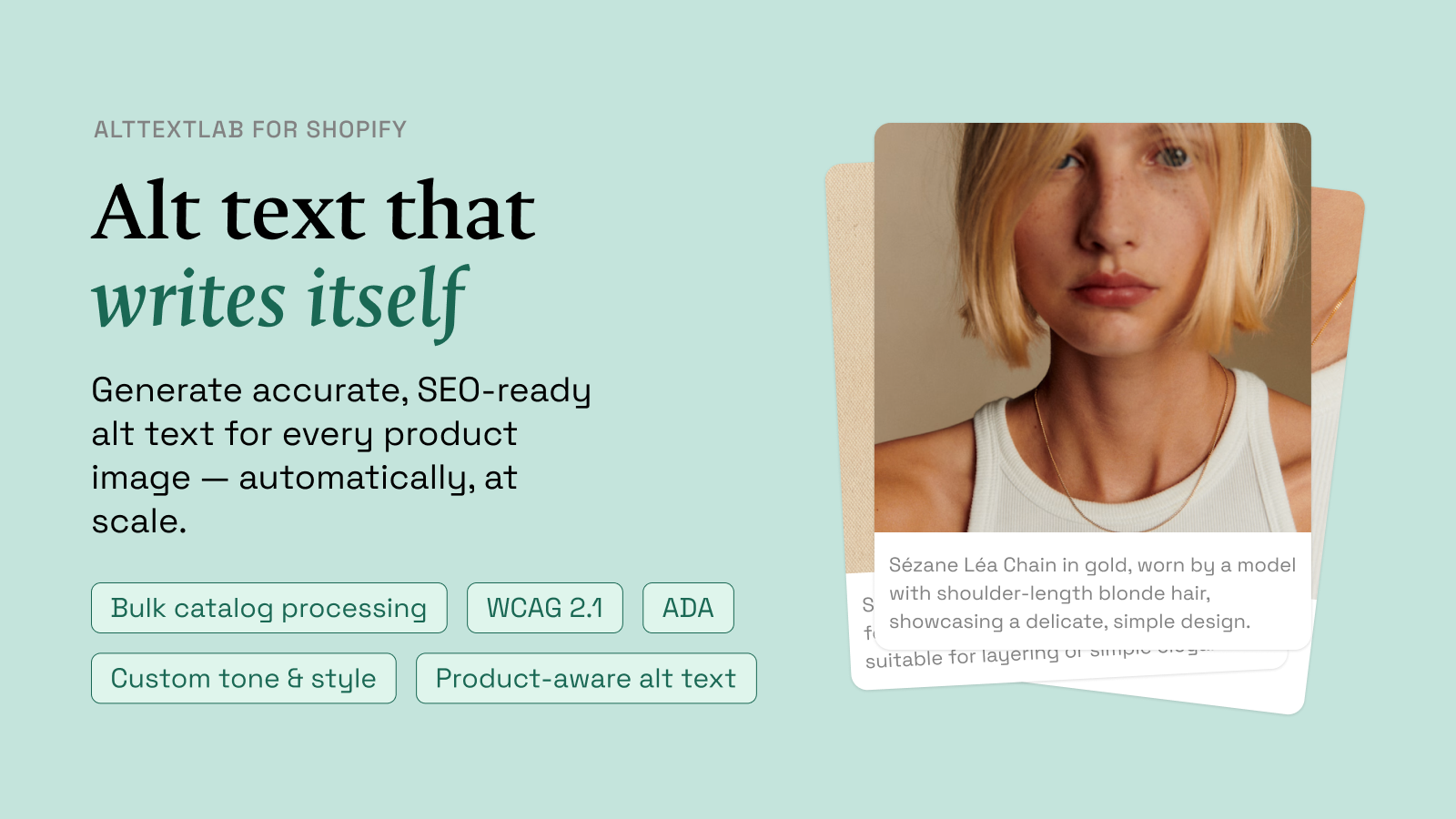
AltTextLab official Shopify App Store product image
Guides

AltTextLab for Shopify: Bulk Product Image Alt Text and Setup Guide

AltTextLab’s Shopify app scans product images with missing alt text, generates descriptions using product information, and saves the results back to Shopify through its Admin API. It also advertises automatic generation for new product uploads, bulk catalog processing and 25 free monthly credits. Its main advantage over a generic image captioner is the use of…

Read article
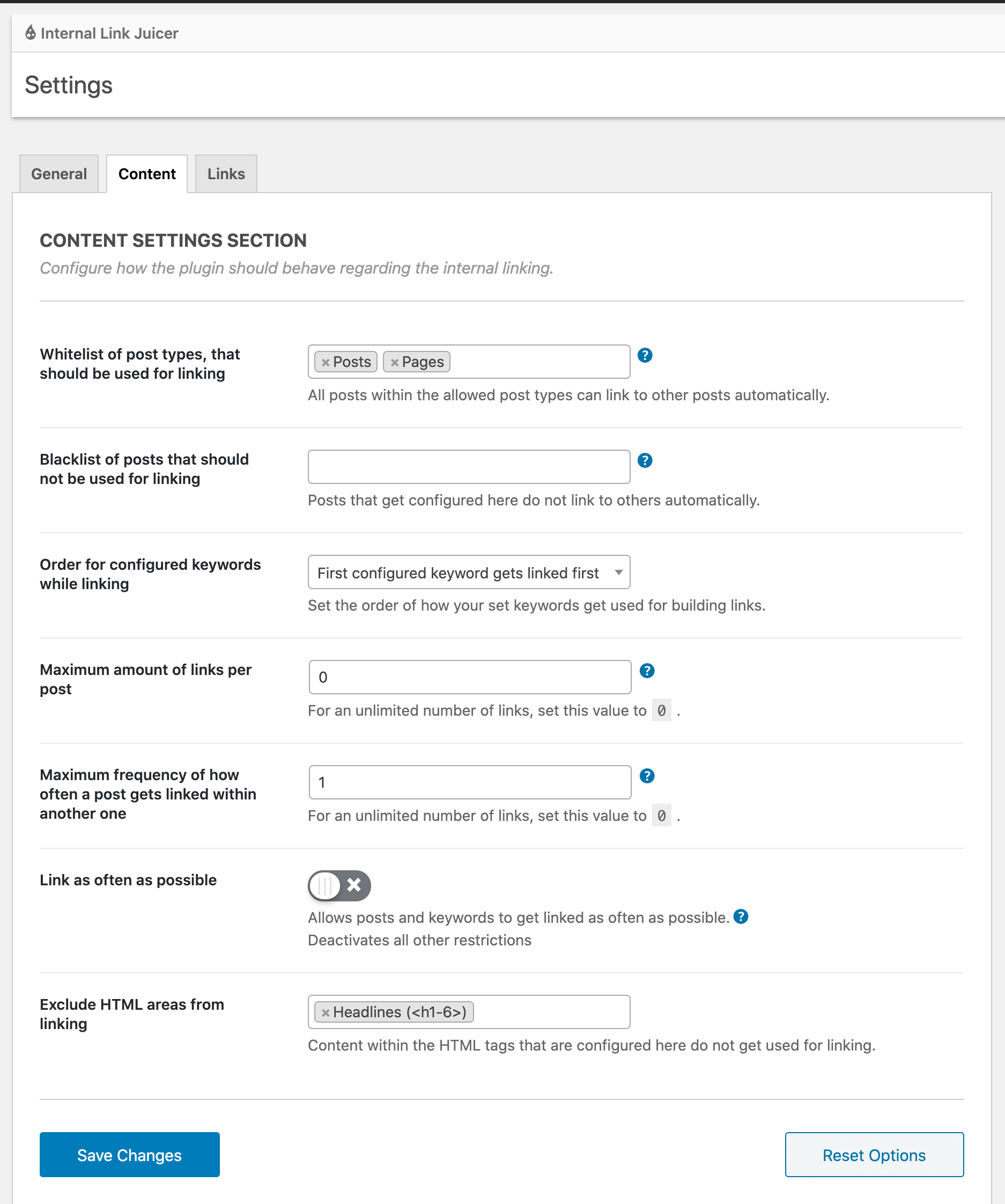
Internal Link Juicer WordPress editor keyword configuration panel
Comparisons

LinkBoss vs Internal Link Juicer: Which WordPress Linking Tool Wins?

Choose Internal Link Juicer if you want a free-first WordPress plugin that turns configured keywords into links automatically. Choose LinkBoss if you need audits, suggested source-and-target pairs, more sophisticated bulk operations and control over content silos. The two tools solve related problems with very different workflows. My overall recommendation for a large content library is…

Read article
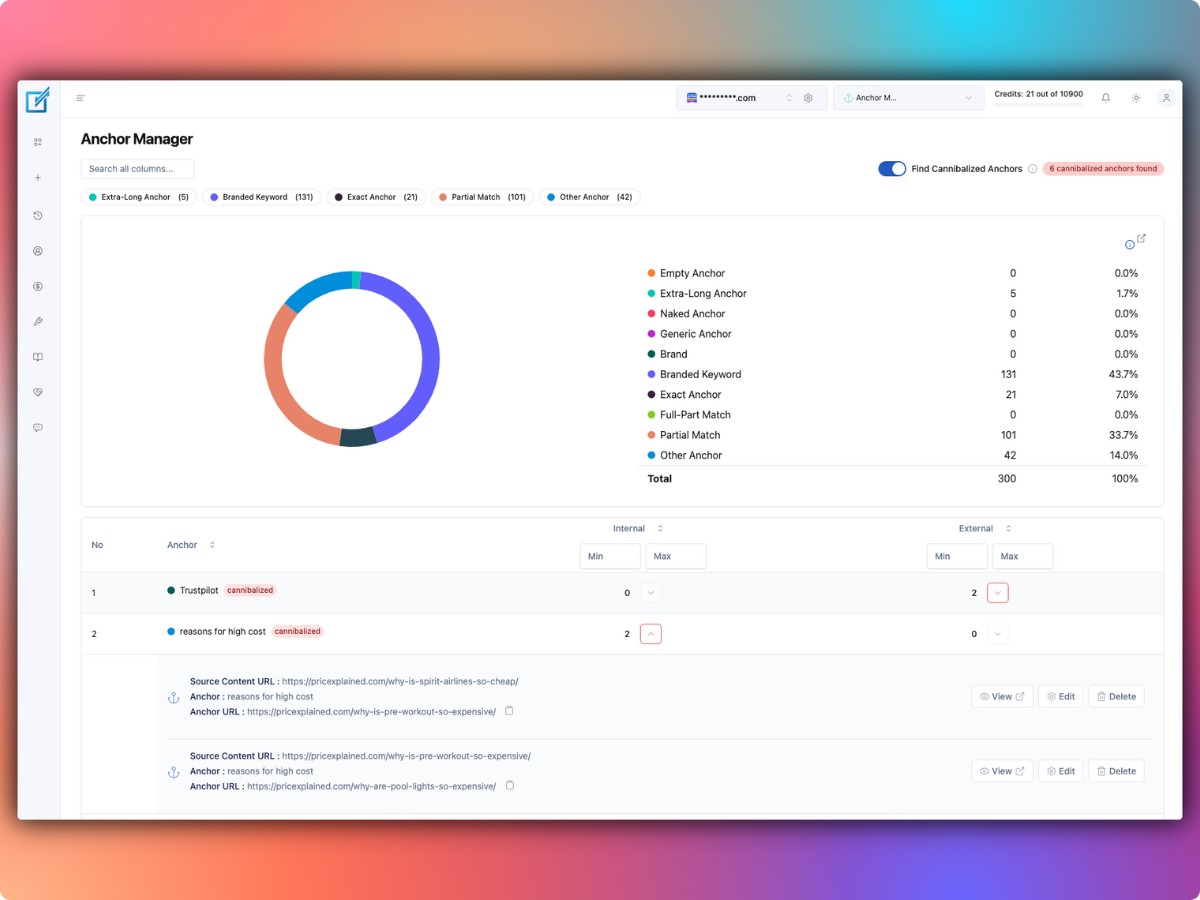
LinkBoss Anchor Manager showing anchor text distribution and cannibalization checks.
Guides

LinkBoss Anchor Manager: Fix Conflicting Anchors and Review Link Text

LinkBoss Anchor Manager shows which words link to which pages across your site and highlights cases where similar anchors lead to competing destinations. It reports anchor categories, shows contextual source information and provides editing tools for correcting confusing links. The useful goal is not to hit an arbitrary exact-match keyword percentage. It’s to ensure that…

Read article
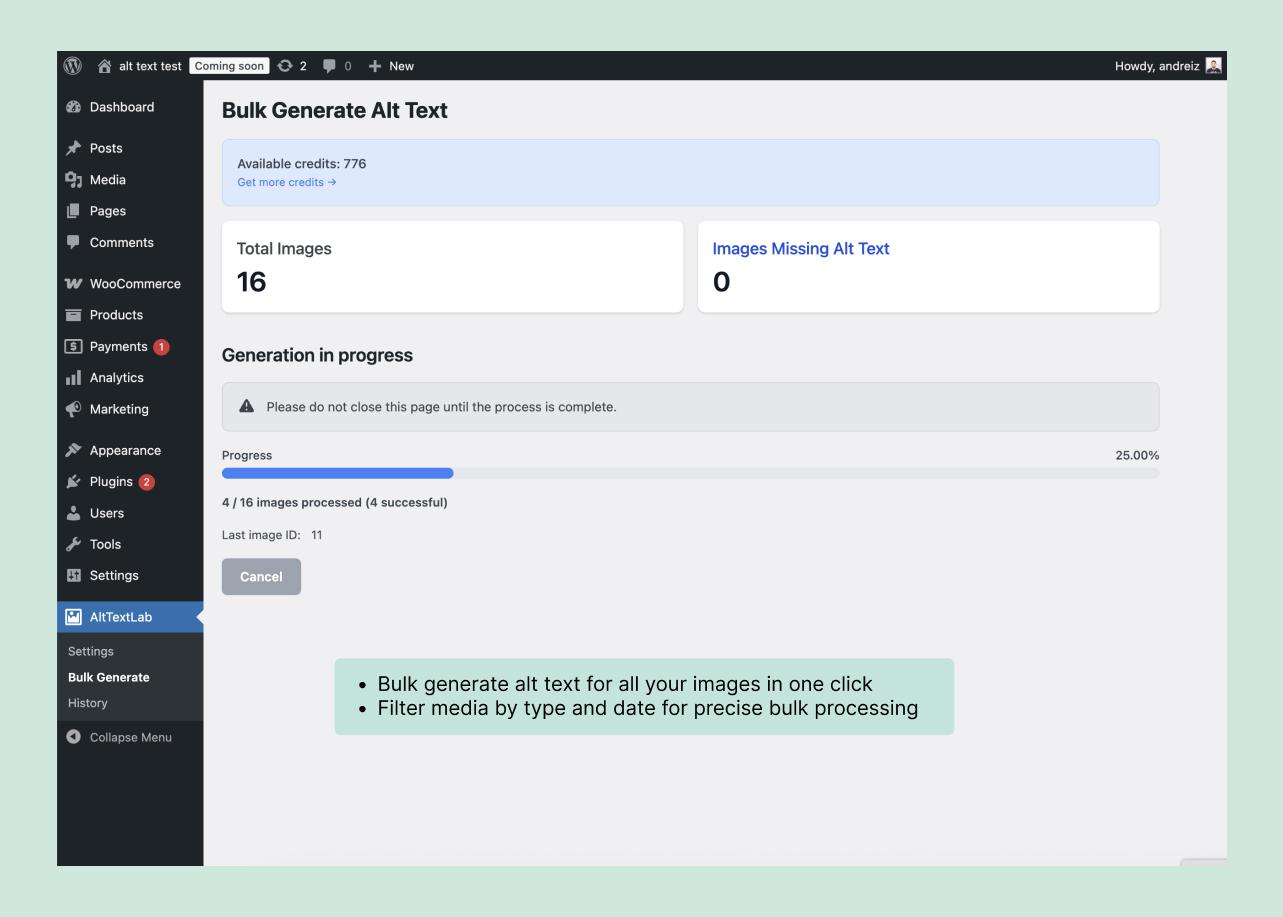
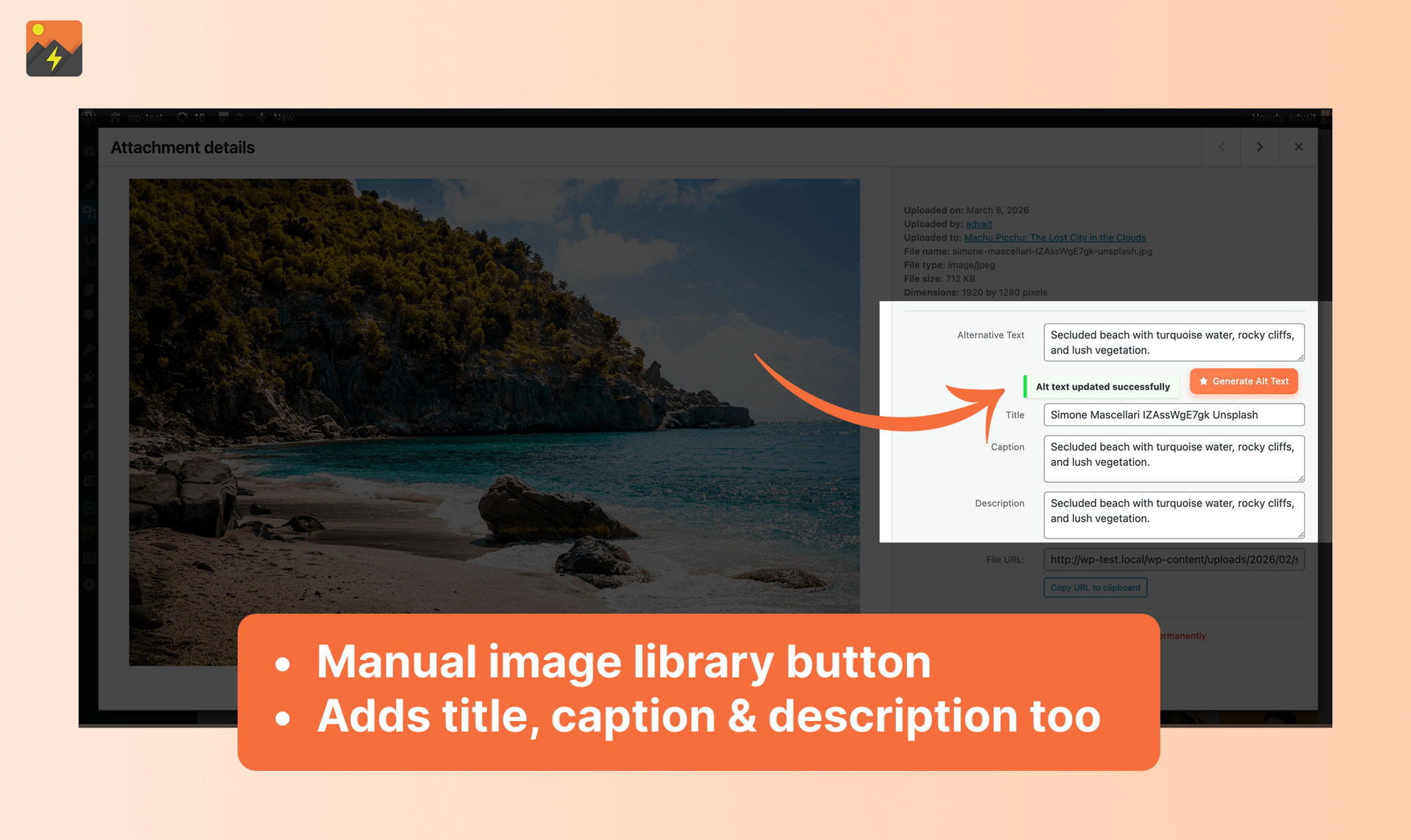
AltTextLab Bulk Generate panel in WordPress showing an available credit balance, total images, missing alt text and generation progress.
Guides

AltTextLab Free Plan: 25 Monthly Credits, Features and Limits

AltTextLab’s free plan includes 25 new image-description credits every month, without requiring a credit card. It supports WordPress and other integrations, API access, bulk processing and multiple languages. It does not include the Web Snippet, which is reserved for paid subscriptions. Free is a reasonable ongoing option for a site that publishes a small number…

Read article
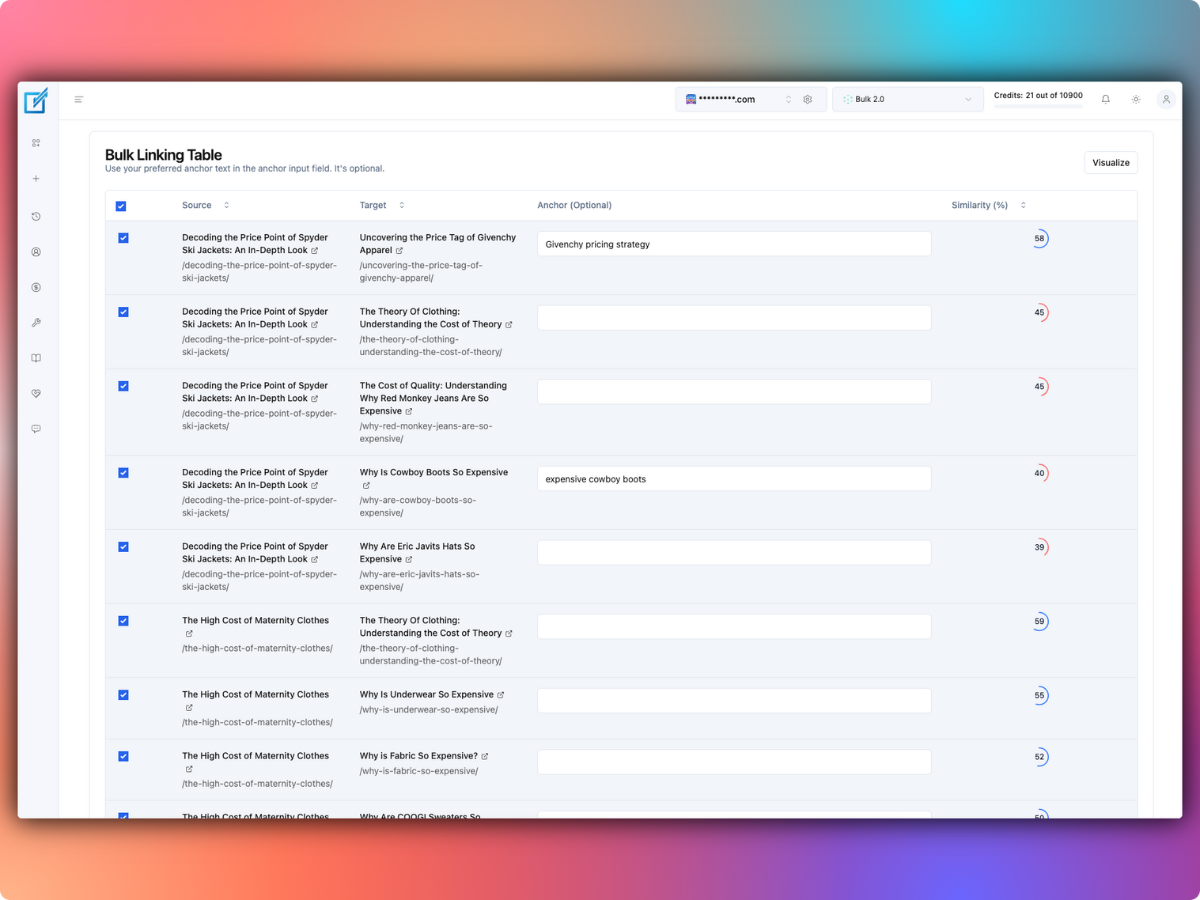
LinkBoss bulk linking interface listing source pages, target pages and suggested anchor texts.
Comparisons

LinkBoss vs Link Whisper: Which Internal Linking Tool Is Better?

LinkBoss is the stronger fit for publishers who want a free site audit, bulk interlinking campaigns and control over semantic link networks. Link Whisper is attractive for WordPress editors who want link suggestions, automatic linking and site reports in their established content workflow. Both products aim to reduce manual linking, but their pricing and editing…

Read article
LinkBoss bulk linking interface listing source pages, target pages and suggested anchor texts.
Guides

LinkBoss Bulk 2.0: Native Links, AI Rephrasing and Pipeline Mode

LinkBoss Bulk 2.0 can place internal links using three methods: Native Insertion, Precision Rephrase and Context Insertion. In Single mode, it uses one method for every proposed link. In Pipeline mode, it tries them in sequence until a suggestion passes the configured semantic-similarity threshold. The important editorial decision is how much you allow the software…

Read article
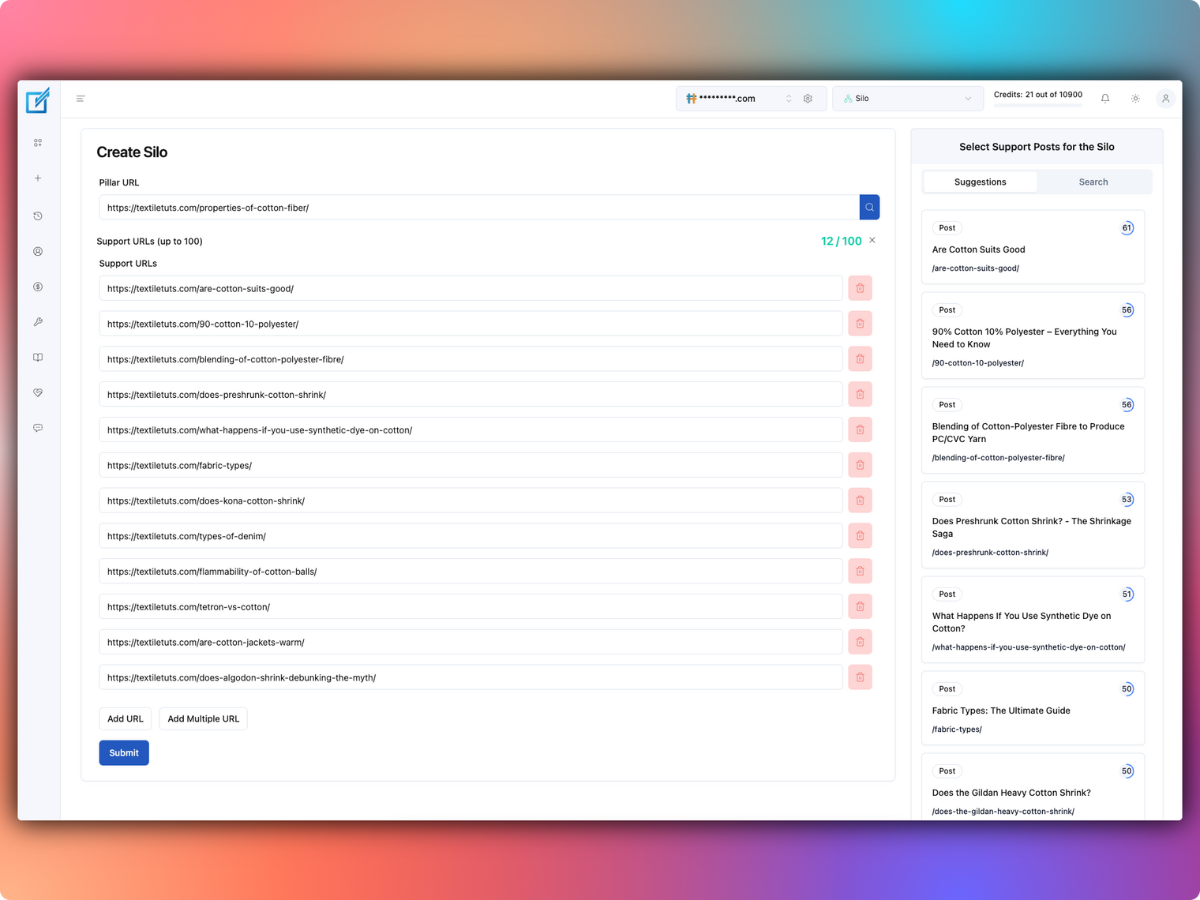
LinkBoss silo builder listing a pillar page and related support pages.
Guides

LinkBoss Content Silos: Priority vs Reverse vs Serial vs Circle

LinkBoss offers several internal-linking silo structures, including Priority, Reverse, Serial and Circle. Each creates a different path between a pillar page and supporting articles. The right choice depends on whether you’re helping readers work through a sequence, discover related articles or reach a central resource. The vendor’s silo templates can generate suggested links, but choosing…

Read article
LinkBoss WordPress internal linking health dashboard with orphan, dead-end and duplicate link indicators.
Guides

How to Fix Dead-End Pages in WordPress With LinkBoss

LinkBoss’s 1-Click Dead End Fix adds one relevant outbound internal link to each selected dead-end page. Its October 2026 workflow suggests target URLs, lets you set semantic similarity and destination caps, and saves snapshots so changes can be rolled back. A dead-end page has no outbound internal links to other content on your website. This…

Read article
LinkBoss WordPress internal linking health dashboard with orphan, dead-end and duplicate link indicators.
Guides

How to Fix Orphan Pages in WordPress With LinkBoss

LinkBoss’s 1-Click Orphan Fix finds relevant pages that could link to your orphan content, proposes an anchor, and inserts the link into the donor page after you approve it. It includes similarity controls, donor-link limits, previews, snapshots and a bulk rollback option. You should use these controls before changing live posts. An orphan page is…

Read article
AltTextLab Bulk Generate panel in WordPress showing an available credit balance, total images, missing alt text and generation progress.
Comparisons

AltTextLab Web Snippet vs WordPress Plugin: What Happens After Cancellation?

Use AltTextLab’s native plugin when you want generated alt text saved permanently inside WordPress or another supported CMS. Use its Web Snippet when you need to cover images across a custom website without writing to the content database. Both generate descriptions, but they differ in storage, deployment and what happens when you cancel. The Web…

Read article