LinkBoss is the stronger fit for publishers who want a free site audit, bulk interlinking campaigns and control over semantic link networks. Link Whisper is attractive for WordPress editors who want link suggestions, automatic linking and site reports in their established content workflow. Both products aim to reduce manual linking, but their pricing and editing processes differ.
My overall recommendation is LinkBoss for a site with an extensive linking backlog and multiple orphan pages. I would choose Link Whisper for teams that primarily want suggestions inside WordPress rather than a dedicated campaign dashboard. Neither has been tested against the other by Toolfountain, so the verdict is based on currently documented workflows.
LinkBoss vs Link Whisper at a glance
How LinkBoss and Link Whisper compare by category
Each round below awards one point for the better documented fit on that criterion; a tie awards neither. These are editorial buying judgments, not a benchmark of real-world AI accuracy or a performance test.
1. Free auditing
Site-health analysis is available without paying for a recurring insertion plan.
2. WordPress editing workflow
Suggestion-oriented editorial workflow works for teams revising posts routinely.
3. Bulk insertion control
Native, Rephrase, Context and Pipeline methods allow distinct editing rules.
4. Annual entry cost
Launch is listed at $99/year; Link Whisper Starter is $119/year, though their allowances differ.
5. Content silo planning
Documents four predefined link-network patterns and a visualization workflow.
What do LinkBoss and Link Whisper users say?
Independent reviews reveal a more useful trade-off than the feature lists alone. Link Whisper is rated 4.5/5 on G2, from 16 reviews in the September 2026 listing. Reviewers commonly appreciate faster linking work, but some report suggestions that need checking.
“Sometimes the AI suggestions are not related to the content and are vague.”
Source: Link Whisper reviewer on G2
LinkBoss has only five reviews displayed on G2, a much smaller evidence base. Gul A. praises responsive support but reports difficulty connecting custom fields and syncing content. Aleksandar O. praises WordPress integration and cluster creation but says onboarding could be smoother. Read those experiences as individual accounts, not proof that one product has better suggestion accuracy.
LinkBoss vs Link Whisper: pros and cons
| Tool | 👍 Pros | 👎 Cons |
|---|---|---|
| LinkBoss | Free audit and orphan/dead-end analysis; Multiple bulk modes and silo controls | Credits vary by insertion method; Generated context needs close editing |
| Link Whisper | Editorial suggestions inside WordPress; Internal link reporting | Starter requires a yearly purchase; Pricing and AI allowance must be checked at checkout |
| Decision | Better fit | Reason |
|---|---|---|
| Free site audit | LinkBoss | Advertises ongoing free site-health reports and related analysis. |
| Editor-oriented suggestions | Link Whisper | Built around WordPress link suggestions and reporting. |
| Configurable bulk insertion | LinkBoss | Bulk 2.0 provides Native, Rephrase, Context and Pipeline modes. |
| Custom content silos | LinkBoss | Priority, Reverse, Circle and Serial presets with network visualization. |
| Clear annual one-site license | Link Whisper | Its official September 2026 help center lists $119/year for one site, including 2,000 AI credits. |
| Short-term paid trial project | LinkBoss | Standard Launch advertises $11 monthly rather than requiring a yearly license. |
Pricing: which one has the better entry cost?
LinkBoss advertises a free tier for audits and analysis, plus Launch for $11/month on one site with 200 monthly credits, or $99/year with 2,400 credits allocated for the year. Link Whisper’s official Starter license costs $119/year for one site and includes 2,000 AI credits. These are different models, so a $20 gap in annual starting price isn’t the only factor.
| Cost question | LinkBoss | Link Whisper |
|---|---|---|
| Entry paid offer | $11 monthly or $99 annually (Launch) | $119 annually (Starter; 2,000 AI credits) |
| Monthly entry billing | Published | Starter page emphasizes yearly commitment |
| Auditing without payment | Free site-health functions advertised | Full paid experience requires licensing |
| Link generation limits | Credits by insertion method | Verify current Starter allowance and renewal terms in checkout |
| Additional sites | Scale and Agency set site limits | Growth and Pro site-license tiers |
Link Whisper’s official pricing pages also contain inconsistent secondary card and credit information around repeated promotion blocks. The vendor’s September 2026 help center lists $119/year for Starter, with $197 for three sites, $297 for ten, and $497 for fifty. Use the Link Whisper's official pricing and plan comparison to confirm exactly what you’ll receive.
For LinkBoss, check the detailed plan guide. The company also has special unlimited-credit offers restricted by website size; those aren’t directly equivalent to a normal annual license.
Link suggestions and contextual relevance
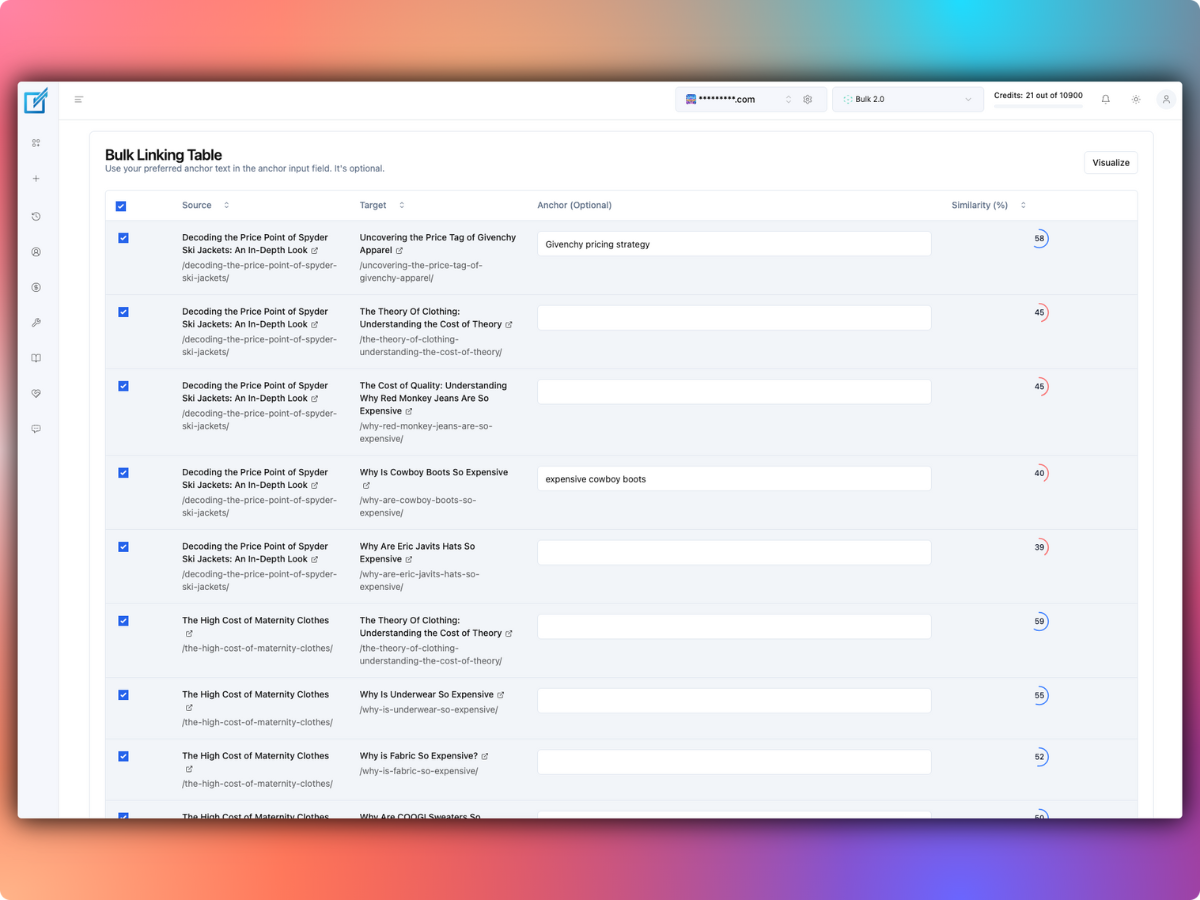
Both vendors claim to help identify relevant internal-link opportunities. LinkBoss emphasizes semantic similarity scoring and allows a proposed anchor to be inserted into existing text, created by rephrasing a sentence or added with fresh context. Link Whisper emphasizes automated suggestions and reports integrated with WordPress.
Don’t interpret LinkBoss’s vendor-authored criticism of Link Whisper as an independent performance benchmark. Without testing the same sample content, we cannot know which produces fewer irrelevant suggestions. For either tool, review pages where words carry multiple meanings or where similar posts compete for the same keyword.
LinkBoss Bulk 2.0 versus Link Whisper automation
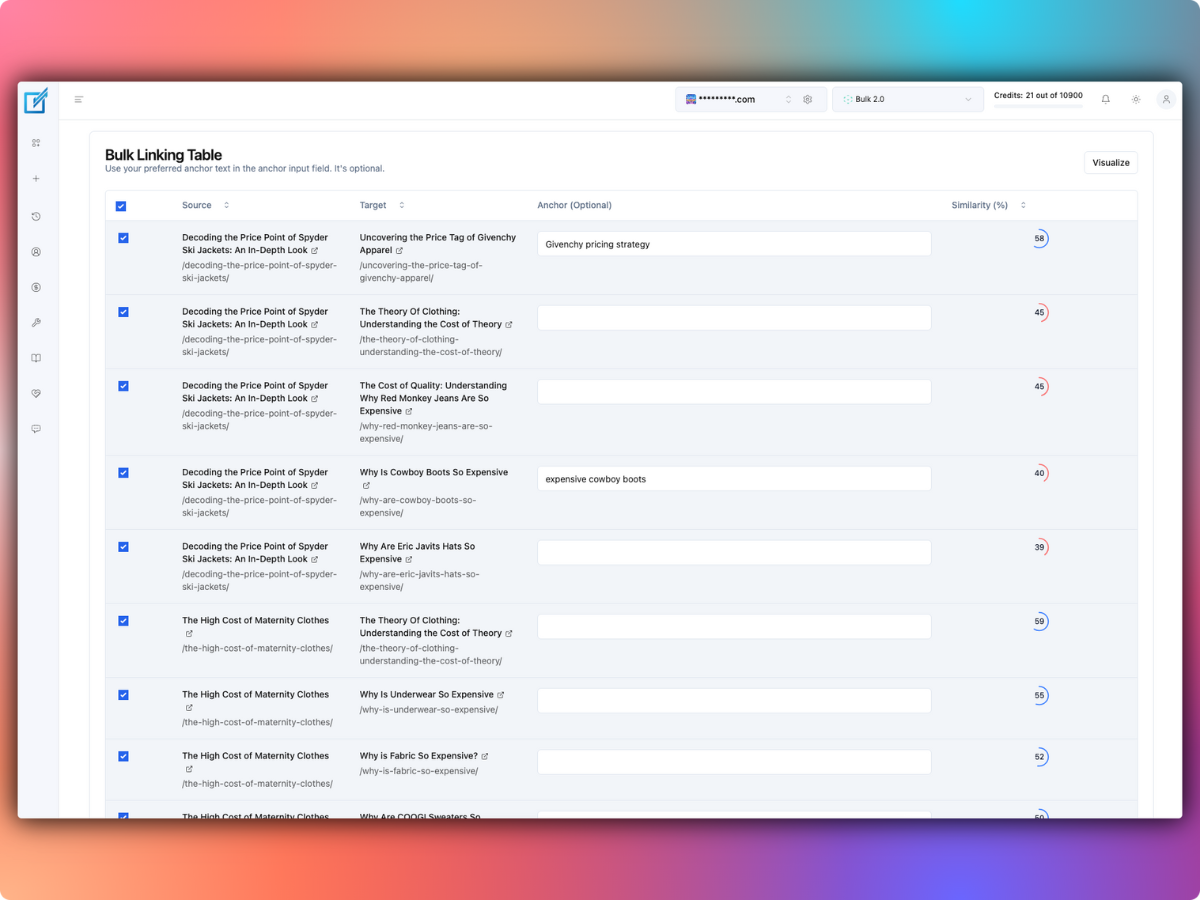
LinkBoss’s Bulk 2.0 offers three insertion modules and a Pipeline that tries them in sequence. You can choose a conservative or more permissive similarity threshold and review the context before deploying selected links.
Link Whisper promotes automatic linking inside WordPress with Google Search Console integration, reports, data export and visual site maps. Its editor-oriented workflow may be simpler for someone who routinely improves links while writing individual posts.
The distinction isn’t simply “AI versus keywords.” The decision is whether you need a campaign system for hundreds of existing pages or a lighter editorial assistant that stays close to the writing process.
Orphan pages and site-health analysis
LinkBoss includes orphan and dead-end detection, plus 1-Click workflows that find donor or target pages, let you review matches and save snapshots before changes. The vendor documents similarities, donor capacity and bulk rollback controls.
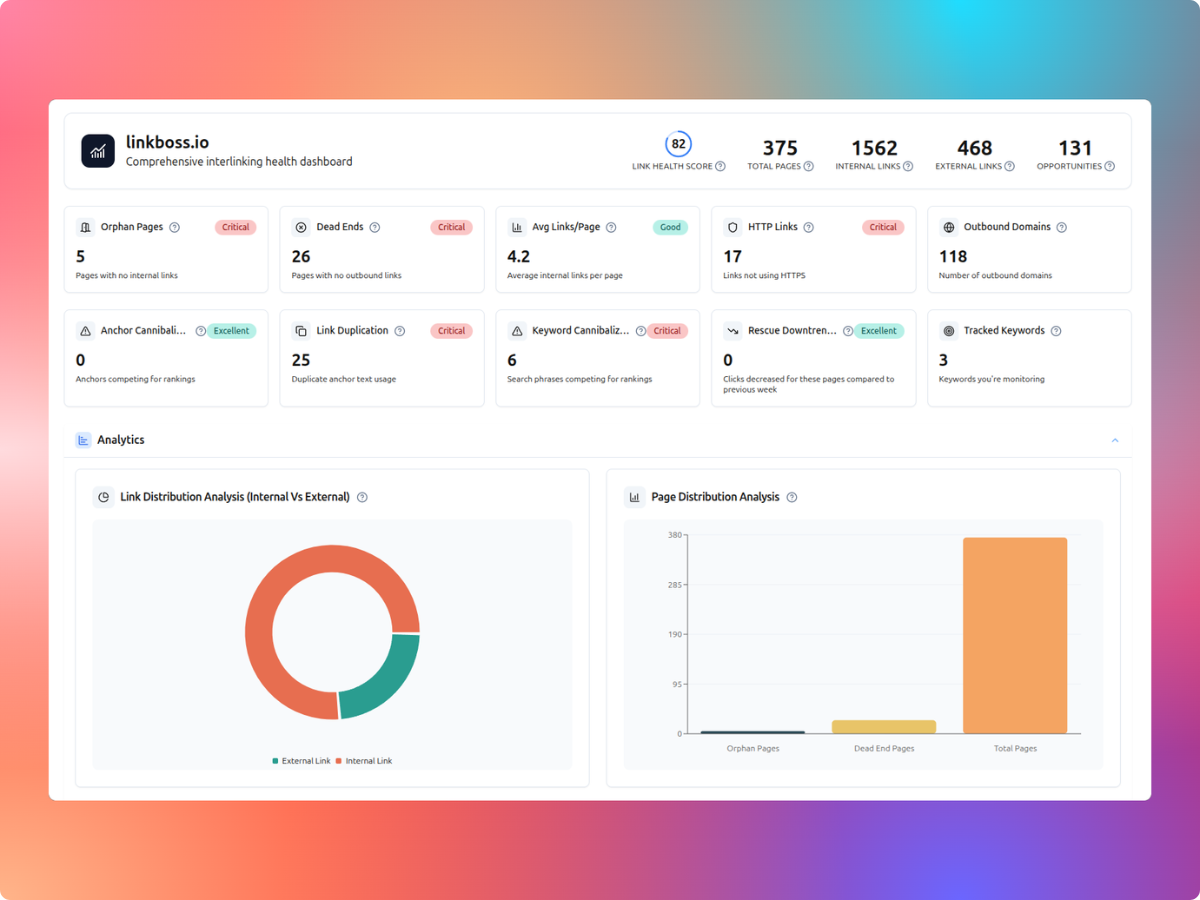
Link Whisper also advertises links reporting and orphan-page analysis, so it’s inaccurate to assume one vendor alone helps with orphans. LinkBoss has more detailed currently published dedicated workflows for one-click orphan and dead-end fixes. See our orphan guide and dead-end guide for the practical steps.
Building topic clusters and content silos
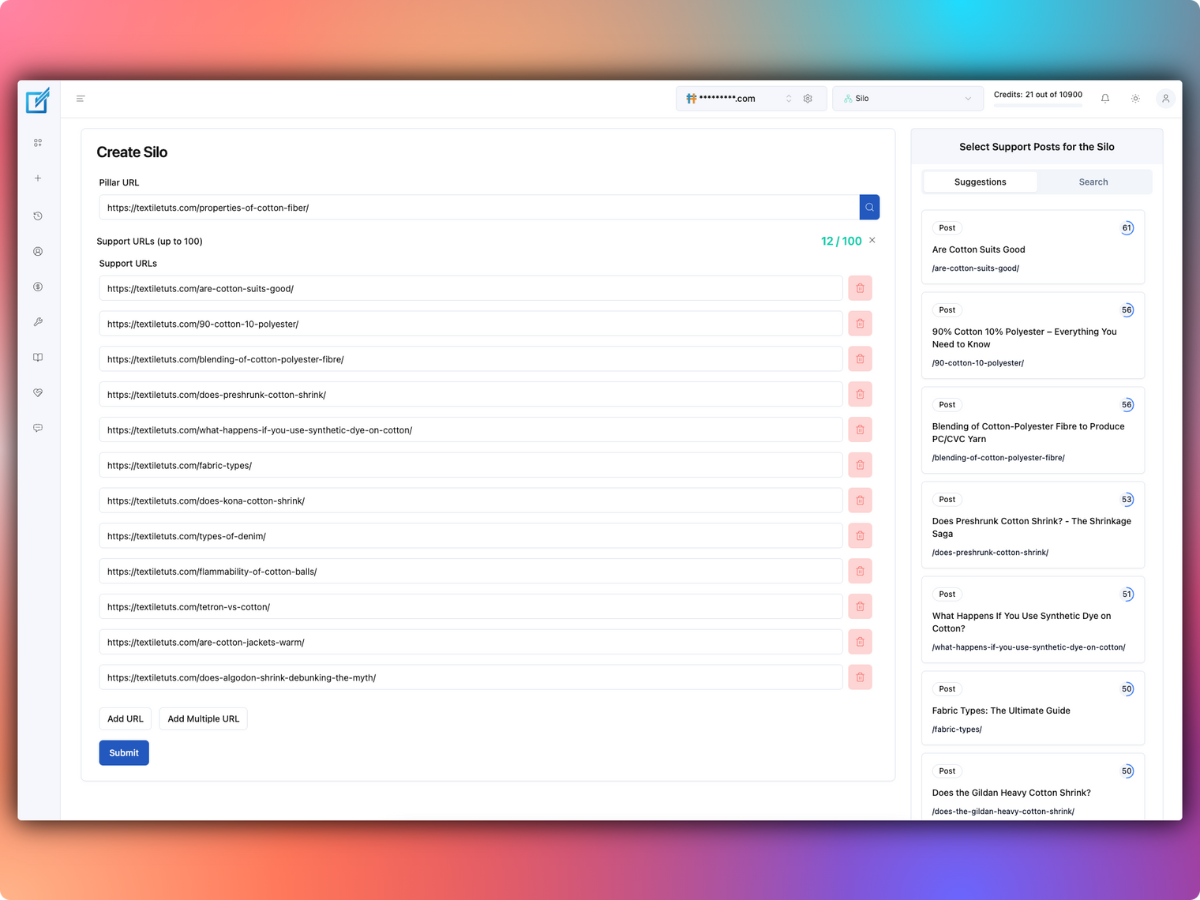
LinkBoss provides Priority, Reverse, Serial and Circle-style silo presets. You can build a network of pillar pages and related supporting pages, inspect the shape, then use its linking operations to deploy selected connections.
Link Whisper’s current pricing page advertises an AI-powered visual sitemap. These tools serve overlapping discovery needs, but LinkBoss is more explicitly centered on executing preconfigured silo link networks. This is relevant if your website is organized into several tightly defined topical clusters.
Example: choosing a tool for a 500-page blog
Imagine a WordPress site with 500 published pages, 80 useful orphan articles and a backlog of 300 potential contextual links. These are illustrative counts, not observed results.
- LinkBoss approach: audit the site for free, prioritize relevant orphans, configure a small bulk insertion batch, and review source-target matches before changing the full archive.
- Link Whisper approach: use its WordPress suggestions and link reports during editorial refreshes, then add links as posts are revised.
- Cost consideration: LinkBoss credits vary by insertion method; don’t assume 300 links equals 300 credits when generated context is used.
- Recommendation: for a one-off site-wide cleanup campaign, I would start with LinkBoss. For a smaller ongoing editor-led process, Link Whisper remains reasonable.
Will inserted links remain if you stop paying?
LinkBoss says links written into WordPress content remain after plugin removal. Before relying on this across any specific CMS integration, verify where the links are stored by inspecting a small sample.
For Link Whisper, do not accept a competitor’s claim about removal behavior without checking Link Whisper’s own current documentation and your actual installation. Whether an automatic-link rule needs a plugin to render it can differ from a link committed directly into post HTML.
What about WordPress performance and compatibility?
LinkBoss says its heavy semantic processing runs in the cloud, with a WordPress plugin handling synchronization and edits. Link Whisper operates as a WordPress-focused product. Neither vendor’s marketing statements alone prove zero performance impact on your specific hosting plan.
Test the workflow on your actual content types, including Gutenberg blocks, custom post types or page-builder fields if relevant. Measure server and editorial effects after a controlled pilot rather than assuming that every WordPress installation behaves the same way.
Our verdict: LinkBoss wins 4–1
The stronger documented bulk-link workflow, site audits and lower annual entry commitment win for an archive cleanup. Link Whisper remains attractive for ongoing WordPress editing.
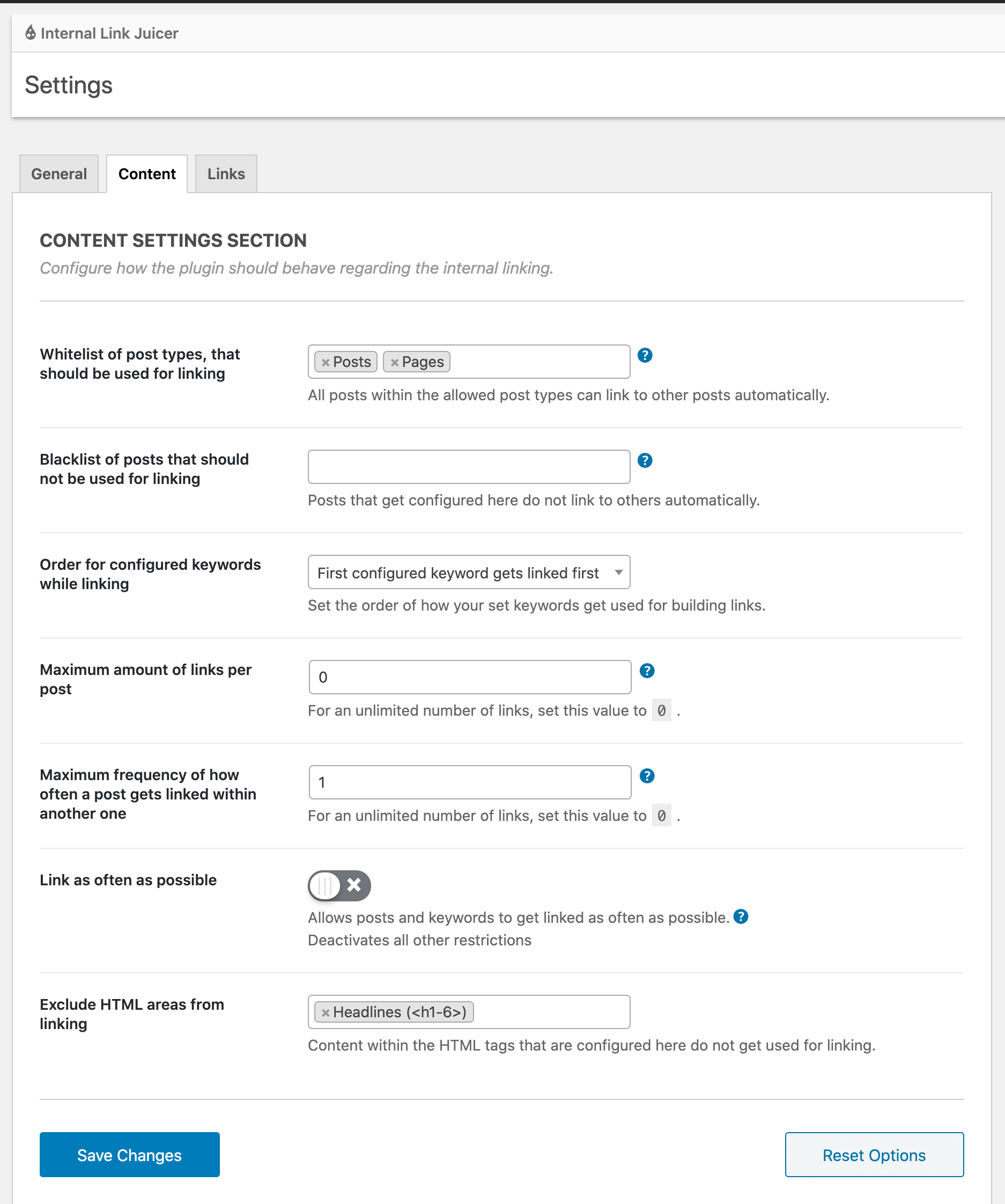
- Choose LinkBoss for free initial auditing, large internal-link cleanup projects, orphan and dead-end fixes, and configurable content silos.
- Choose Link Whisper if link suggestions during routine WordPress editing are your main priority and its yearly license fits your budget.
- Hold off on either if you have not identified useful target pages or don’t have an editorial approval and backup process.
Overall winner: LinkBoss for a growing WordPress content archive. Its free audits and control over bulk jobs make it a sensible first product to evaluate, particularly before an expensive site-wide cleanup.
Start with LinkBoss’s free site audit.
LinkBoss vs Link Whisper FAQs
Is LinkBoss free?
The vendor advertises free audit, reporting and some planning functions; automatic link insertion consumes credits. Its official pages conflict on the initial signup-credit allowance.
Is Link Whisper cheaper than LinkBoss?
LinkBoss Launch is $20 less per year than Link Whisper Starter at the listed $99 versus $119, but LinkBoss also lists a monthly option and usage credits. Which is cheaper depends on workload, checkout terms and how many sites you manage.
Can I use both together?
You could install overlapping tools, but automatic-linking rules and content edits may conflict. Prefer a small test and a clear primary insertion workflow before running multiple systems on live articles.