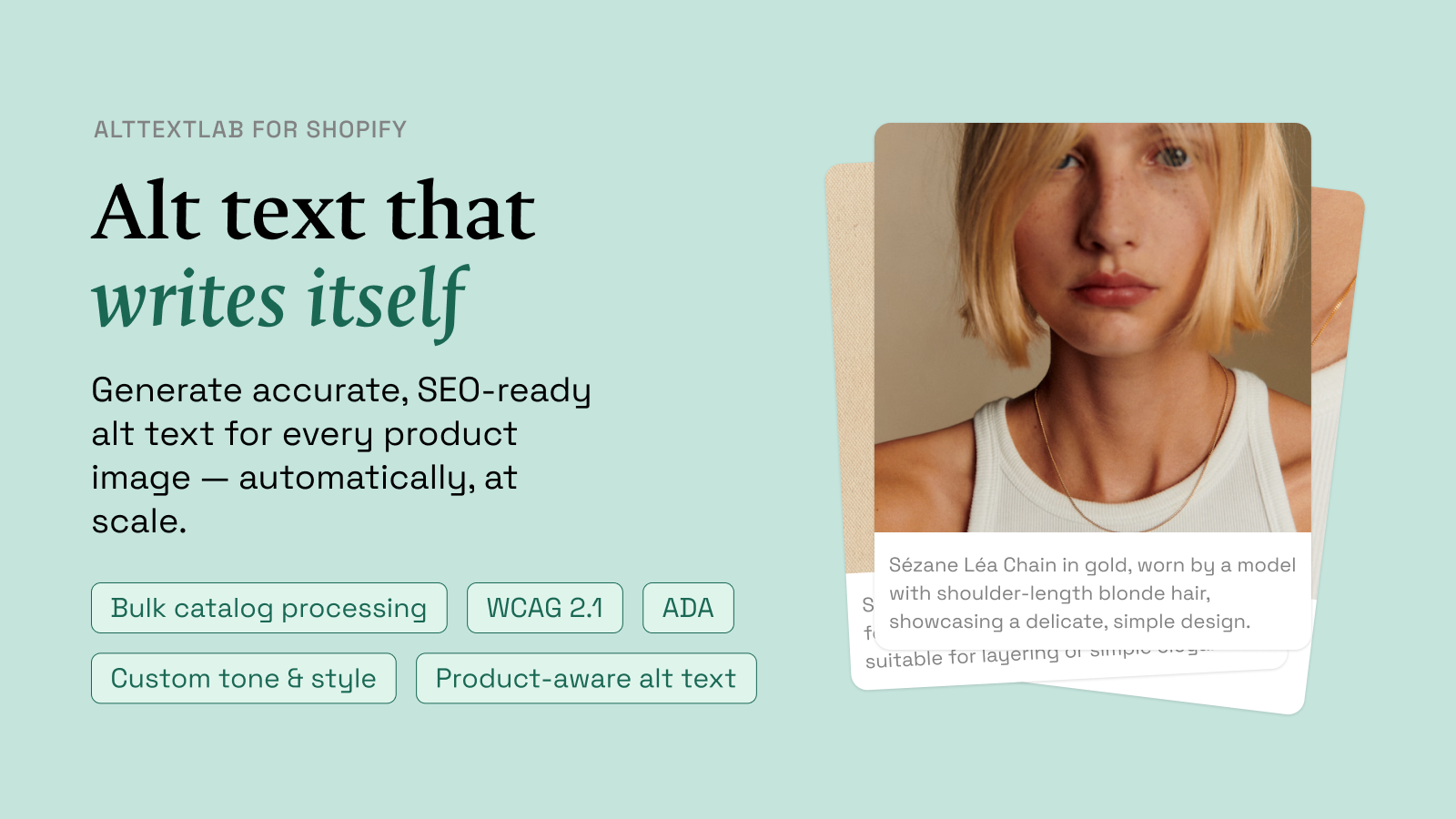
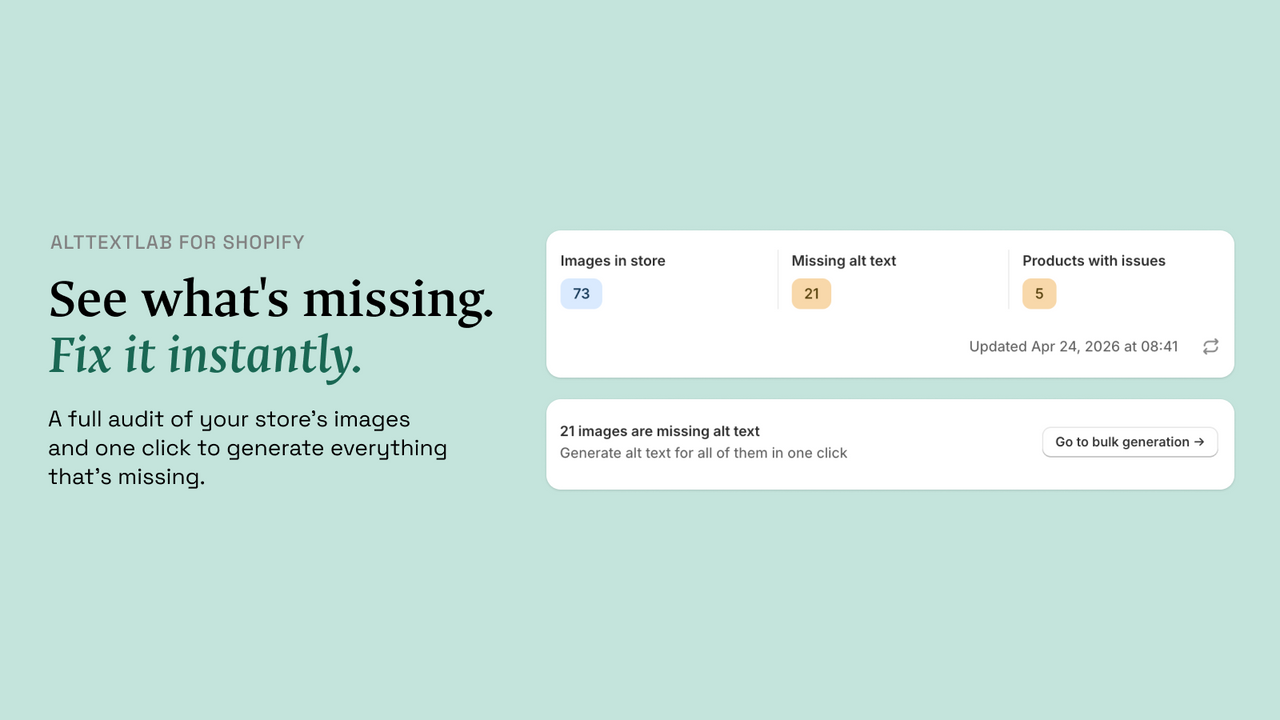
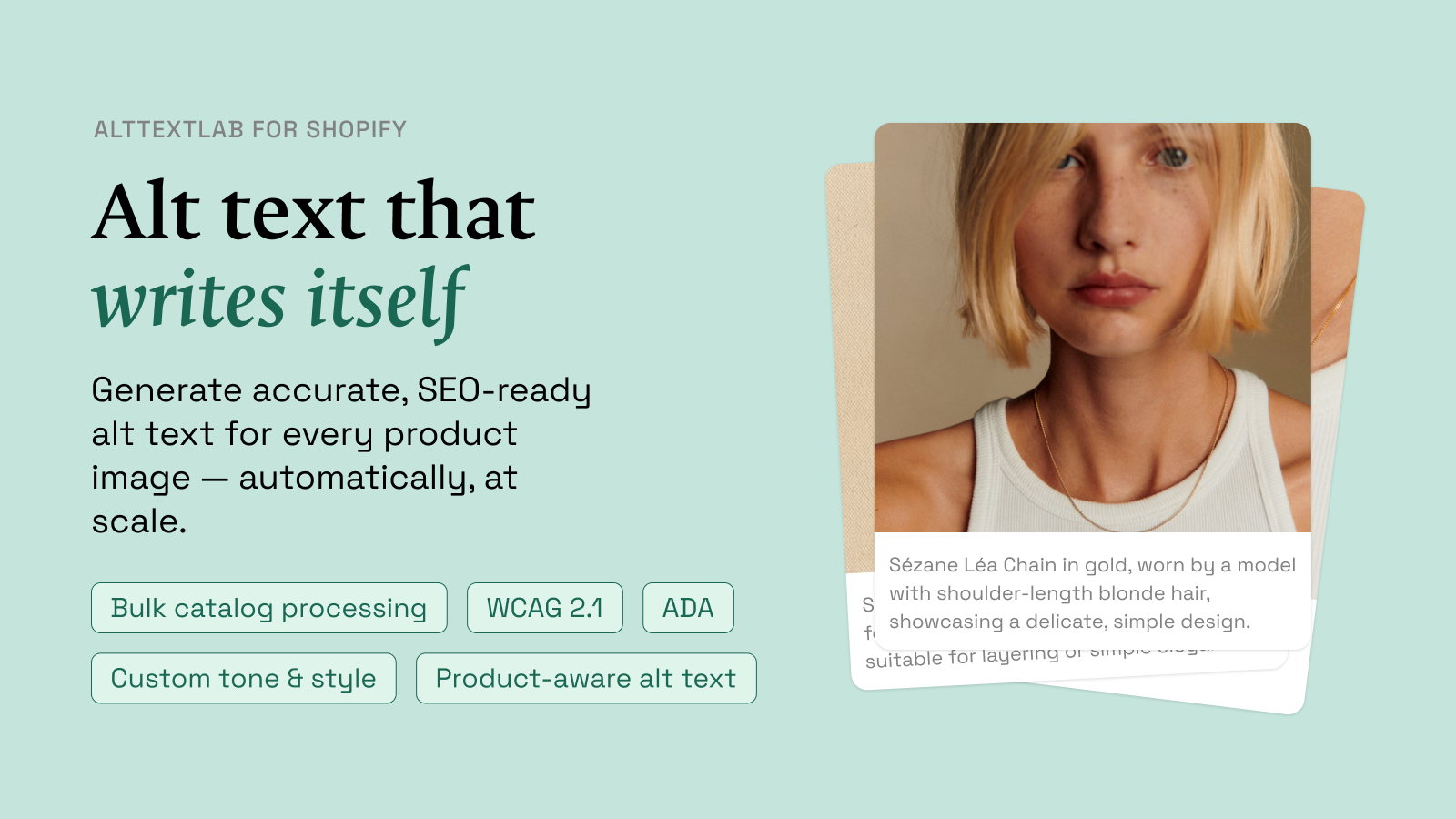
AltTextLab’s Shopify app scans product images with missing alt text, generates descriptions using product information, and saves the results back to Shopify through its Admin API. It also advertises automatic generation for new product uploads, bulk catalog processing and 25 free monthly credits.
Its main advantage over a generic image captioner is the use of product context, including title, vendor and color. But AI-generated descriptions can still confuse variants or invent details. Review a representative set of products before processing a full catalog.
What does AltTextLab’s Shopify integration include?
| Feature | What it does |
|---|---|
| Missing-alt audit | Finds product images without descriptions |
| Bulk generation | Processes many existing catalog images |
| Automatic updates | Generates descriptions as new product images arrive |
| Product context | Uses title, vendor and configured product attributes |
| Native storage | Writes descriptions into Shopify product data |
| Free allowance | 25 credits per month, subject to generation use |
These are published capabilities from AltTextLab’s Shopify product page and its official Shopify App Store listing.
How to install AltTextLab on Shopify
- Open the official AltTextLab listing in the Shopify App Store.
- Review requested Shopify permissions and click the install action for your store.
- Authorize the app and connect the account or follow the account setup instructions.
- Open the app dashboard and review the image audit before generating descriptions.
- Configure allowed product information, language and writing style.
- Process a small set of products, check the saved image alt fields, then expand to larger batches.
AltTextLab says this integration uses the Shopify Admin API rather than injecting alt text through a storefront script. That is important when you want generated text to remain in product records.
Use product data without making descriptions inaccurate
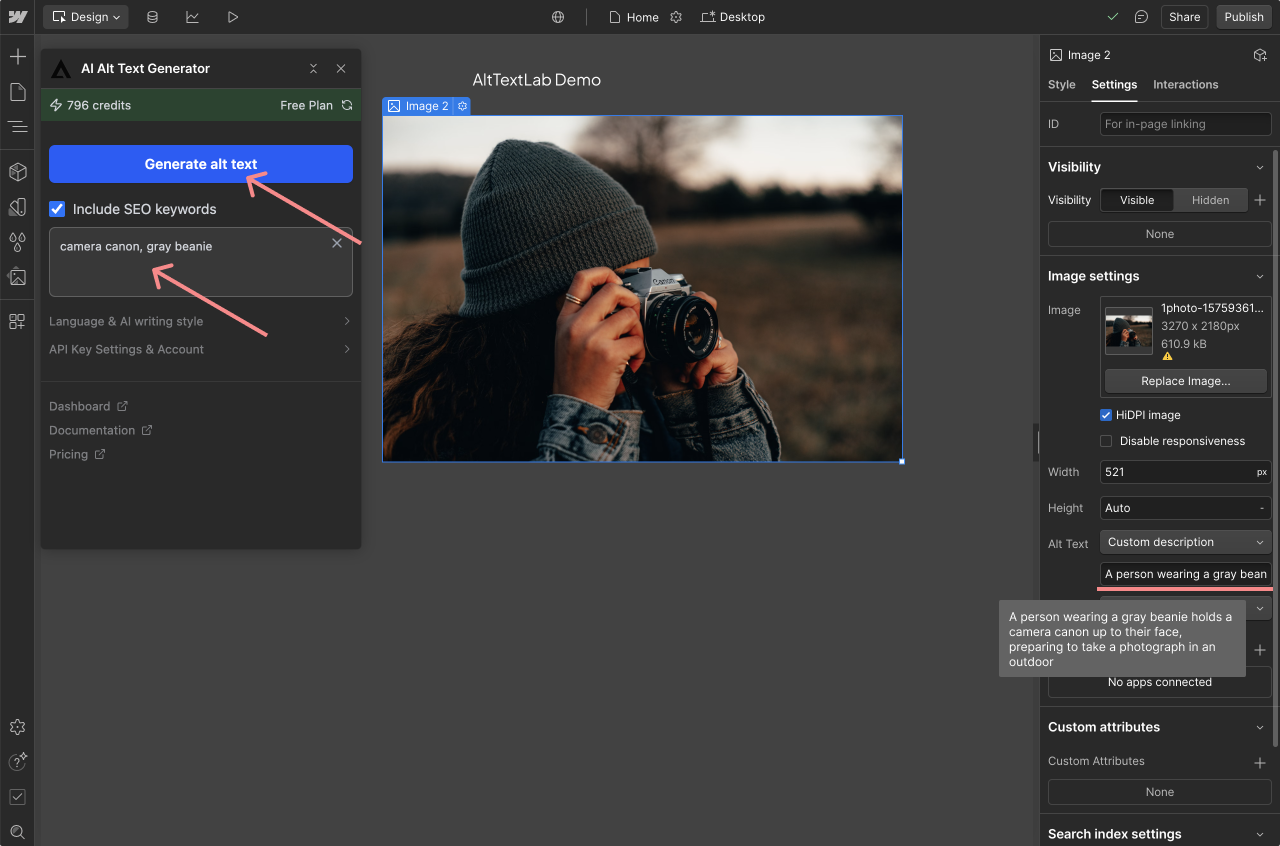
AltTextLab supports using product title and vendor context. Its Shopify settings screenshot shows choices for using or excluding a product title and choosing the source of vendor information.
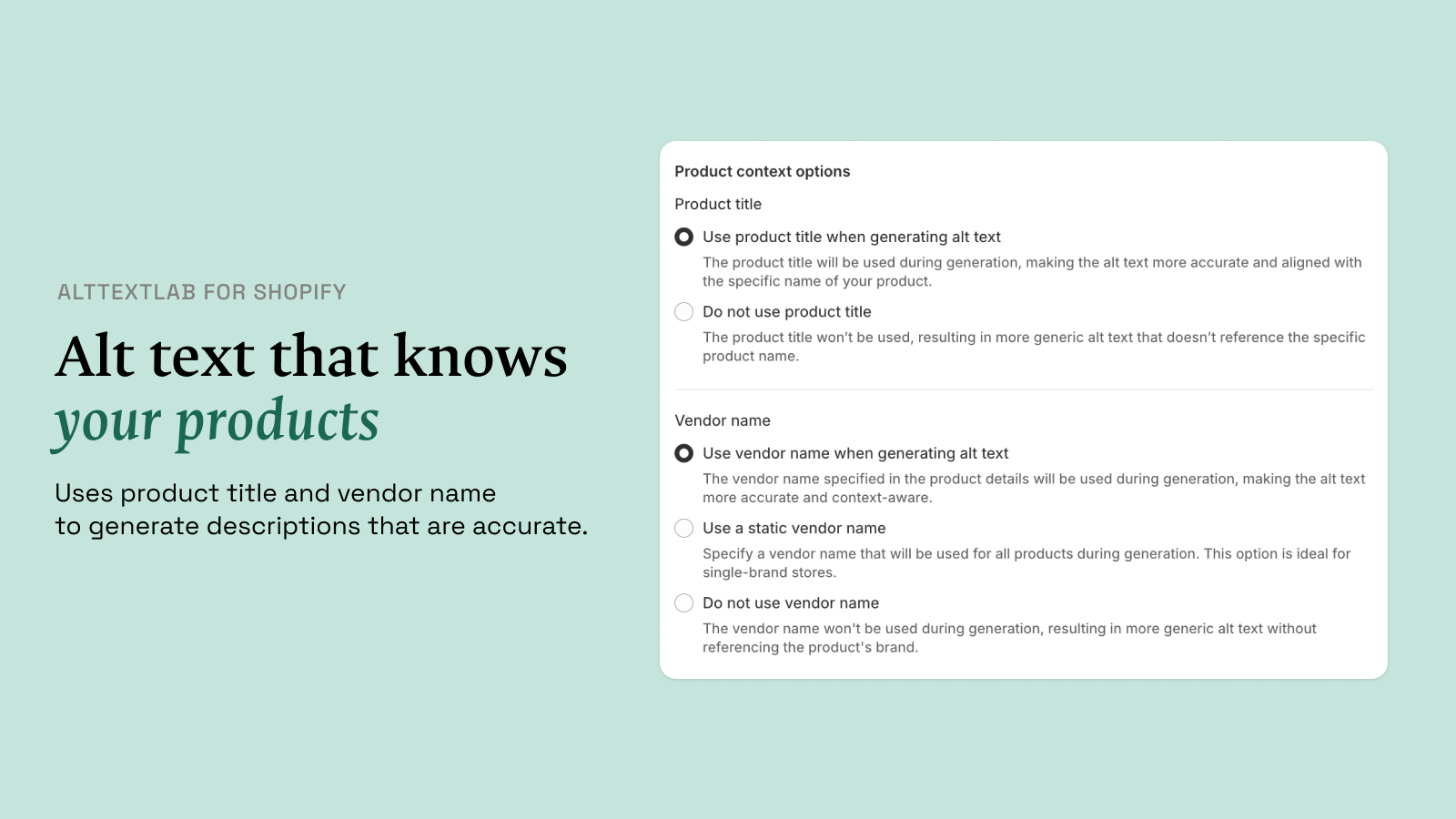
For a variation-based catalog, confirm that the AI describes what is actually visible. A photo of a navy shirt should not be labeled “cream shirt” merely because the product page has a cream option. The same applies to package quantities, accessories and material claims.
Example: a product with four image angles
- Main front photo: describe the product’s visible shape and distinguishing front features.
- Rear view: explain details visible on the back, if informative.
- Close-up: describe the material texture or component shown, if supported by the image.
- Color variation: use the visible color rather than blindly repeating a parent product attribute.
A product description may mention a feature not visible in a photograph. Don’t insert that feature in alt text simply because it’s in the product record.
Bulk-generate alt text for an existing Shopify catalog
AltTextLab says the app scans missing-alt fields and offers a bulk generation flow for product images. Start with one product category and review the results before processing thousands of images.
- Identify how many product images actually lack useful descriptions.
- Exclude decorative assets and images already described correctly.
- Choose a small category or a limited sample of products.
- Generate and inspect both the description and the Shopify product record.
- Correct inaccurate outputs and watch whether the actual storefront reflects the saved text.
- Only then run the next batch.
A catalog may also contain collection images, theme assets or content images. Confirm whether the chosen app workflow covers each asset type instead of assuming “all images” means every image in every Shopify app or theme section.
How much will AltTextLab cost for Shopify?
AltTextLab advertises 25 free credits monthly. Paid Pro starts at $5/month for 100 credits, with 500 credits for $16/month and 1,000 credits for $30/month. Annual billing and one-time credit packs are also available. The credit allowance applies to actual generations, not the number of products in the catalog.
Example: 400 products averaging three photos each
- Products: 400.
- Average images per product: 3.
- Initial image descriptions: 1,200 generations, assuming all require new alt text.
- Illustrative second-attempt rate: 10%, adding 120 generations.
- Total hypothetical demand: 1,320 credits.
At that volume, the 1,000-credit monthly tier alone wouldn’t cover the entire project. You would need more credits, another plan, or a staged schedule. The 10% assumption is for budgeting and is not a measured accuracy result. See our full AltTextLab pricing guide for credit packs and annual allowances.
Does generated alt text stay after uninstalling?
According to AltTextLab’s Shopify integration FAQ, generated descriptions are written to the Shopify database through its Admin API. They remain in product records after the app is uninstalled. That differs from browser-based injection tools where the visible text depends on continued delivery from an external script.
Verify this on a small set of Shopify product records before depending on it for a large migration. Do not uninstall a production app solely to test persistence without understanding its other effects.
What about accessibility and search?
Alt text helps convey information in images to people using assistive technology and can provide context for search engines. However, AltTextLab’s claim that its output meets specific accessibility standards should not replace a proper audit.
The W3C image tutorial explains how to treat informative, functional, decorative and complex images. A product hero image may need a concise description, while a decorative background can appropriately use an empty alt attribute. For a complex sizing guide, explain the measurements visibly on the page too.
AltTextLab for Shopify versus a WordPress plugin
Both integrations generate image descriptions, but they write to different platforms. The Shopify app saves to Shopify product records, while the WordPress plugin saves to WordPress media attachment fields. A store migrating between platforms would need to export and map those descriptions instead of assuming a plugin automatically transfers them.
If your ecommerce site runs WooCommerce, read our AltTextLab WooCommerce guide for the WordPress-specific workflow.
Which Shopify stores should consider AltTextLab?
- Small stores: use the free allowance to evaluate several product types.
- Growing catalogs: automate new product images and process older assets in reviewed batches.
- Variant-heavy retailers: check color, size and angle-specific accuracy closely.
- Agencies: calculate image volume across the clients you manage and verify account permissions and shared credit usage.
My recommendation: use a sample of real product photos to test accuracy and editing effort before buying a large credit allocation. The Shopify integration is attractive because it writes into the store’s own records, but product accuracy remains an editorial responsibility.
Compare AltTextLab’s free and paid options.
Shopify alt-text FAQs
Does AltTextLab work on existing products?
AltTextLab advertises scanning and bulk processing of existing product images missing alt text.
Can I generate for new images automatically?
The Shopify integration describes automatic generation when new product images are added or updated.
Will the Shopify app replace an accessibility audit?
No. Generated alt text still needs to convey the real image purpose and product facts. Review samples and all high-impact images.