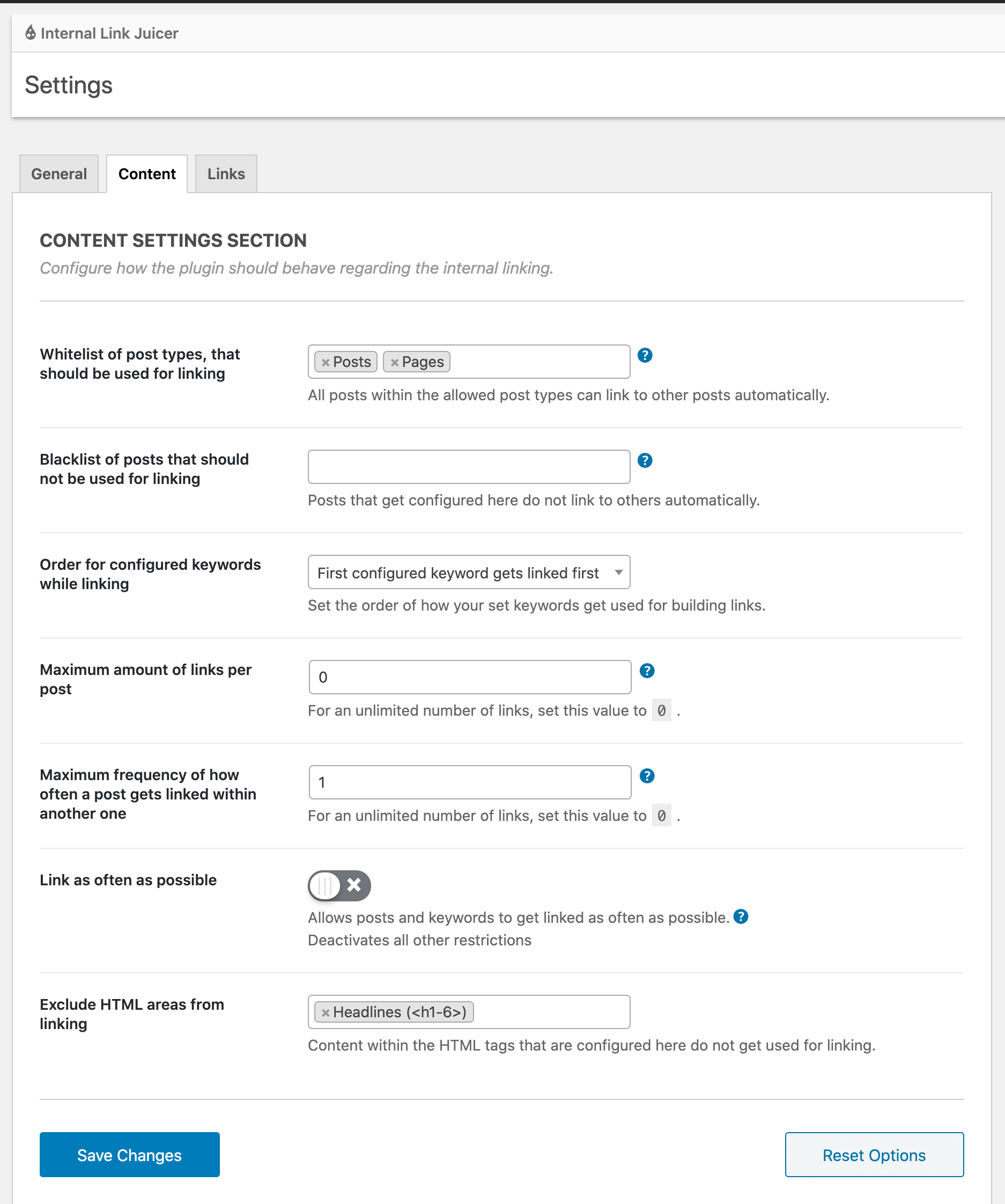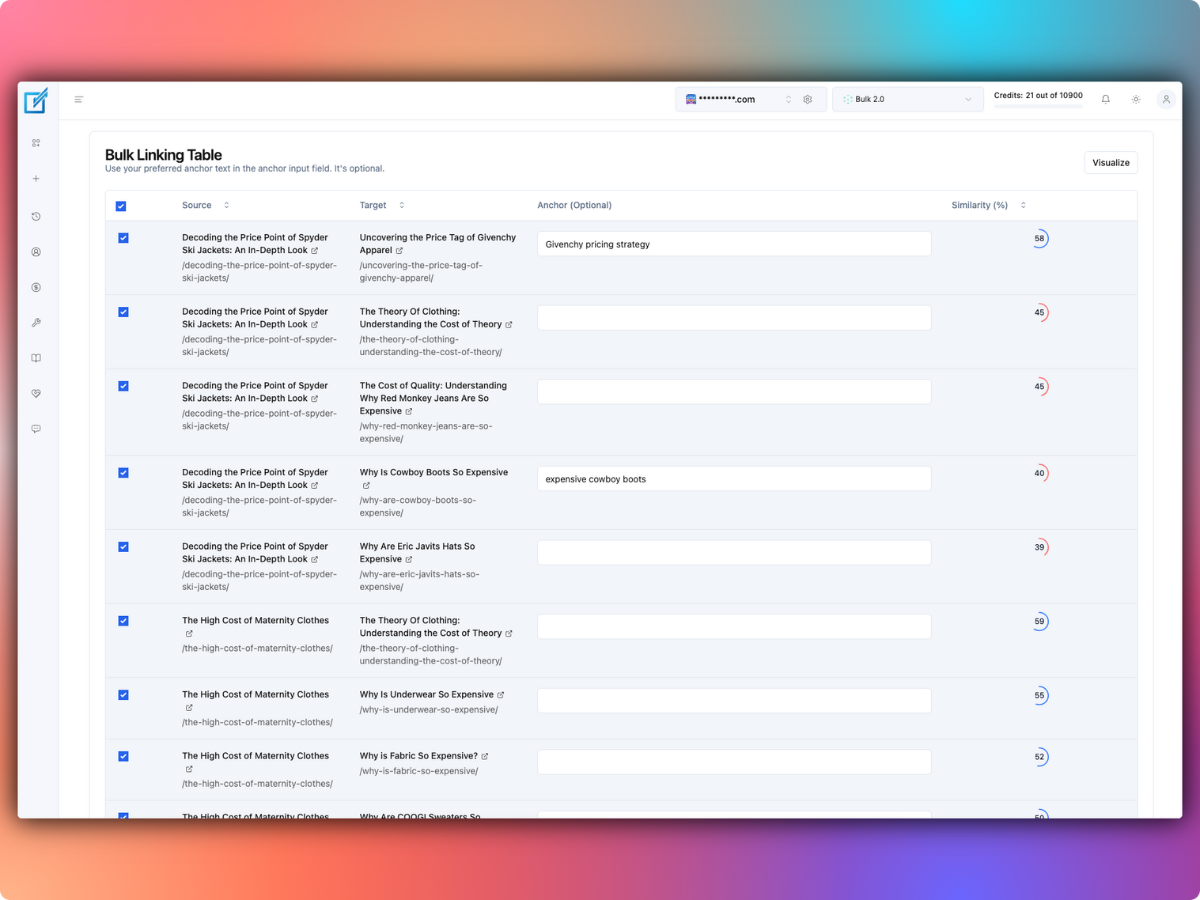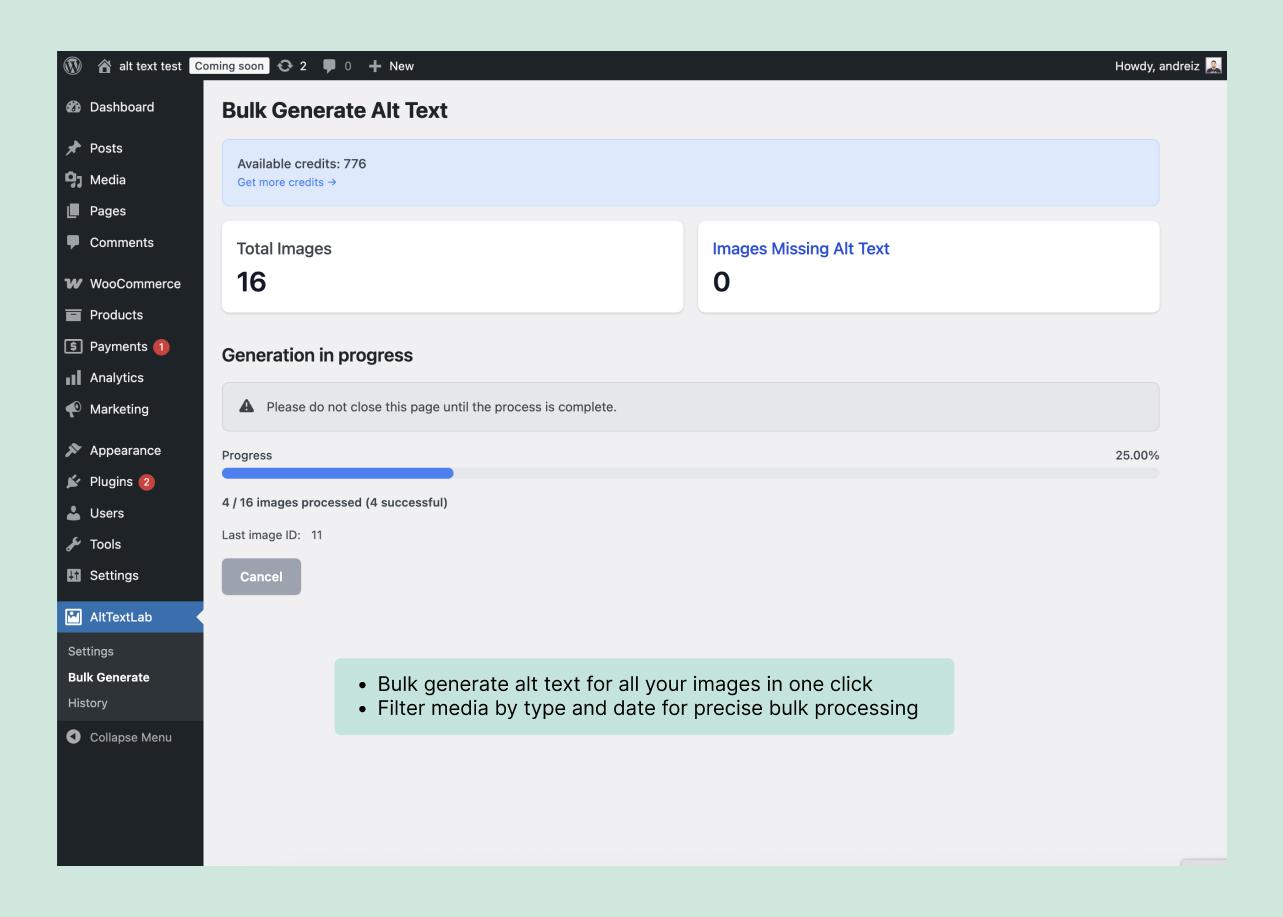
Use AltTextLab’s native plugin when you want generated alt text saved permanently inside WordPress or another supported CMS. Use its Web Snippet when you need to cover images across a custom website without writing to the content database. Both generate descriptions, but they differ in storage, deployment and what happens when you cancel.
The Web Snippet is a subscription-only feature. You can install it with a script in your site’s <head> or through Google Tag Manager. Its CDN-cached descriptions are not the same as alt text written permanently into WordPress media fields. That distinction is the central trade-off.
AltTextLab Web Snippet versus the WordPress plugin
| Question | Native WordPress plugin | Web Snippet |
|---|---|---|
| Where does alt text live? | Standard WordPress media metadata | Generated and delivered through AltTextLab’s script and CDN |
| Installation | Install plugin and connect API key | Paste script into head or deploy via GTM |
| Covers dynamic images? | Works with supported WordPress image and upload workflows | Vendor says it scans rendered images, including JavaScript-injected content |
| Need an active subscription? | Native generation has free and paid credit options | Yes, for Web Snippet service |
| What happens after cancellation? | Already saved text remains in WordPress | Generation stops; existing CDN descriptions remain for 30 days and then stop displaying |
| Best fit | WordPress sites wanting permanent fields | Custom sites, legacy platforms and runtime coverage |
These behaviors are documented in the vendor’s Web Snippet integration and WordPress plugin page.
How the AltTextLab Web Snippet works
AltTextLab supplies a personalized script containing site configuration information. The vendor says it scans images on the rendered page, identifies missing alt text, requests a generated description on first encounter and stores subsequent responses in a Cloudflare-backed CDN. The same cached description can then be delivered on later page views without consuming another generation for each visit.
- Create an AltTextLab account and configure the website in the dashboard.
- Choose output language and style.
- Copy the personalized Web Snippet given by the service. Do not use sample code or another site’s public key.
- Add it before the closing HTML
</head>tag, or deploy through Google Tag Manager. - Load a test page with missing image descriptions and verify that the browser’s rendered image attributes include the generated alt text.
The third-party script runs in the browser. Before deploying it sitewide, confirm that your Content Security Policy and consent/privacy practices permit the required external requests. Evaluate any vendor claims about zero performance impact in your own monitoring rather than treating marketing copy as a guarantee.
How the WordPress plugin works instead
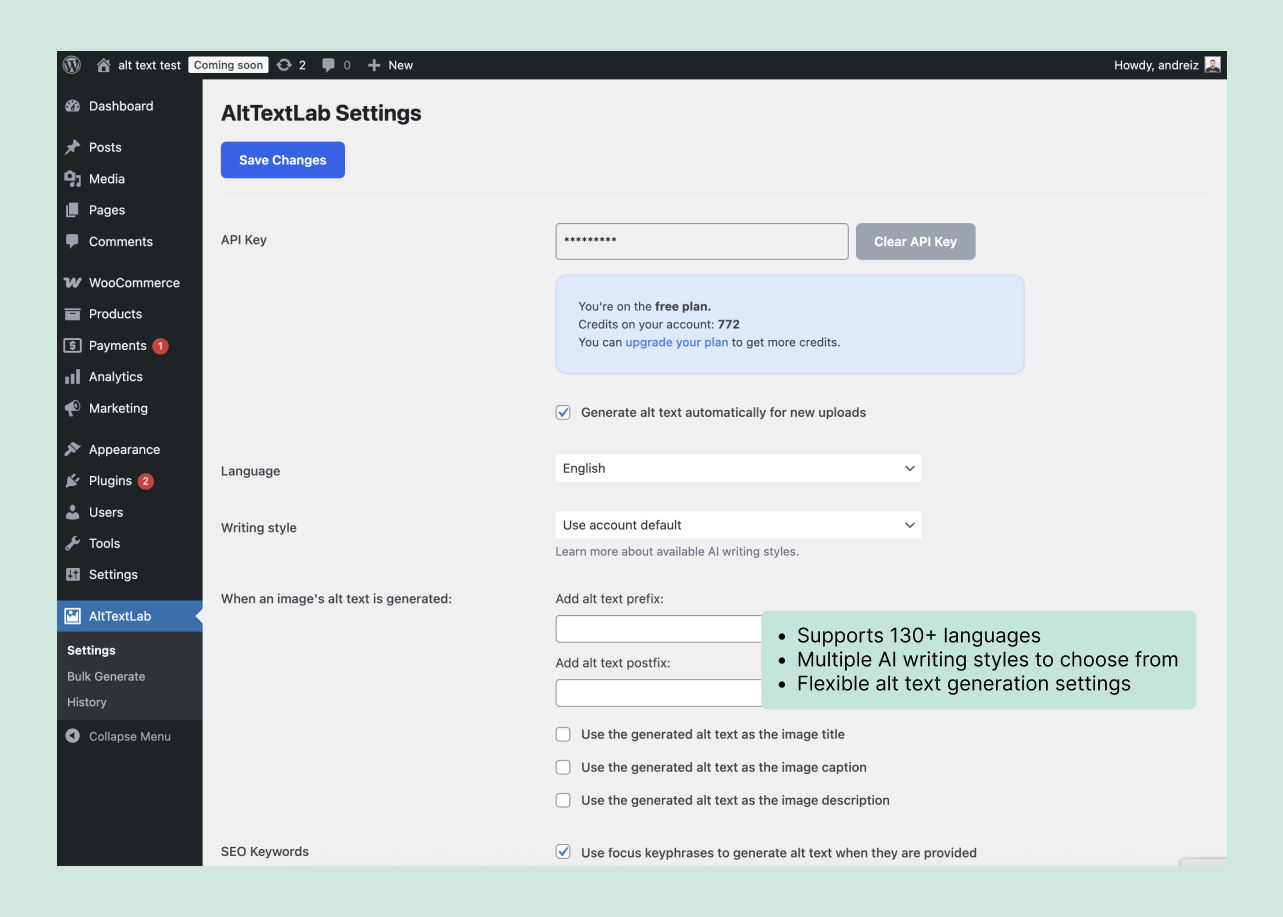
The native WordPress plugin uses an API key and offers image-level generation, bulk processing of existing media and automatic generation for future uploads. It writes descriptions into standard WordPress attachment metadata, which remains available independently of the plugin after generation.
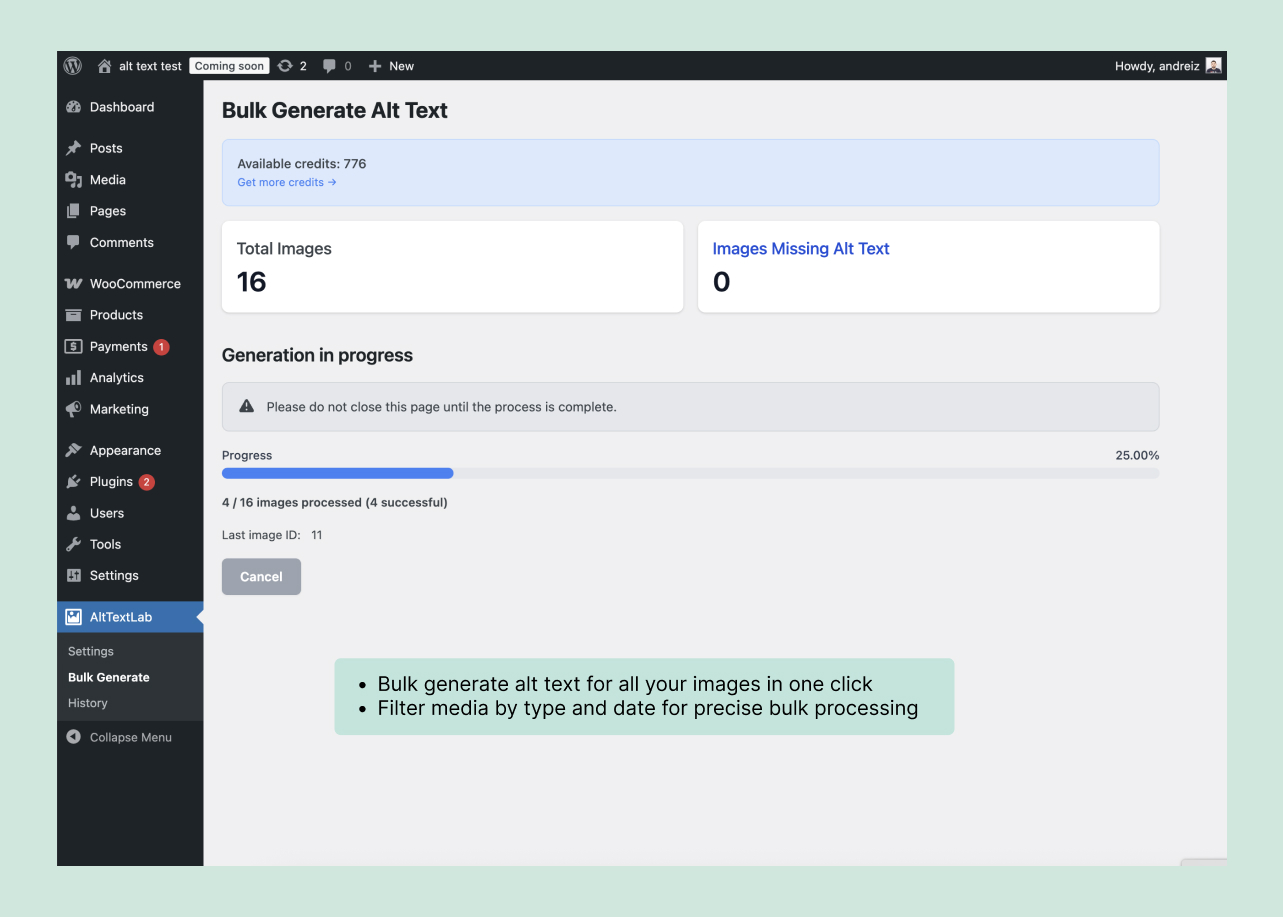
That approach fits publishers who control their CMS and prefer owning the resulting fields. It also makes editorial correction straightforward: open an attachment, change the description and save it. If you remove the plugin later, the value remains in the database unless another workflow overwrites it.
What happens after cancellation?
WordPress plugin: AltTextLab says descriptions already written to WordPress remain permanently after uninstalling its plugin or canceling the paid plan.
Web Snippet: the vendor’s FAQ says new generation stops immediately when the paid subscription is canceled. Previously generated descriptions continue to be served from the CDN for 30 days. After that, the CDN files are removed and the descriptions stop appearing through the snippet.
AltTextLab says the underlying generated text is retained in your account. If you reactivate, those previous descriptions can be restored to the CDN without consuming generation credits again. However, keeping text in a provider account is different from the alt text being present on your website during cancellation.
Example: a site that cancels after tagging 2,000 images
- If descriptions were saved by the WordPress plugin: the 2,000 completed image fields remain in WordPress after uninstalling the plugin.
- If delivered only by Web Snippet: the existing descriptions remain visible for the vendor’s 30-day CDN grace period and then cease to be served by that snippet.
- If you need permanent accessibility coverage: export or transfer reviewed descriptions into your CMS before relying on cancellation.
Check the official cancellation FAQ for the current 30-day rule.
Which one can generate alt text for dynamically loaded images?
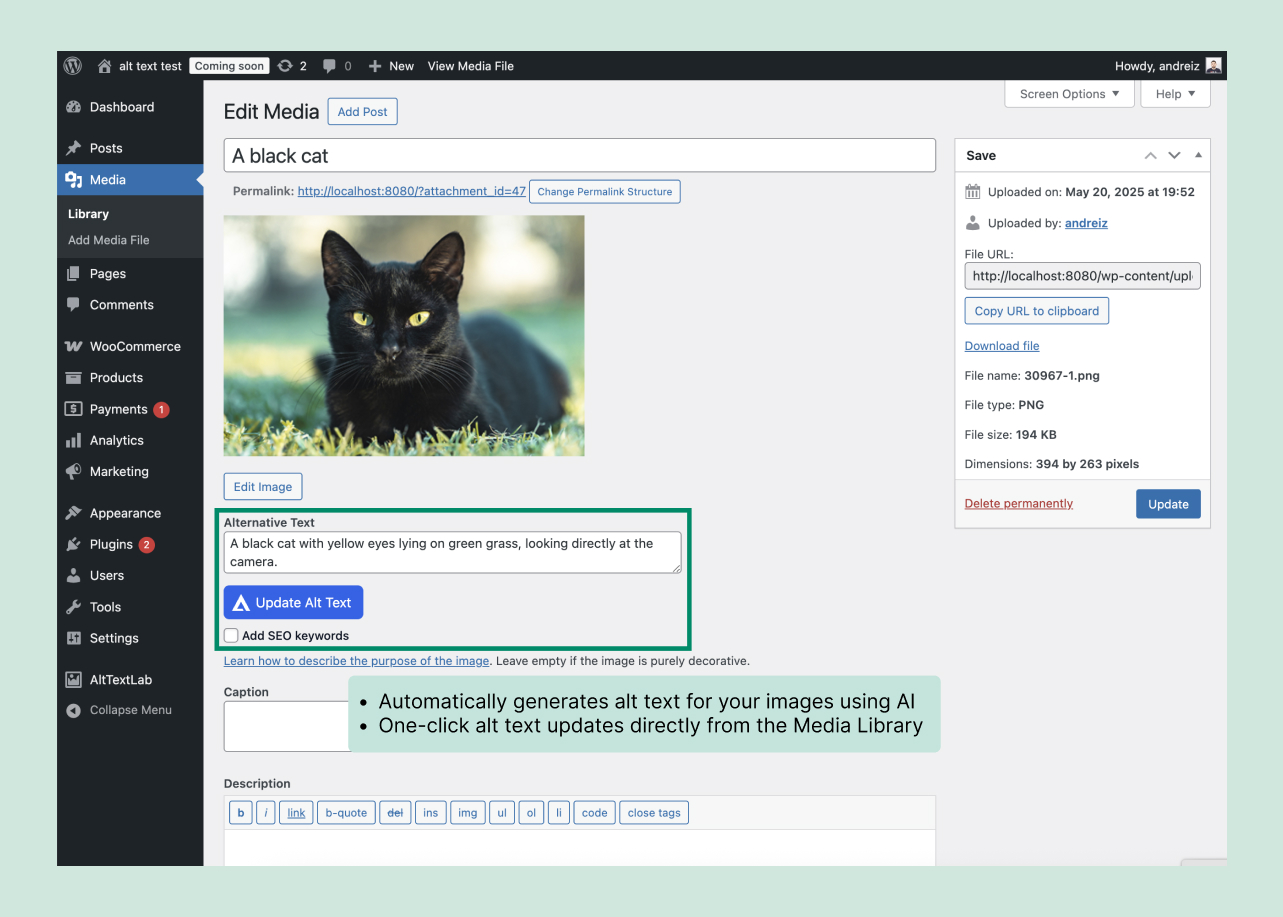
The vendor positions Web Snippet for frontend-rendered content. It says the script detects images injected after page load, including JavaScript-powered lists, and can run on single-page apps. This can be useful on headless sites where updating the CMS alt field would require a custom integration.
That capability should still be tested against your own application. Server-side rendering, client-side navigation, lazy loading, shadow DOM elements, and third-party embedded images can behave differently. Inspect both the accessible browser view and the rendered HTML attributes on representative routes.
Does Google index descriptions injected by JavaScript?
AltTextLab advertises search-engine readability for its dynamically applied alt text. But the actual discoverability of injected content depends on how and when a crawler renders the page. Do not assume that every search engine processes every script identically.
For a publishing site that can store alt text in its CMS, native HTML output is simpler to audit. If you need the snippet for a JavaScript application, test representative URLs with available search-engine inspection tools and inspect the rendered page. The W3C’s image guidance remains relevant regardless of delivery method.
How much does Web Snippet cost?
Web Snippet is available with AltTextLab’s paid Pro and Scale subscriptions, but not its free allowance or one-time credit packs. Pro starts at $5/month for 100 credits, with higher tiers such as 500 credits for $16/month and 1,000 for $30/month. One-time packs can buy generations for supported non-snippet workflows, but do not enable the Web Snippet service.
For annual billing, Pro starts at a $4-per-month equivalent, billed as $48 upfront for 1,200 credits. The pricing page also lists Scale plans starting at $200/month for organizations with larger requirements. Read our AltTextLab pricing analysis for the full credit table.
Privacy and operational considerations
Both options send image-related information to AltTextLab. The WordPress plugin disclosure says it may send an image URL or file representation, title, keywords and relevant product attributes during generation. A browser-based snippet introduces a script and external requests on the live frontend. Review those dependencies before installing either on a sensitive website.
- WordPress plugin: check API key security, backup procedures and permissions for editors using the tool.
- Web Snippet: review frontend script-loading policies, the vendor domain, fallback behavior and the impact of canceled service.
- Either: manually review descriptions that affect accessibility or product claims.
Which AltTextLab installation should you choose?
- Choose the WordPress plugin if you run WordPress or WooCommerce and want generated descriptions saved in native fields.
- Choose Web Snippet if you’re operating a custom, headless or legacy website and cannot use an appropriate CMS integration.
- Choose an API integration if your engineering team can insert generated descriptions into its own database and prefers that level of control.
- Avoid Web Snippet as your sole long-term store if losing visible descriptions after cancellation would create a compliance or editorial risk.
For most WordPress publishers, I recommend the native plugin. The Web Snippet is useful for a different problem: adding coverage where there’s no manageable CMS field workflow. Explore AltTextLab’s integration options.
Web Snippet FAQs
Does Web Snippet overwrite existing alt text?
The vendor says the snippet targets images missing descriptions and leaves existing alt attributes unchanged.
Does every visitor cost a generation credit?
The vendor describes one-time generation for a new image and cached subsequent delivery, not a fresh AI generation for each page view.
Will a canceled subscription delete generated text permanently?
The vendor says it retains the text in your account, but stops serving descriptions through the snippet after the 30-day CDN period. Native CMS descriptions saved by a plugin are a different case.