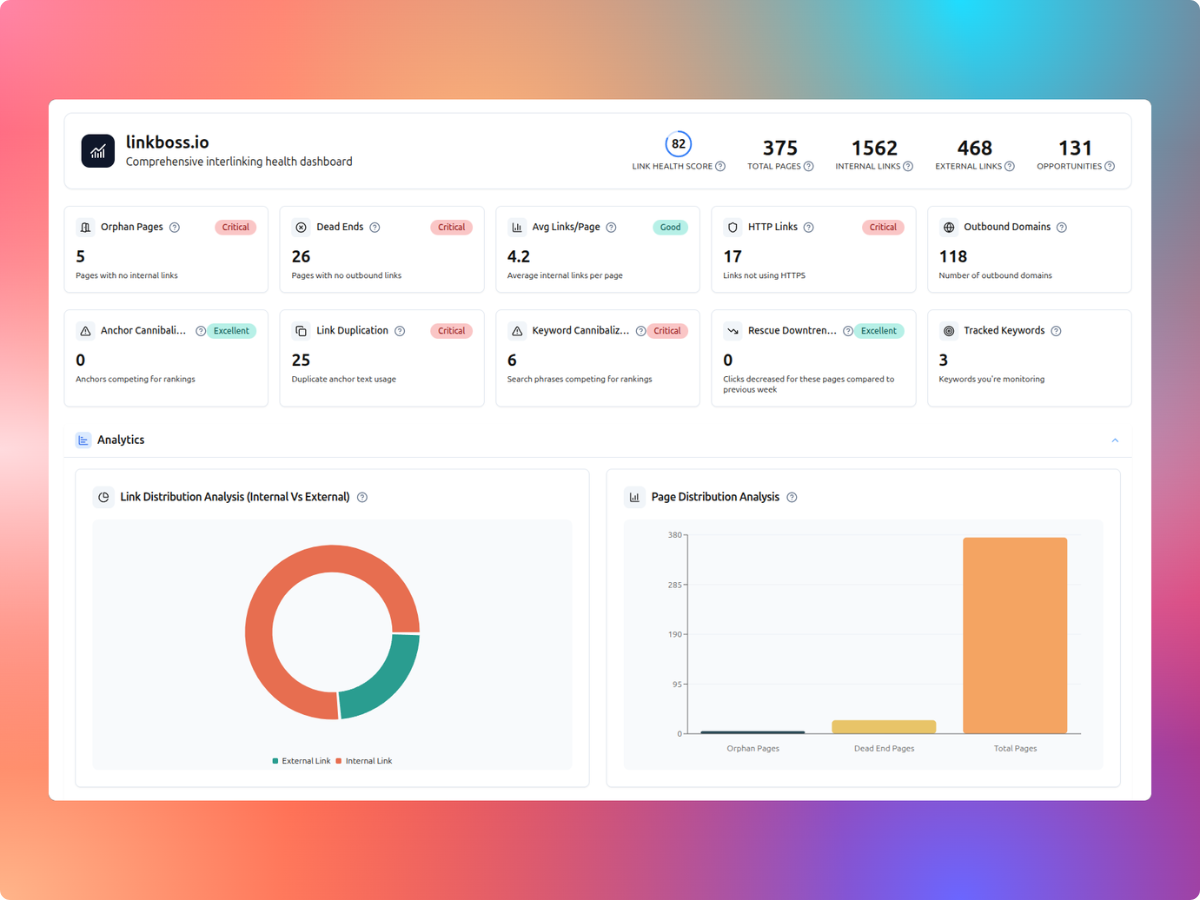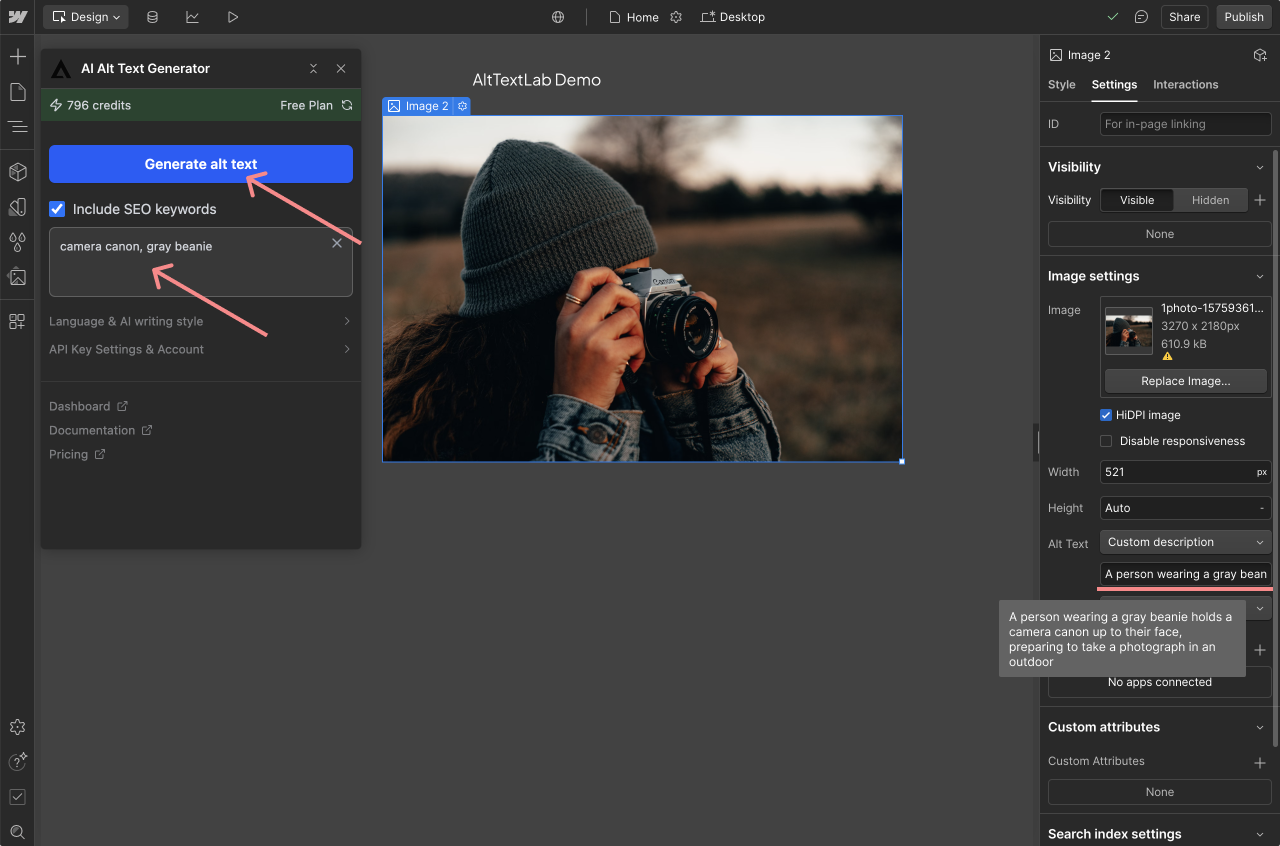
LinkBoss offers several internal-linking silo structures, including Priority, Reverse, Serial and Circle. Each creates a different path between a pillar page and supporting articles. The right choice depends on whether you’re helping readers work through a sequence, discover related articles or reach a central resource.
The vendor’s silo templates can generate suggested links, but choosing a preset does not guarantee search rankings. Begin with an editorial map of your pages, then use LinkBoss to make the intended relationships easier to implement and inspect.
LinkBoss silo structures compared
| Silo type | Link pattern | Good fit |
|---|---|---|
| Priority | Supporting pages → one priority page | Several guides support an important commercial page |
| Reverse | Supporting pages link upward through a hierarchy | Layered topical clusters around one central page |
| Serial | Article A → B → C → D | Ordered tutorials and step-by-step learning sequences |
| Circle | Last supporting page links back into the sequence | Small collections of closely related articles |
These distinctions follow LinkBoss’s official Priority, Reverse, Serial and Circle documentation.
Start by choosing your pillar and supporting pages
A pillar is a broad, useful resource that connects a topic’s narrower questions. Supporting articles answer a focused subtopic. For example, an internal-linking pillar could have supporting pages on orphan detection, dead-end pages, anchor-text audits, and link management in WordPress.
- Identify the primary reader task for the cluster.
- Choose one existing page that gives the broadest genuinely useful answer.
- Collect narrower articles that help the same audience.
- Exclude pages that only share a keyword without matching the underlying intent.
- Check that the chosen pages are current, canonical and accessible.
Don’t create a separate pillar only because a software diagram requires one. An existing guide may already serve that role.
How to build a silo in LinkBoss
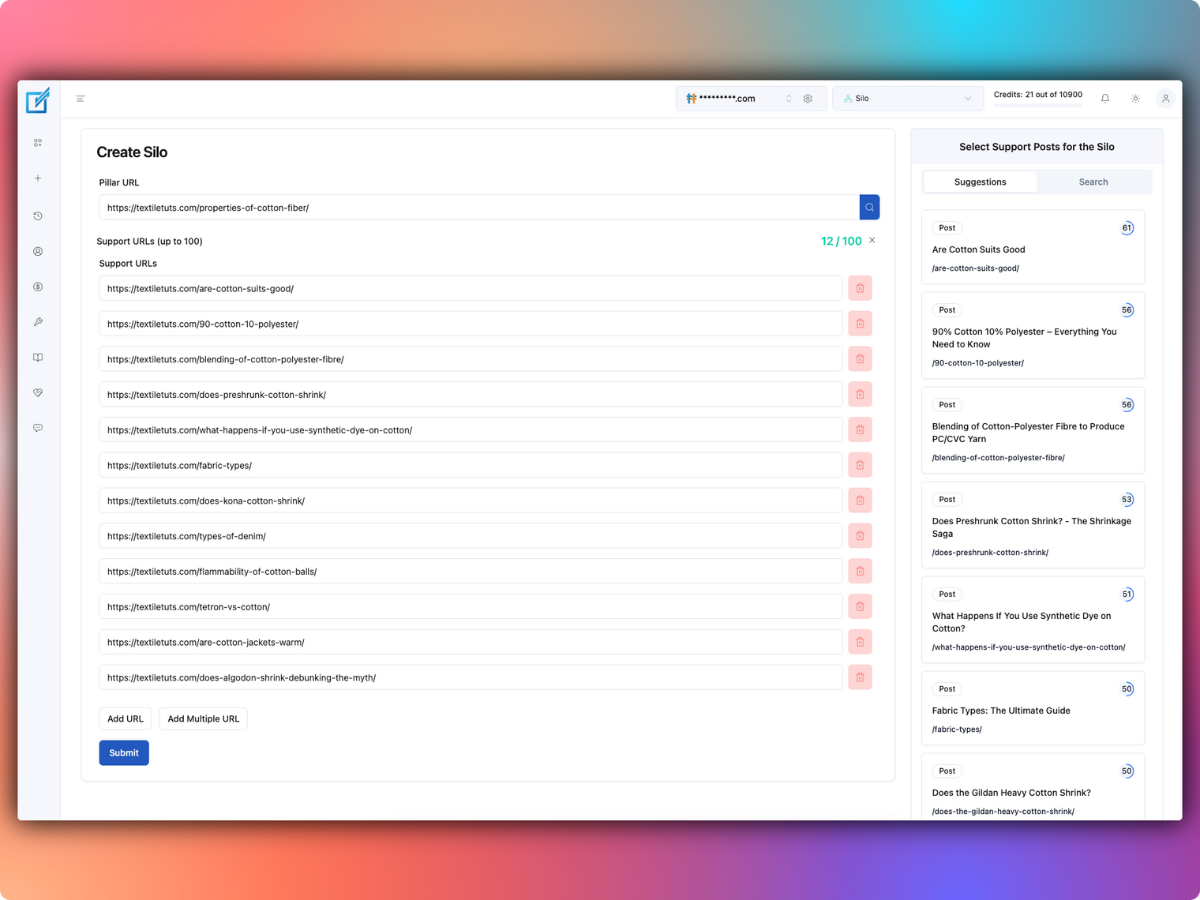
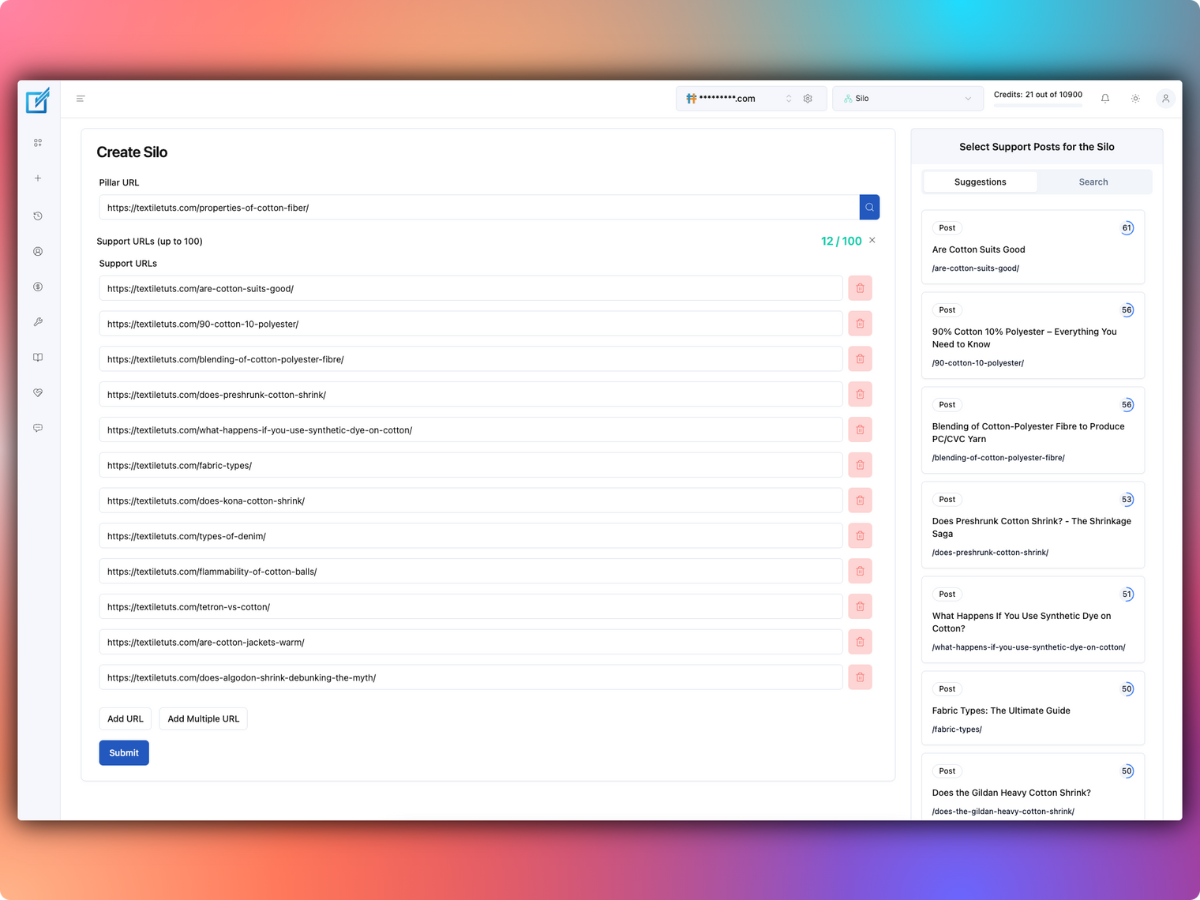
The vendor’s general Silo Builder tutorial describes creating a new silo, entering a pillar URL, requesting supporting page suggestions and selecting pages to connect.
- Connect and synchronize the WordPress site with your LinkBoss account.
- Open the silo or custom-network tool in the cloud dashboard.
- Select New Silo or the current create-network action.
- Add the intended pillar URL and review suggested support pages.
- Choose the preset that matches how readers should navigate your topic.
- Inspect the proposed page relationships and anchor phrases before generating links.
- Approve a small batch, verify the rendered page copy, then continue.
Priority silo: support a single destination
Under a Priority silo, the supporting pages link toward one designated high-value page. Consider an ecommerce blog with articles about fabric choices, garment sizing and care instructions linking to a detailed buying guide where readers compare available products.
- Use when: a group of useful supporting articles naturally leads to one important destination.
- Avoid when: the priority page doesn’t actually answer the reader’s next question.
- Review: whether every suggested anchor is descriptive and each source paragraph supports the connection.
LinkBoss’s guide describes an automated Boss Mode that can add generated contextual sentences. It also describes a Quick Sentence Suggestions path that inserts into existing text. These are materially different editing approaches.
Reverse silo: create a layered path toward the pillar
A Reverse silo also directs links toward central content, but uses a layered hierarchy. That can suit a large topic where narrow problem-specific pages lead to mid-level explanations, which then connect readers to the broader resource.
For example, a guide on image alt-text plugins might lead to an accessibility guide, which in turn links to a broader WordPress optimization hub. Don’t add multiple layers when the content doesn’t justify them. A direct link can be better than making readers move through intermediate pages unnecessarily.
Serial silo: guide readers through an ordered process
A Serial silo links pages as a chain: first step to second step, second to third, and so on. This pattern can be useful for an onboarding course or tutorial sequence.
Example: a four-step website-improvement series
- Audit current content.
- Identify weak internal links.
- Correct outdated destination pages.
- Review performance and maintain the links.
Give each page a clear next-step link and, when useful, a route back to the overview. A serial path should follow a real task sequence, not arbitrary publication dates.
Circle silo: connect related articles in a loop
A Circle silo links a set of supporting articles in a closed sequence. The last page links back toward the first, giving readers a continued path through the collection. It may work for tightly related concepts or a compact educational series.
However, a circle is not a requirement for every topic cluster. If a reader needs a central overview more than the next arbitrary article, use an appropriate hub link instead. The structure should serve navigation rather than a diagrammatic ideal.
How much do LinkBoss silo links cost?
LinkBoss’s documentation distinguishes generated-content insertion from linking existing sentences. It advertises two credits for its Boss Mode generated-context approach and one credit when a link is placed into existing relevant text.
Example: 30 approved silo connections
- 20 connections use existing text: 20 credits.
- 10 connections use generated context: 20 credits.
- Estimated total: 40 credits.
This is an illustrative budget, not a tested automation success rate. Review the actual selected insertion mode and credit estimate before the operation. See our LinkBoss plan comparison for current site and allowance limits.
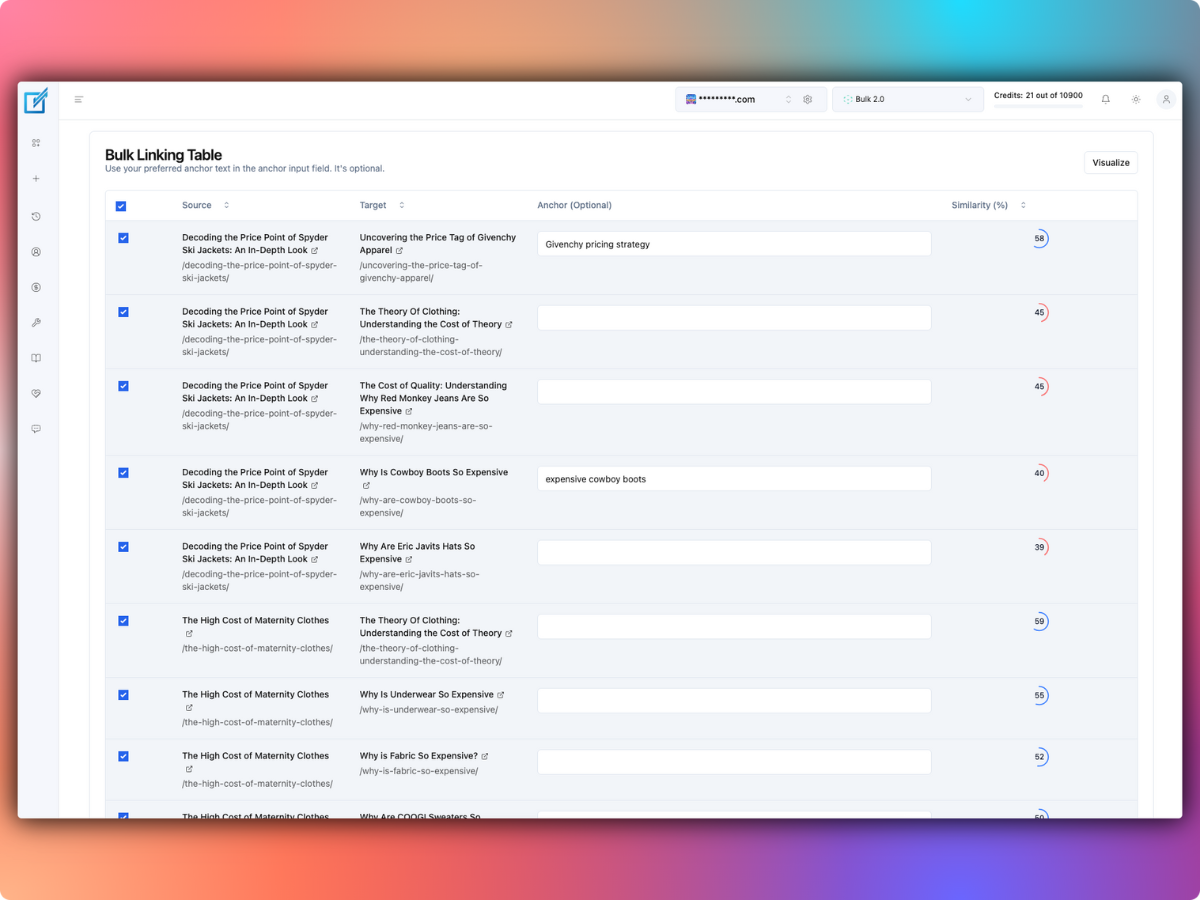
Choose natural anchors rather than repeating one keyword
An internal-linking pattern only helps when anchor text makes sense to the reader. If every article uses an exact-match commercial phrase, the copy can become awkward. Review the proposed surrounding sentence and choose words that describe what the destination actually contains.
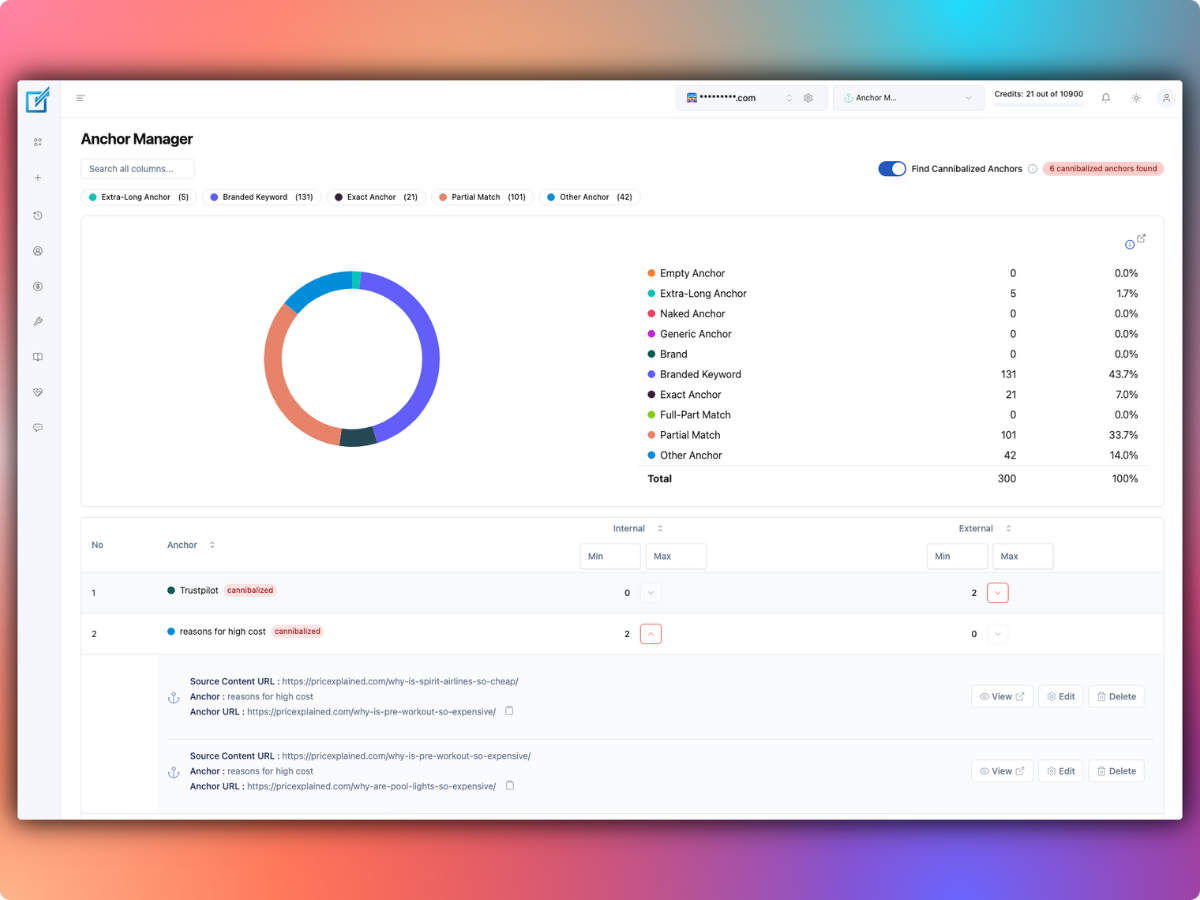
LinkBoss’s Anchor Manager reports anchor distribution and possible conflicting targets. Use it to find repetitive or ambiguous links, not to pursue a fixed “perfect” percentage. There’s no universal anchor ratio that guarantees results.
Review and roll back changes safely
Any automation that edits published paragraphs needs a recovery plan. Back up the site, test a small set of pages and review the generated copy. Check whether the operation exposes comparison and undo controls before approving bulk changes.
A vendor’s rollback method may restore an earlier snapshot of a page. If editors update that page afterward, reverting the whole snapshot could also remove their newer work. Coordinate with your team and keep independent backups.
Which silo would I choose for a WordPress blog?
- Priority: when useful supporting guides all lead naturally to one central buying or reference page.
- Reverse: when the subject has an actual hierarchy of narrow and broad resources.
- Serial: when readers should follow a learning or implementation sequence.
- Circle: for a compact group of tightly connected articles that can logically refer to one another.
For many publishers, a simple hub-and-spoke collection of relevant links is sufficient. Use LinkBoss’s presets only when the structure clarifies the user journey. Explore LinkBoss’s silo and site-audit tools.
LinkBoss silo FAQs
Are silo links permanent after uninstalling LinkBoss?
The vendor says links written into WordPress content stay in the posts after plugin removal. Confirm that behavior on a small test batch before assuming every integration stores links identically.
Do I have to use AI-generated sentences?
No. LinkBoss documents a route for inserting links into existing sentences, as well as generated-context linking. Select the approach that preserves your editorial standards.
Will creating a silo guarantee better rankings?
No. Relevant internal links can improve navigation and discovery, but rankings depend on many factors. A prescribed link diagram cannot guarantee a search-performance outcome.