Relevance AI vs Make: Which Is Better for AI Agents?
Contents
Relevance AI wins 5–4 for a buyer specifically choosing an AI Agent platform. Make is the better choice when you want AI Agents inside a mature visual automation system with 3,000+ apps and lower entry pricing.
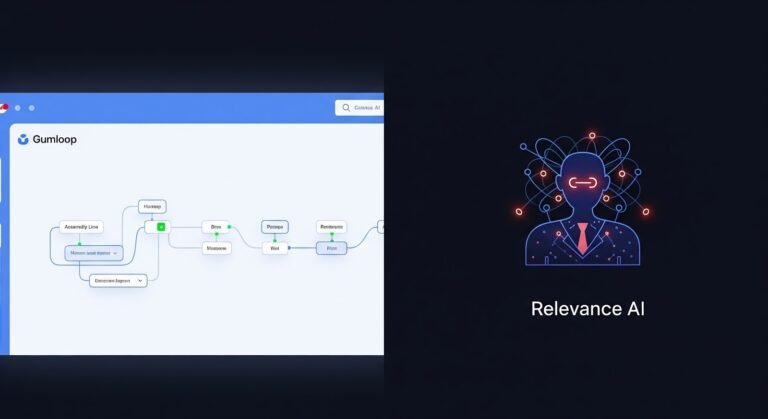
Relevance AI makes the Agent the center of the system. Make makes the scenario the center and lets AI Agents make decisions inside that broader automation landscape.
Relevance AI vs Make at a glance
| Category | Winner | Why |
|---|---|---|
| Agent building | Relevance AI | Relevance AI |
| Fixed workflows + AI | Make | Make |
| Multi-Agent orchestration | Relevance AI | Relevance AI |
| App ecosystem | Make | Make |
| Knowledge and RAG | Relevance AI | Relevance AI |
| Run visibility | Make | Make |
| Approvals | Relevance AI | Relevance AI |
| Agent evaluation | Relevance AI | Relevance AI |
| Paid starting price | Make | Make |
1. Relevance AI is the stronger dedicated Agent builder
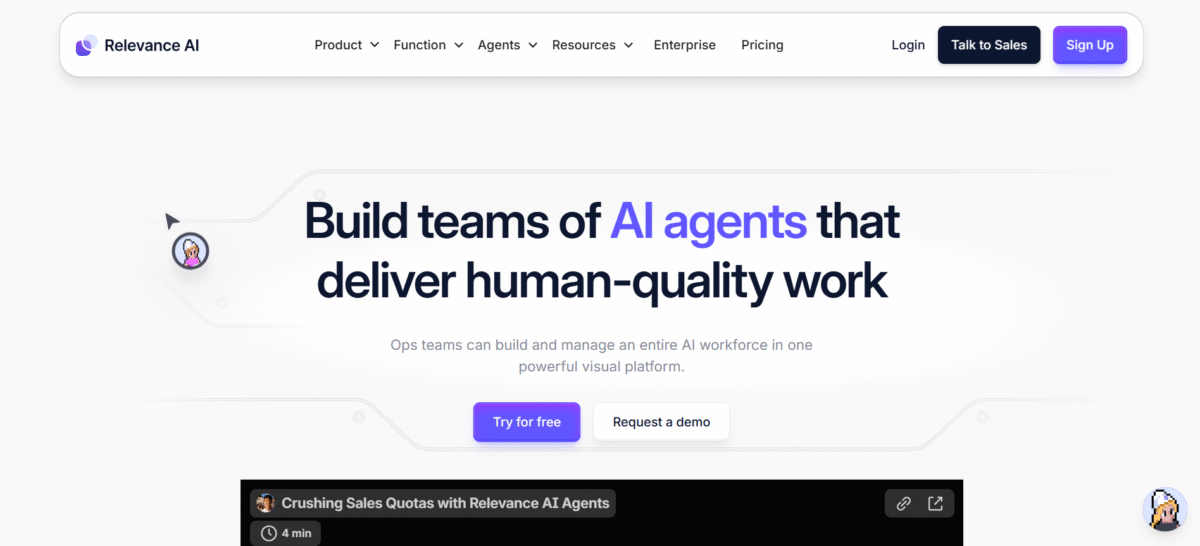
Relevance AI starts with the Agent’s role, Tools, Knowledge, Triggers and behavior. Invent can create a first version from a natural-language description, then you refine the worker directly.
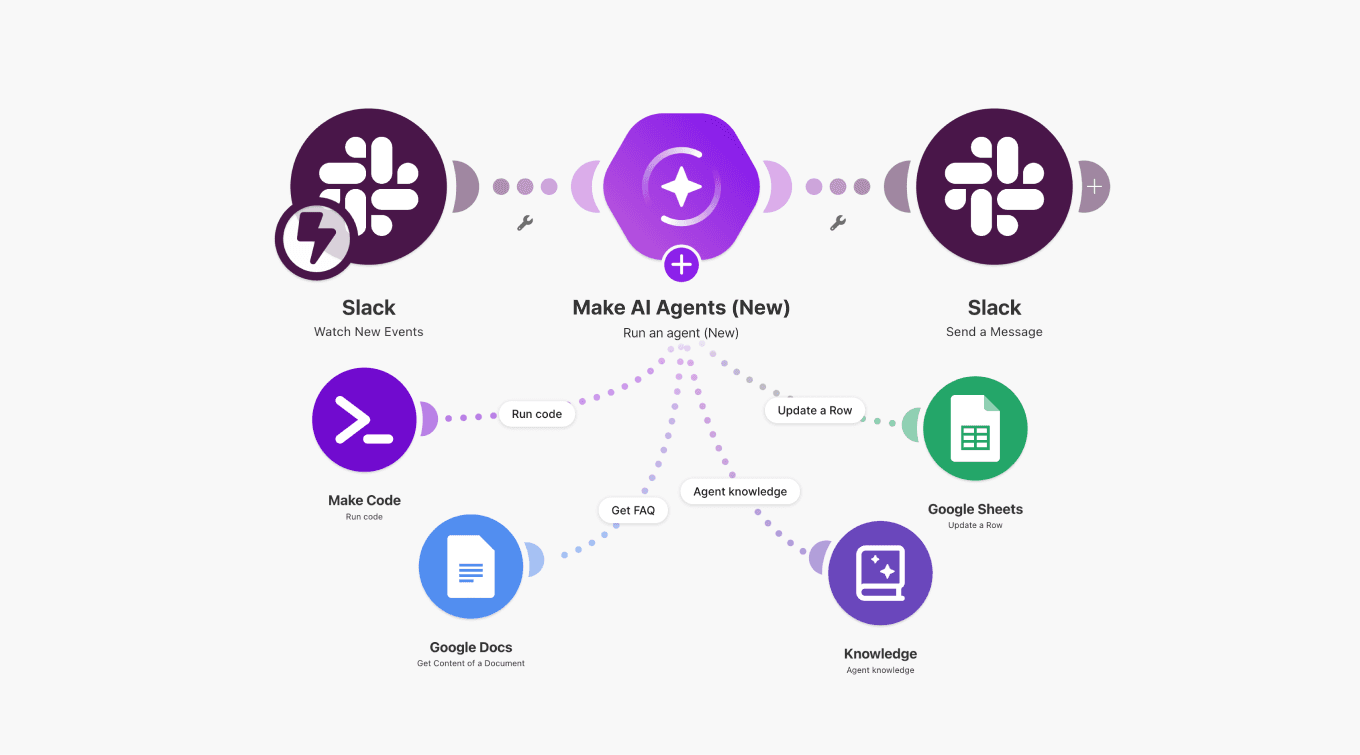
Make AI Agents are powerful, but they live inside Make’s broader automation model. That is ideal when automation is the system. Relevance AI is cleaner when the Agent itself is the system.
2. Make is better at mixing AI with deterministic automation
Make’s visual scenario builder has years of deterministic automation logic behind it. Routers, filters, schedules, webhooks and thousands of app modules can handle predictable steps while an AI Agent makes the decisions that actually require judgment.
That separation is useful when you do not want an Agent deciding every step.
3. Relevance AI has the clearer multi-Agent operating model
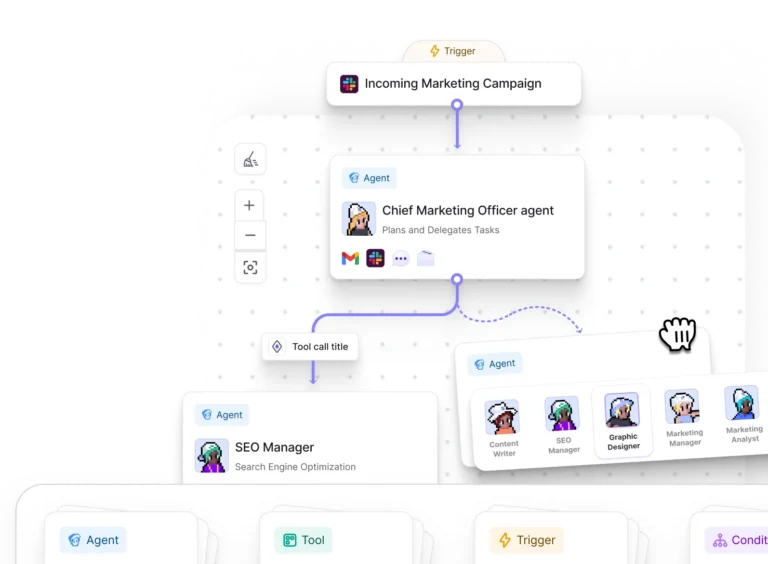
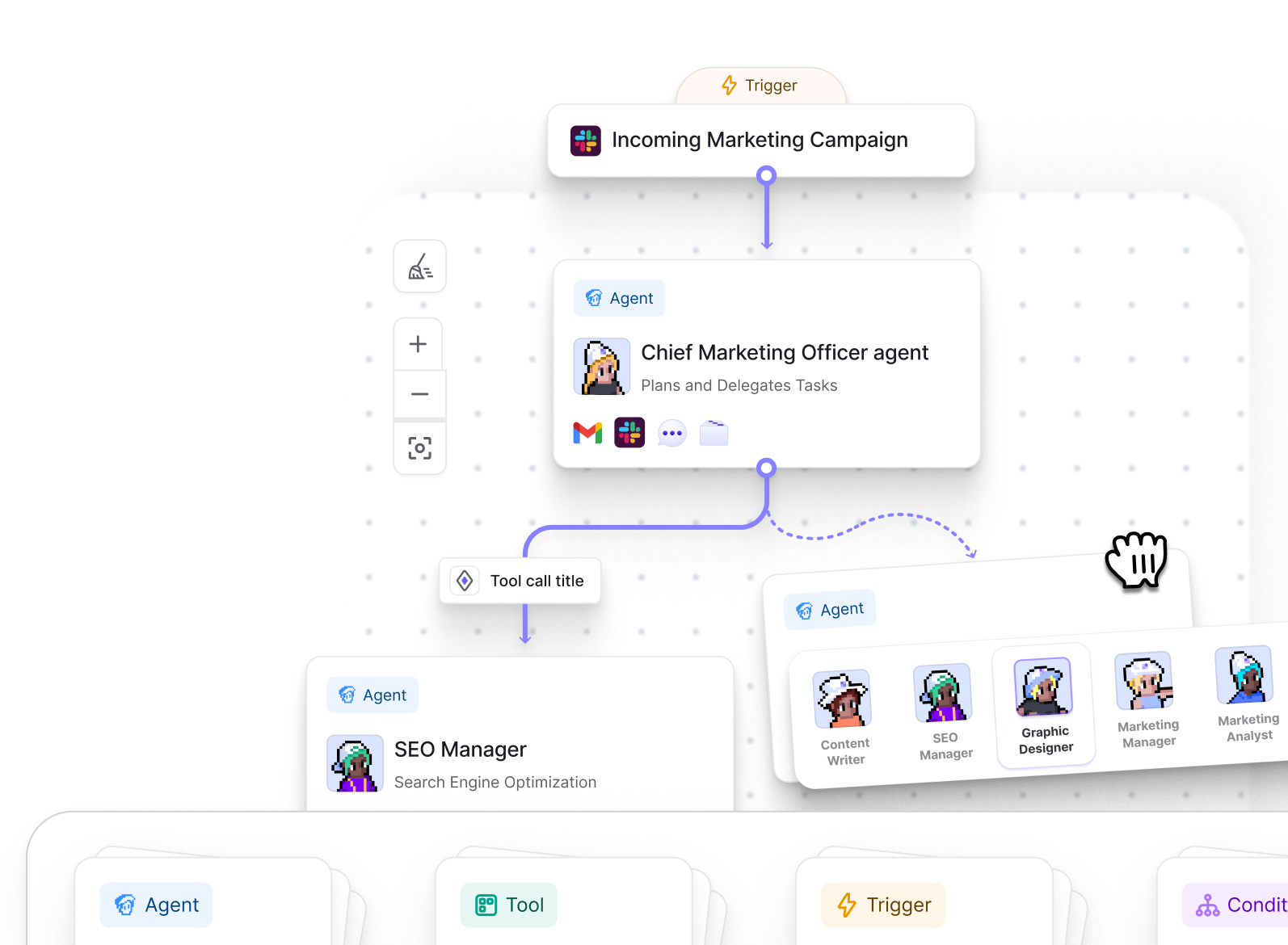
Workforces give Relevance AI a dedicated visual layer for specialist Agents, Tools, Conditions, handoffs and approvals. Make can coordinate multiple Agent steps, but the mental model remains a scenario with modules.
4. Make has the larger app ecosystem
Make currently advertises 3,000+ apps. Relevance AI advertises 2,000+ integrations across native and Pipedream-backed connections.
Both can use APIs when a prebuilt connection is missing, but Make wins on the published app count.
5. Relevance AI gives Knowledge and RAG a clearer home
Relevance AI treats Knowledge as a first-class Agent component rather than another set of modules inside a scenario. That makes it easier to reason about what information the Agent can retrieve and how retrieval fits into the worker.
6. Make gives you stronger run visibility for automation scenarios
Make’s scenario execution history and visual run model make it easy to trace data through a deterministic automation. Its AI Agent tooling also exposes reasoning and runtime behavior inside the scenario context.
Relevance AI has Task View and activity monitoring, but Make is stronger when your debugging unit is the whole automation graph.
7. Relevance AI has stronger approval controls around Agent actions
Relevance AI can put human approval behavior around risky Agent and Workforce actions. That is a cleaner Agent-governance model when the system can send messages, change CRM data or take other external actions.
8. Relevance AI has the stronger formal Agent evaluation system
Relevance AI documents formal Evals for Agents and Workforces, including reusable checks and simulated scenarios. The limitation is access: current pricing places Agent Evaluations on Enterprise.
Make provides strong execution testing and debugging, but it does not position the same formal Agent-evaluation layer as a core product feature.
9. Make is cheaper at the paid entry point
Make currently lists Core at $12/month for 10,000 credits, Pro at $21 and Teams at $38. The Free plan includes 1,000 credits/month.
Relevance AI Pro is $29/month or $19/month annually. Relevance AI still has the advantage if your priority is testing an Agent platform on a permanent free tier rather than paying for automation capacity.
What users say about Relevance AI and Make
Relevance AI currently holds a 4.3/5 rating on G2 from 21 reviews. The recurring pattern is positive around no-code Agent building, flexibility, integrations and multi-Agent work, with more mixed feedback around onboarding, admin controls, usage costs and some UI complexity.
- Ease and versatility: several reviewers describe the platform as approachable for custom Agent building once the core concepts click.
- Integrations and customization: reviewers mention APIs, custom Python and multiple connected business tools as meaningful strengths.
- Trade-offs: some users call out onboarding, documentation, governance controls or credit usage as areas that need attention.
“The Best Platform for Creating Custom Agents”
Leopoldo E., G2
Make is rated 4.6/5 on G2 from 290 reviews. The recurring positive themes are visual automation, flexibility and integrations. Learning curve, advanced-scenario complexity and error handling appear more often in the drawbacks.
That sentiment matches the product trade-off here: Make becomes extremely capable once you understand its scenario model, but deeper automations ask the builder to understand how data moves through the graph.
Relevance AI vs Make: pros and cons
| Relevance AI | Make | |
|---|---|---|
| Pros | • Dedicated Agent-first product • Visual multi-Agent Workforces • Knowledge and approvals are first-class • Formal Agent Evals | • 3,000+ apps • Excellent visual deterministic automation • Lower paid entry pricing • Strong scenario execution visibility |
| Cons | • Smaller app catalog than Make • More expensive paid entry on monthly billing • Two-part Actions/Vendor Credits usage model | • Complex scenarios have a learning curve • Agent UX lives inside a broader automation system • Less explicit dedicated multi-Agent operating model |
Which should you choose?
Choose Relevance AI if…
- You are building autonomous workers rather than primarily automation scenarios.
- Visual Workforces, Knowledge and approval rules matter.
- You want the Agent team to be understandable to nontechnical operators.
Choose Make if…
- You already use Make for automation.
- Most of the process is deterministic and only some steps need Agent judgment.
- 3,000+ app coverage and lower paid entry pricing matter more.
- Your team is comfortable thinking in scenarios, modules and data flow.
Relevance AI vs Make FAQs
Is Relevance AI better than Make?
Relevance AI is better for dedicated AI Agent building, Workforces, Knowledge and Agent governance. Make is better for deterministic visual automation, app breadth and lower paid entry pricing.
Does Make have AI Agents?
Yes. Make AI Agents can reason and use tools inside Make scenarios alongside deterministic modules, routers, filters and other automation logic.
Which has more integrations?
Make currently advertises 3,000+ apps, while Relevance AI advertises 2,000+ integrations across native and Pipedream-backed connections.
Which is cheaper?
Make currently starts at $12/month for Core at 10,000 credits, while Relevance AI Pro is $29/month or $19/month annually. Both have free plans with different usage models.