7 Best AI Workflow Automation Tools
Contents
AI workflow automation tools fall into two broad groups. Some follow a route you define: trigger, transform, call a model, update an app, and notify someone. Others give an agent a goal and allow it to choose tools based on context.
The most reliable setup often combines both. Deterministic automation handles known rules, while an agent handles research, classification, or other work that cannot be reduced to a fixed branch.
Best AI Workflow Automation Tools at a Glance
| Tool | Best for |
|---|---|
| n8n | Technical workflows and self-hosting |
| Make | Visual multi-app automation |
| Gumloop | AI-native workflows with adaptive agents |
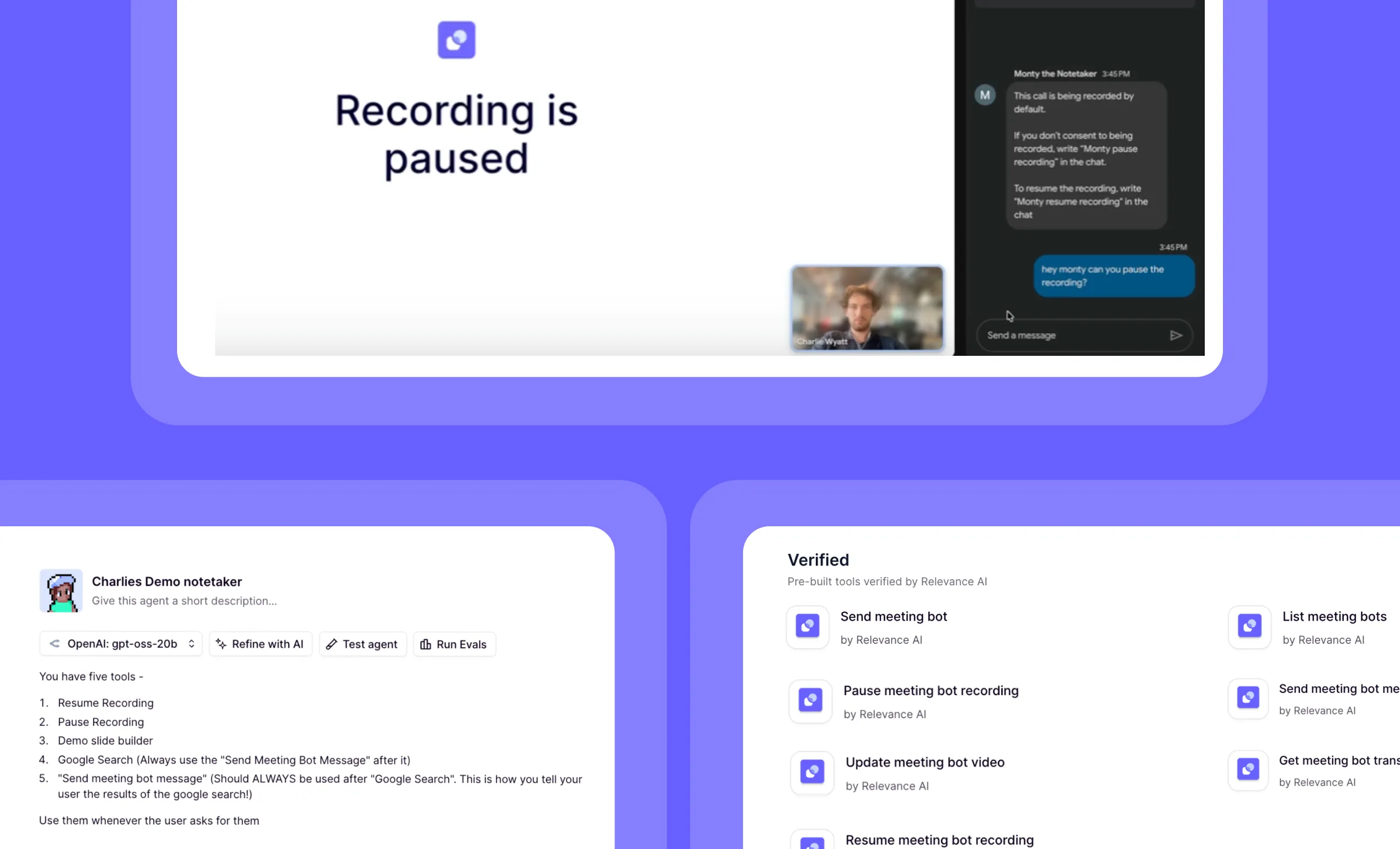
| Relevance AI | Agent-led workflows and multi-agent teams |
| Zapier | Fast automation across familiar SaaS apps |
| Pipedream | Developer-built event and API workflows |
| AirOps | AI content operations |
1. n8n: Best for Technical AI Workflows
n8n gives builders detailed control over triggers, nodes, data, branches, loops, sub-workflows, errors, code, and AI Agent components. Self-hosting makes it attractive to technical teams with data or infrastructure requirements.
Choose it when developers or technical operators will own the system. The tradeoff is a steeper learning and maintenance burden.
2. Make: Best Visual Workflow Builder
Make's Scenario Builder makes multi-app processes visible. Its newer AI Agents functionality lets agents use modules, scenarios, knowledge, and MCP tools.
Choose it when most of the workflow is predictable and the team benefits from visual mapping. Confirm the current status and pricing of AI-agent features because the new experience is in open beta.
3. Gumloop: Best AI-Native Workflow Builder
Gumloop offers visual workflows plus adaptive agents that can select tools, call workflows, search the web, run code, and use connected apps.
It is well suited to teams that want deterministic blocks and agent judgment in the same environment.
4. Relevance AI: Best for Agent-Led Workflows
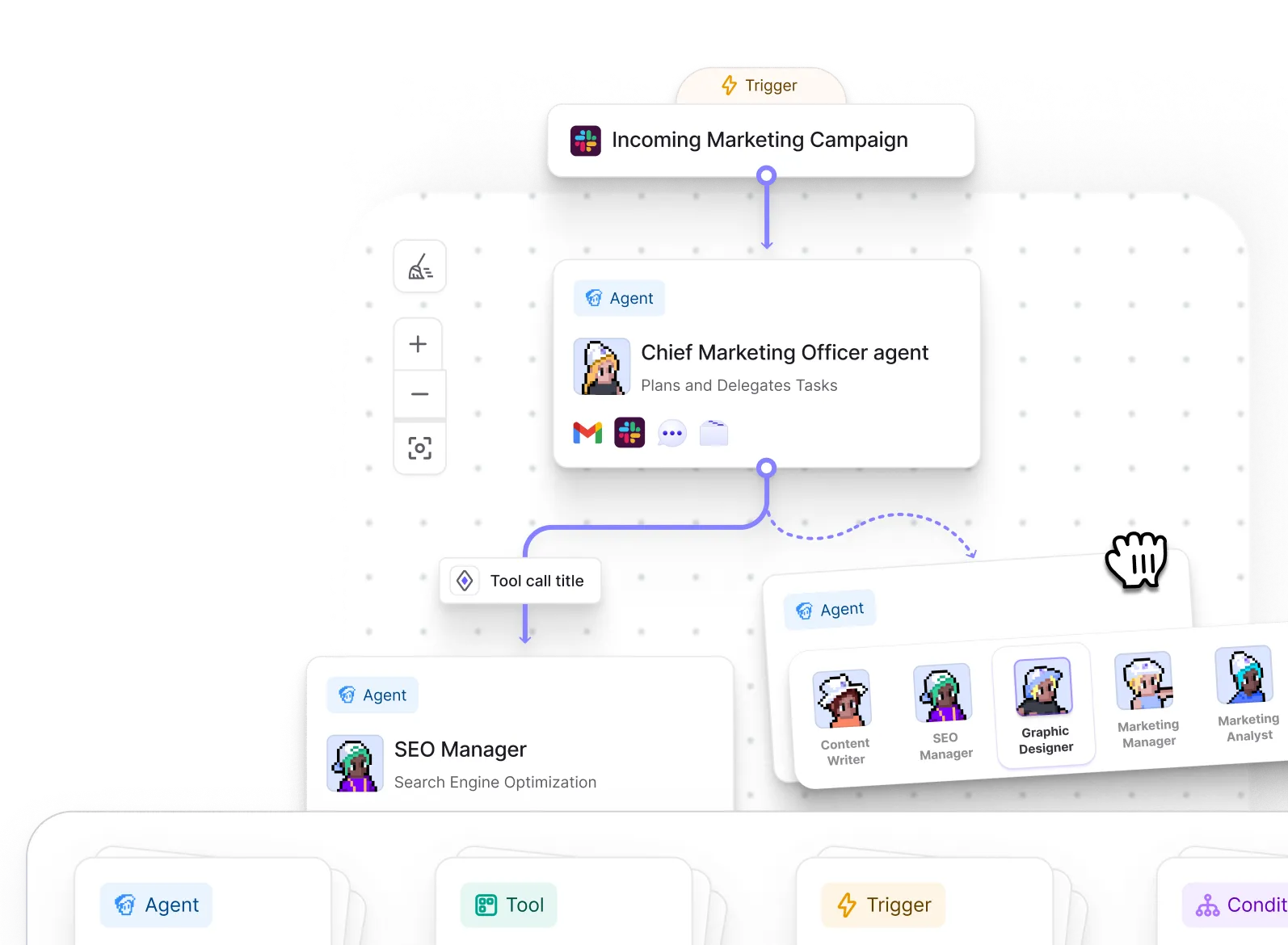
Relevance AI treats the agent as the worker. Builders provide instructions, knowledge, tools, and triggers, then combine agents into Workforces for larger processes.
It is particularly relevant to sales, support, marketing, and operations teams. A lead-generation Workforce, for example, can separate research, qualification, CRM updates, and outreach drafting.
Read the Relevance AI review and guide to using Relevance AI for lead generation.
5. Zapier: Best for Fast SaaS Automation
Zapier is a practical starting point when the apps are common and the workflow is straightforward. Its large integration ecosystem and familiar trigger-action model reduce setup time for many business users.
Choose it for speed and accessibility. Consider another platform when the process needs deep data manipulation, self-hosting, or elaborate agent collaboration.
6. Pipedream: Best for Developers and APIs
Pipedream is built for event-driven workflows that combine APIs, code, and managed infrastructure. It is useful when developers want to connect services without managing an entire runtime.
It is less suitable for a non-technical operations team that needs to own every workflow visually.
7. AirOps: Best for Content Workflows
AirOps focuses on AI-powered content operations. It can be a better choice than a general automation platform for research, refreshing, optimization, and content production at scale.
Choose it when content is the main operational problem. Choose a general platform when the workflow spans sales, finance, support, and internal systems.
How to Choose an AI Workflow Automation Tool
Ask these questions:
- Is the process deterministic, agentic, or a mixture?
- Who will build and maintain it?
- Must it be self-hosted?
- Which exact triggers and actions are required?
- What data can the system read or change?
- Where must a person approve the result?
- How is usage charged at production volume?
- Can the team inspect failures and replay work safely?
Avoid choosing from an integration count alone. Test the exact action, field support, authentication method, and error behavior needed for the workflow.
Workflow Automation vs AI Agents
Use workflow automation for stable rules: move a form submission, format a date, update a record, or send a known notification.
Use an agent for variable work: research an account, classify an unusual request, decide which tool applies, or draft a response from several sources.
Use both when an agent's judgment needs a controlled entry point, validated data, approval, and a predictable next step.
Verdict
n8n is the strongest choice for technical control and self-hosting. Make is the strongest conventional visual builder. Gumloop offers a close blend of agents and visual workflows. Relevance AI is the clearest option when the workflow should be designed as a team of digital workers.
Choose the platform by building the same small workflow in your top two options. Measure setup time, accuracy, debugging, human review, and the cost of 100 realistic runs.
Frequently Asked Questions About AI Workflow Automation Tools
What is AI workflow automation?
AI workflow automation combines software integrations and process rules with model-powered tasks such as extraction, classification, research, drafting, or decision support.
What is the best AI workflow tool for beginners?
Make and Zapier are approachable for conventional visual automation. Relevance AI can be easier when the user naturally describes the work as an agent role rather than a fixed sequence.
What is the best self-hosted AI automation tool?
n8n is a popular self-hostable option with workflow and AI Agent capabilities. Self-hosting still requires infrastructure, security, updates, monitoring, and backups.
Are AI agents the same as workflows?
No. A workflow normally follows predefined steps. An agent can interpret context and choose among tools. A production system can place an agent inside a controlled workflow.
Keep Reading