AltTextLab starts free with 25 image credits per month. Its Pro subscription starts at $5 per month for 100 credits, or $4 per month equivalent when billed annually. If you prefer not to subscribe, one-time credit packs start at $6 for 100 images. Larger subscriptions and packs reduce the effective cost per image.
Choose based on your monthly image volume, whether the work is recurring, and whether you need the Web Snippet.
Prices in this guide are in US dollars and were checked against the official AltTextLab pricing page on October 24, 2026.
AltTextLab pricing at a glance
| Plan | Price and best fit |
|---|---|
| Free | $0 for 25 credits every month. Good for testing output or a site with a small number of new images. |
| Pro monthly | From $5/month for 100 credits. Better for steady image publishing and ongoing automation. |
| Pro annual | From $48/year for 1,200 annual credits ($4/month equivalent). Better when you expect to use credits throughout the year. |
| Pay as you go | From $6 for a one-time pack of 100 credits. Useful for occasional projects or topping up without a recurring purchase. |
| Scale | From $200/month, with a custom credit allowance, priority support and advanced security options. |
One credit pays for one generated image description. Free credits reset each month; purchased credits do not expire according to AltTextLab. One account can be used across multiple websites without a separate per-site fee. The biggest feature restriction is the Web Snippet, which is available with subscriptions but not with the free allowance or one-time packs.
How much does AltTextLab Pro cost per month?
Check the current monthly Pro allowances on the official pricing page.
Pro uses a monthly credit allowance rather than a fixed number of websites or users. The published monthly options are:
| Credits each month | Monthly price |
|---|---|
| 100 | $5 |
| 500 | $16 |
| 1,000 | $30 |
| 2,000 | $49 |
| 4,000 | $93 |
| 6,000 | $132 |
| 8,000 | $158 |
| 10,000 | $189 |
Paying for more credits lowers the advertised unit price, provided you actually use them:
- 100 credits at $5: 5 cents per generation.
- 500 credits at $16: 3.2 cents per generation.
- 2,000 credits at $49: about 2.45 cents per generation.
Unused credits make your effective cost per completed image higher. Buy for your workload, not just the cheapest unit price.
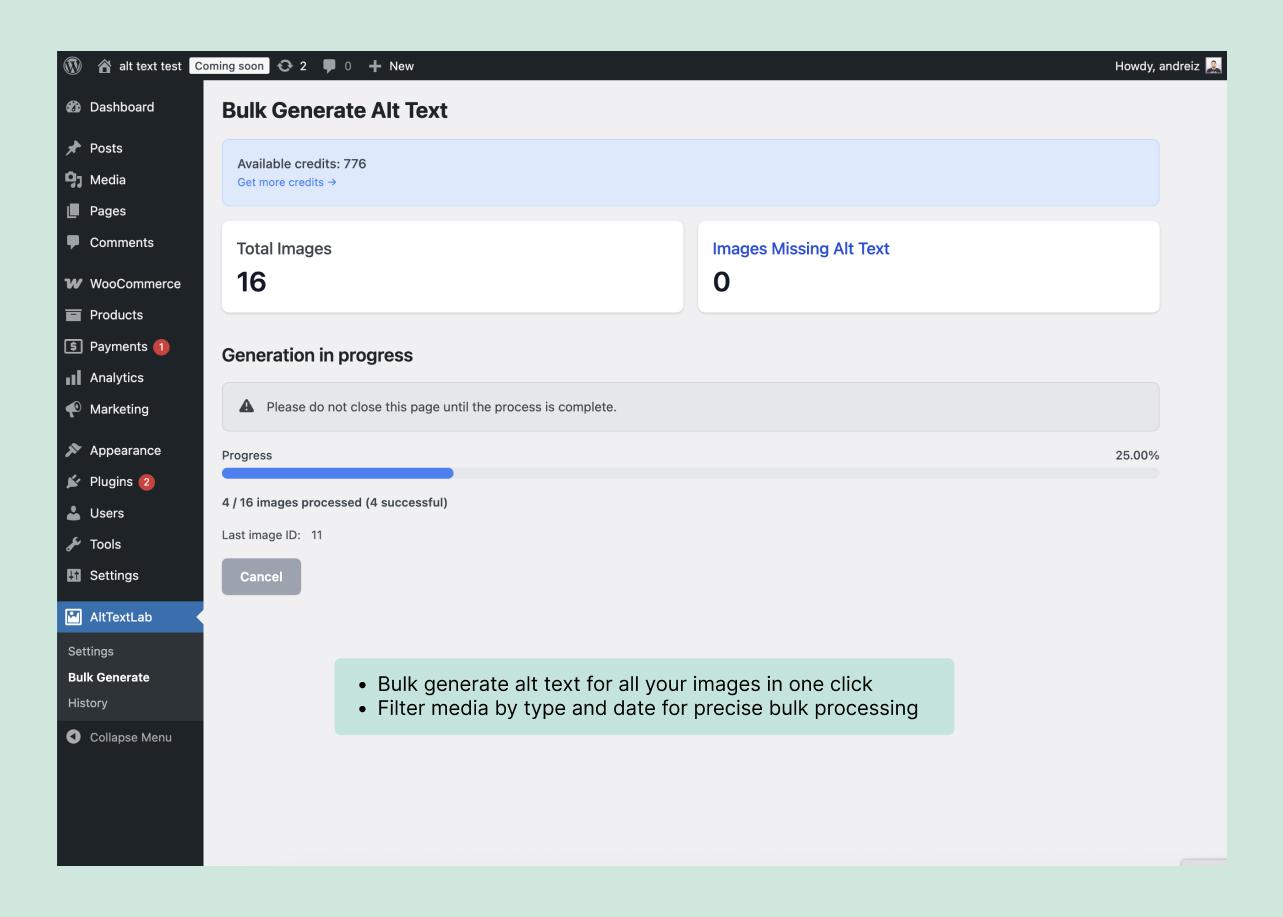
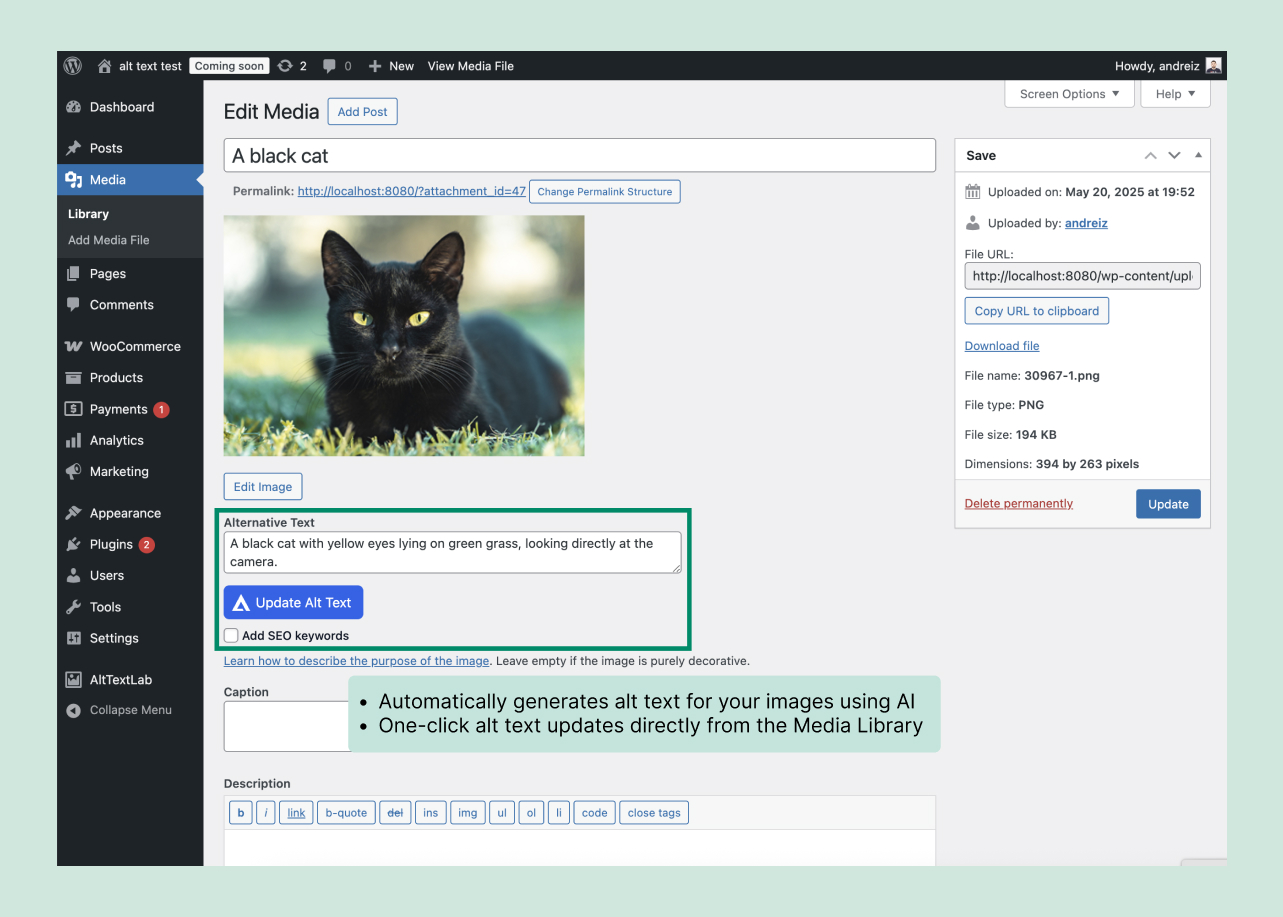
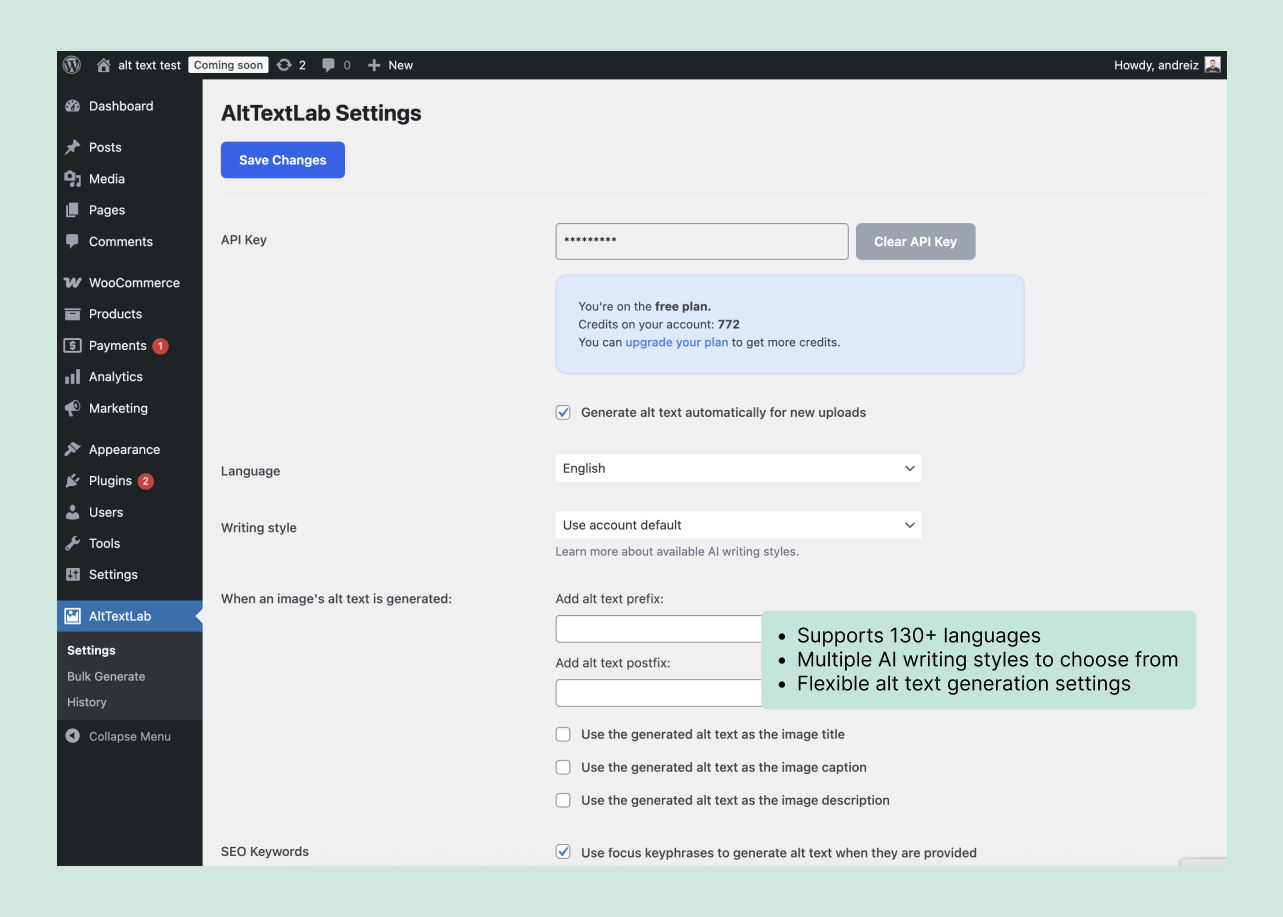
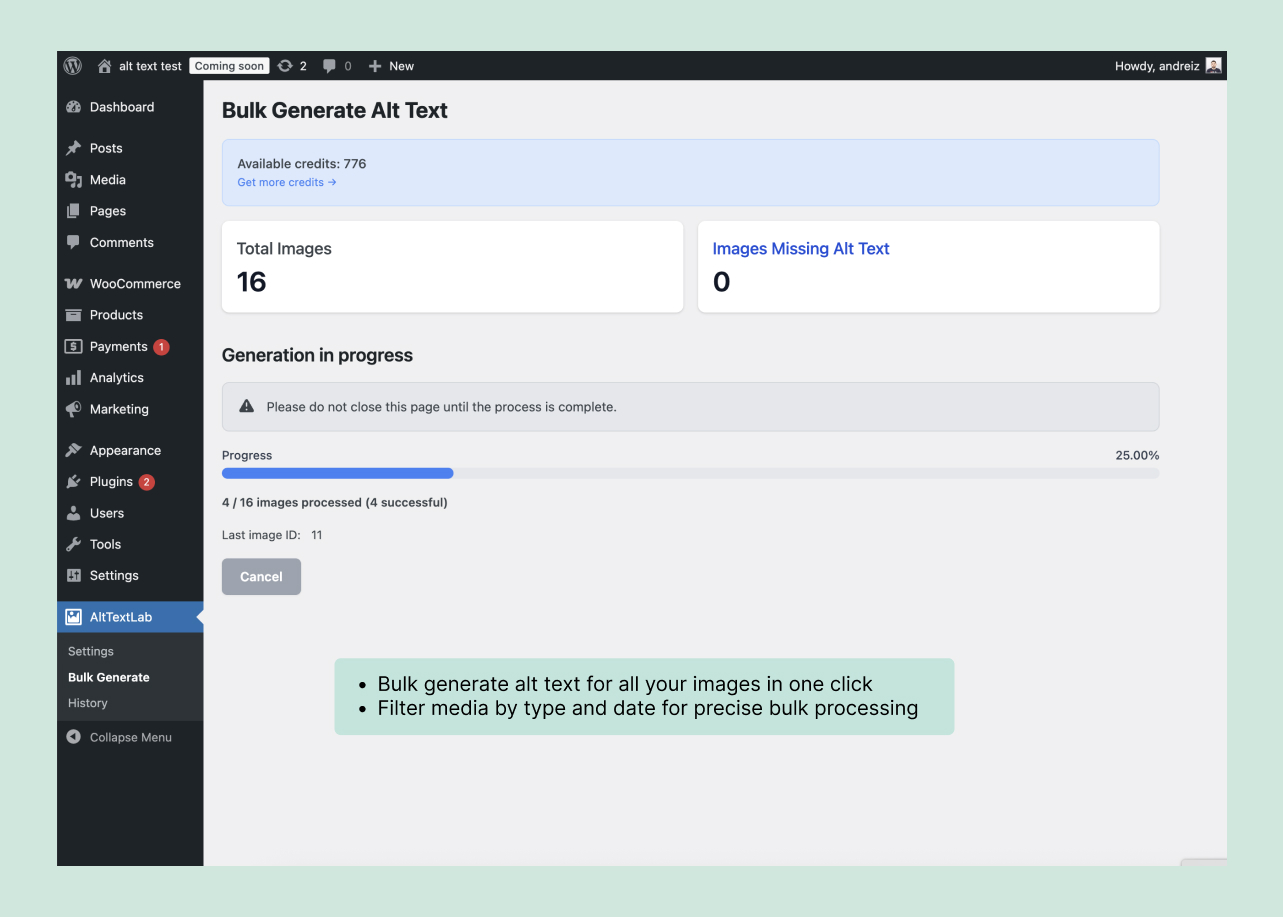
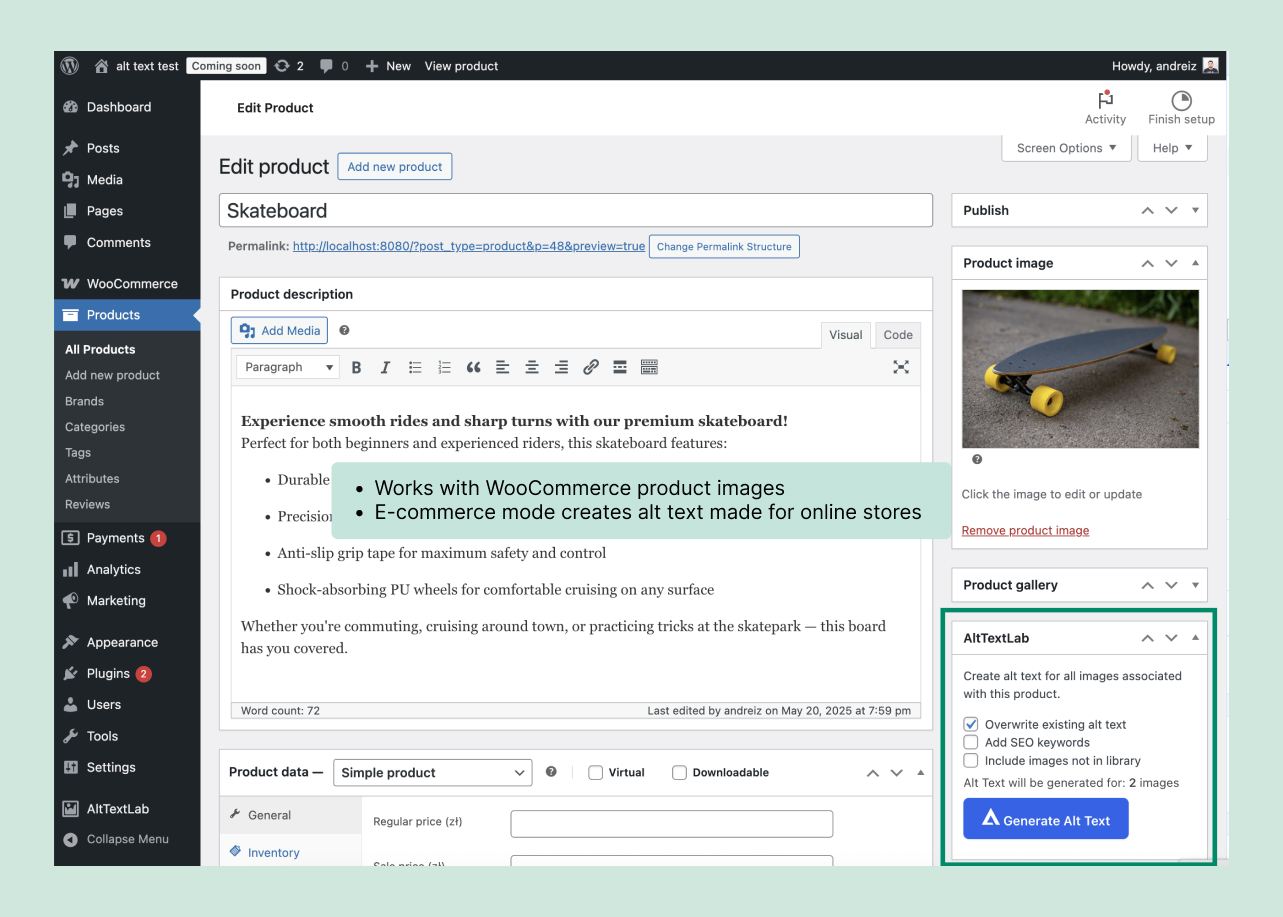
Pro provides recurring credits and includes the Web Snippet. AltTextLab lists bulk processing, its integrations and API, keyword controls, more than 130 languages, and the Web Snippet on Pro. Its WordPress plugin can fill standard media-library alt fields in bulk or generate them as images are uploaded. The official WordPress integration page explains that workflow.
Choose the allowance based on images actually needing descriptions and how often you generate them.
Is annual billing cheaper?
Switch to annual billing on the AltTextLab pricing page to see current totals.
Yes. AltTextLab advertises a discount when you pay annually. The annual selector shows the total credits for the year but presents the payment as a monthly equivalent. You pay for the full annual term rather than making twelve monthly purchases.
| Annual credits | Advertised monthly equivalent |
|---|---|
| 1,200 | $4/month ($48/year) |
| 6,000 | $13.50/month ($162/year) |
| 12,000 | $24/month ($288/year) |
| 24,000 | $39/month ($468/year) |
| 48,000 | $74.30/month ($891.60/year) |
| 72,000 | $105.50/month ($1,266/year) |
| 96,000 | $126.40/month ($1,516.80/year) |
| 120,000 | $151/month ($1,812/year) |
For the same yearly allowance:
- 1,200 images: $60 on twelve monthly payments versus $48 annually. Savings: $12.
- 6,000 images: $192 on twelve monthly payments versus $162 annually. Savings: $30.
Before choosing annual billing:
- Make sure you are comparing the same annual image allowance, not monthly credits against annual credits.
- Estimate whether you will use the credits within your normal publishing schedule, even though AltTextLab says paid credits never expire.
- Confirm the checkout total, renewal amount and local taxes. The vendor’s display uses monthly equivalents and some rounded prices.
- Consider whether your site will continue to use the subscription-only Web Snippet throughout the year.
AltTextLab pay-as-you-go prices
See the official one-time credit packs before purchase.
One-time packs suit a migration, an image backlog or an occasional client project.
| One-time credits | Listed starting price |
|---|---|
| 100 | $6 |
| 500 | $22 |
| 1,000 | $39 |
| 2,000 | $78 |
| 5,000 | $170 |
| 10,000 | $340 |
AltTextLab labels these as prices from the amounts shown, so check the final credit selection at checkout. At the displayed starting prices, a 500-credit pack averages 4.4 cents per image; the 5,000-credit pack averages 3.4 cents.
Important distinction: Paying once does not necessarily deliver the cheapest credits. A 500-credit Pro subscription is $16 for its month’s allowance, compared with $22 for a 500-credit pack. If you know you can cancel the subscription on time, the subscription may cost less for the same batch. AltTextLab says remaining paid credits stay in your account after cancellation. Packs avoid automatic renewal.
One-time packs include AltTextLab’s core generation features but exclude the Web Snippet. Choose a subscription if you need the Web Snippet.
Free versus paid: what do you actually get?
Free provides a new 25-credit allowance each month. AltTextLab advertises a continuing allocation of 25 credits each month, and its official WordPress plugin is free to install. You can use the same account for more than one site and try the available integrations without purchasing a credit pack.
For buyers, the differences are straightforward:
- Free: 25 credits each month, with no rollover of unused free credits. Suitable for small sites and evaluating the quality of generated descriptions.
- Paid subscription: recurring or annual credits that carry forward, plus access to the Web Snippet and chat support.
- One-time pack: a prepaid balance that does not expire, with no recurring fee, but no Web Snippet.
- Scale: custom volume from $200/month, plus priority support and advanced security options. The exact credit allotment requires a sales conversation.
Core features such as bulk processing, supported integrations, language selection and custom SEO keywords are shown across the product’s regular plans. Use the free allowance to check descriptions on your own images.
How do credits, rollover and top-ups work?
A credit covers one image-description generation. AltTextLab’s billing FAQ says one credit is consumed whenever it generates alt text for an image, regardless of the integration used. Count the images before selecting a credit tier.
- One image, one generated description: normally one credit. If you decide to generate a new description for the same image, expect another credit to be used.
- Free credits reset: unused portions of the monthly 25-credit allowance do not accumulate.
- Paid credits carry forward: the vendor says subscription and pay-as-you-go credits do not expire.
- Unlimited sites: all sites connected to one account draw from the same credit balance; there is no separate per-site license charge.
- Out of credits: automatic generation pauses until the allowance refreshes or you buy additional credits. Previously written CMS alt text remains in place.
You can see credit balance and usage history in your AltTextLab dashboard, according to the vendor. Check actual usage after processing a small batch.
Four AltTextLab pricing examples with calculations
Count the images needing descriptions and allow for any new generation attempts after review. These examples use hypothetical revision rates, not measured AltTextLab error rates.
Example 1: A small blog publishing 15 new images a month
- Initial images: 15.
- Assumption: 25% need one additional generation, rounded up to 4 images.
- Credits needed: 15 + 4 = 19 credits/month.
- Allowance: Free includes 25 credits/month, leaving 6.
- Recommendation: Stay on Free ($0) unless you also need the Web Snippet.
Example 2: A publisher clearing 450 images with missing descriptions
- Initial images: 450.
- Assumption: 10% need another generation, adding 45 credits.
- Credits needed: 450 + 45 = 495 credits.
- Monthly Pro: 500 credits for $16 if you cancel before renewal.
- One-time pack: 500 credits from $22, without recurring billing.
- Recommendation: Pro costs $6 less for this batch; choose the pack if avoiding renewal matters more.
Example 3: A store adding 800 product images every month
- Initial images: 800/month.
- Assumption: 20% need a second generation, adding 160 credits.
- Credits needed: 800 + 160 = 960/month, or 11,520/year.
- Monthly Pro: 1,000 credits at $30/month, or $360 over 12 months.
- Annual Pro: 12,000 credits for $288 paid upfront.
- Recommendation: At this assumed volume, annual billing saves $72 per year. Verify the full-year requirement first.
Example 4: An agency managing five client websites
- Initial images: 5 sites × 80 images = 400/month.
- Assumption: 20% need a second generation, adding 80 credits.
- Credits needed: 400 + 80 = 480/month.
- Monthly Pro: One shared 500-credit account costs $16/month versus $25 for five separate 100-credit accounts.
- Recommendation: Use the shared allowance if it also meets your client access and billing requirements.
These calculations assume one credit per generation, including another attempt on the same image. Confirm the current allowances and checkout prices before paying.
Does cancellation affect the alt text you’ve already generated?
It depends on how the descriptions were delivered.
- Descriptions written into WordPress or another CMS: AltTextLab says these remain in the media library or site database when you cancel. Its WordPress plugin writes to the standard WordPress alt-text field; uninstalling the plugin does not remove those saved values.
- Descriptions delivered through the Web Snippet: the vendor’s Web Snippet documentation says existing generated descriptions remain available through its CDN for 30 days after cancellation. After that, they stop appearing through the snippet unless the subscription is reactivated. The underlying generated data remains in the account.
- Unused purchased credits: AltTextLab says they remain available after cancellation, while the account returns to the free allowance.
The Web Snippet is designed for sites where a script can inspect rendered images and provide alt text without editing the source CMS. That convenience creates a continuing dependency on the service. The native WordPress approach leaves the generated descriptions in your database. Read the vendor’s Web Snippet FAQ before choosing a plan for a headless or custom-built site.
If long-term ownership of descriptions is essential, prefer a workflow that stores reviewed alt text in your CMS rather than relying exclusively on delivery by JavaScript.
What should you check before paying for a large credit allowance?
Before purchasing a large credit balance:
- Count images needing useful text. Exclude decorative assets that should have an empty alt attribute and images that already have accurate descriptions.
- Test different image types. Try product variants, charts, screenshots and editorial photography to see whether the AI captures the right information.
- Check the integration. The WordPress plugin can use surrounding post information and configured SEO keywords. Confirm how your own theme or ecommerce workflow reads and displays the stored alt field.
- Review privacy requirements. The WordPress.org listing says the plugin can send an image URL or encoded image, keywords, and related article or product information to AltTextLab’s external service for processing.
- Plan editorial review. AI-generated wording is not a guarantee of accessibility compliance. Complex charts, images containing essential text, and functional buttons often require special treatment.
- Confirm billing details. Examine the final currency, tax, renewal schedule and any checkout-specific conditions before committing to annual billing.
The W3C Web Accessibility Initiative’s images guidance explains why the purpose of an image matters: a decorative photo may need an empty alt attribute, while an informative graph may need a fuller text equivalent elsewhere on the page. Automatic generation should support that judgment, not replace it.
How does AltTextLab pricing compare with AltText.ai?
These are two different products with similar names. At the entry-level annual tier, their advertised prices are close:
- AltTextLab: $48 a year for 1,200 credits, with 25 fresh free credits each month.
- AltText.ai: $49 a year for 1,200 credits on its Bronze plan, with 25 free credits for new accounts. Its vendor also offers a $3 one-time pack of 50 credits.
Compare CMS integration, supported formats and whether descriptions remain in your CMS. AltText.ai also states that certain advanced image formats consume two credits per image, while the AltTextLab pricing page advertises one credit per image. Check the actual formats in your library before treating their nominal per-credit prices as directly interchangeable. See the official AltText.ai pricing page for its current plan terms.
Which AltTextLab plan should you choose?
- Free: a small monthly workload or first test, up to 25 generations per month.
- Monthly Pro: regular image generation, bulk processing, or the Web Snippet.
- Pay as you go: an occasional batch with no automatic renewal.
- Annual Pro: a predictable yearly workload where the upfront commitment is justified.
- Scale: a custom allowance and advanced support needs.
Review generated descriptions for context and accessibility, especially product variants and information-heavy graphics. Check the current AltTextLab pricing options before purchasing.
Other AltTextLab pricing questions
Does AltTextLab charge separately for every website?
No. The vendor states that one account can be used on unlimited sites, drawing credits from a shared balance.
Is the WordPress plugin free to install?
Yes. The plugin is available through WordPress.org. Your generation allowance comes from your AltTextLab account: 25 free monthly credits or the credits you purchase.
Can I top up without changing my subscription?
AltTextLab sells one-time credit packs alongside recurring plans. Its pricing FAQ says you can add credits when your allowance runs out.
Will I lose paid credits if I cancel?
AltTextLab states that unused paid credits do not expire and remain in your account. The subscription-only Web Snippet is a separate consideration because it needs an active plan for continuing service.
Does generating alt text automatically make a site accessible?
No. Descriptions still need to match an image’s purpose and context. Decorative images, linked icons and information-heavy diagrams may require different approaches. Review important outputs using W3C image guidance.