EmailOctopus is a strong fit for creators, nonprofits, freelancers and small teams that want straightforward email marketing without paying for a much broader marketing suite. The free Starter plan supports up to 2,500 subscribers and 10,000 emails per month, while Pro starts at $9 per month when billed annually at the entry tier.
The biggest tradeoff is depth. EmailOctopus handles newsletters, forms, landing pages, segmentation and useful lifecycle automations well, but teams that need native campaign testing, deep ecommerce workflows or a wider multichannel stack will find stronger options elsewhere.
EmailOctopus at a glance
| At a glance | EmailOctopus |
|---|---|
| Best for | Creators, nonprofits, freelancers and small teams running newsletter-first email programs. |
| Free plan | 2,500 subscribers and 10,000 emails/month. |
| Paid entry | Pro starts at $9/month when billed annually at the entry tier. |
| Automation | Triggers, waits, conditions, branching and contact actions. Pro supports up to three triggers per automation. |
| Public ratings | G2: 4.2/5 from 46 reviews. Capterra: 4.8/5 from 655 reviews. |
| Main tradeoff | Focused email toolkit, with less testing, ecommerce and multichannel depth than broader platforms. |
Who EmailOctopus is best for
- ✍️ Creators and newsletter operators: the free allowance leaves room to build an audience before paying.
- Small businesses: campaigns, forms, landing pages and lifecycle automations cover the common jobs without a complicated setup.
- Nonprofits: eligible organizations can receive a 20% lifetime discount.
- Small teams: Pro includes unlimited users, which is useful when several people need access.
EmailOctopus becomes less attractive when your buying checklist includes sophisticated ecommerce journeys, native multivariate testing, transactional SMTP or a broader CRM and multichannel marketing stack.
EmailOctopus features: what does it actually do well?
Feature #1: Email creation. How easy is it to build a campaign?
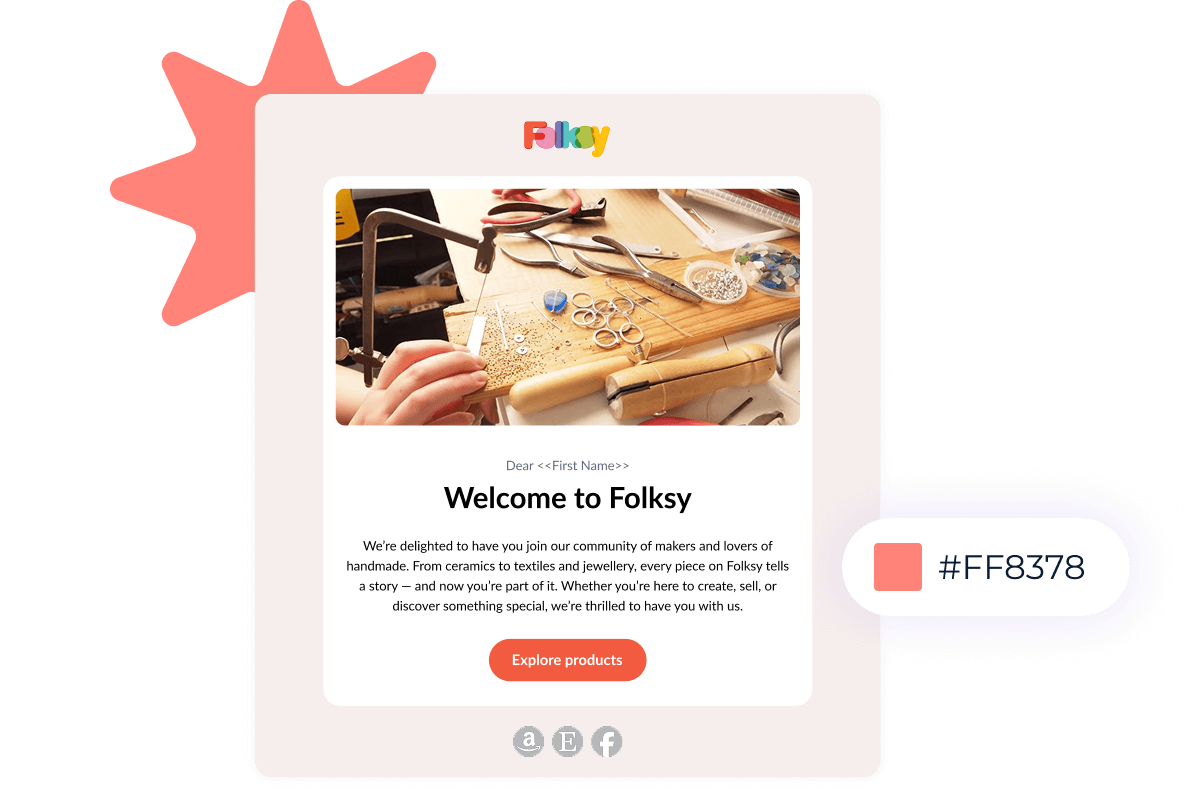
EmailOctopus gives you a drag-and-drop editor, custom HTML and a library of mobile-friendly templates. You can preview campaigns, send tests and personalize content with merge tags. The interface stays intentionally simple, which is a good fit when the goal is to build and send a clean campaign quickly.
Feature #2: Automation. How far can the workflows go?
EmailOctopus automations can react to contact additions, field changes, tags, API calls and date conditions. Inside a workflow, you can send emails, wait, branch on conditions, update contact data, add or remove tags, unsubscribe contacts or trigger another automation.
Pro can use up to three triggers in one automation. That is enough for welcome sequences, re-engagement, lead nurturing and many lifecycle workflows without turning the builder into a complex automation engine.
Feature #3: Forms and landing pages. Can EmailOctopus grow your list?
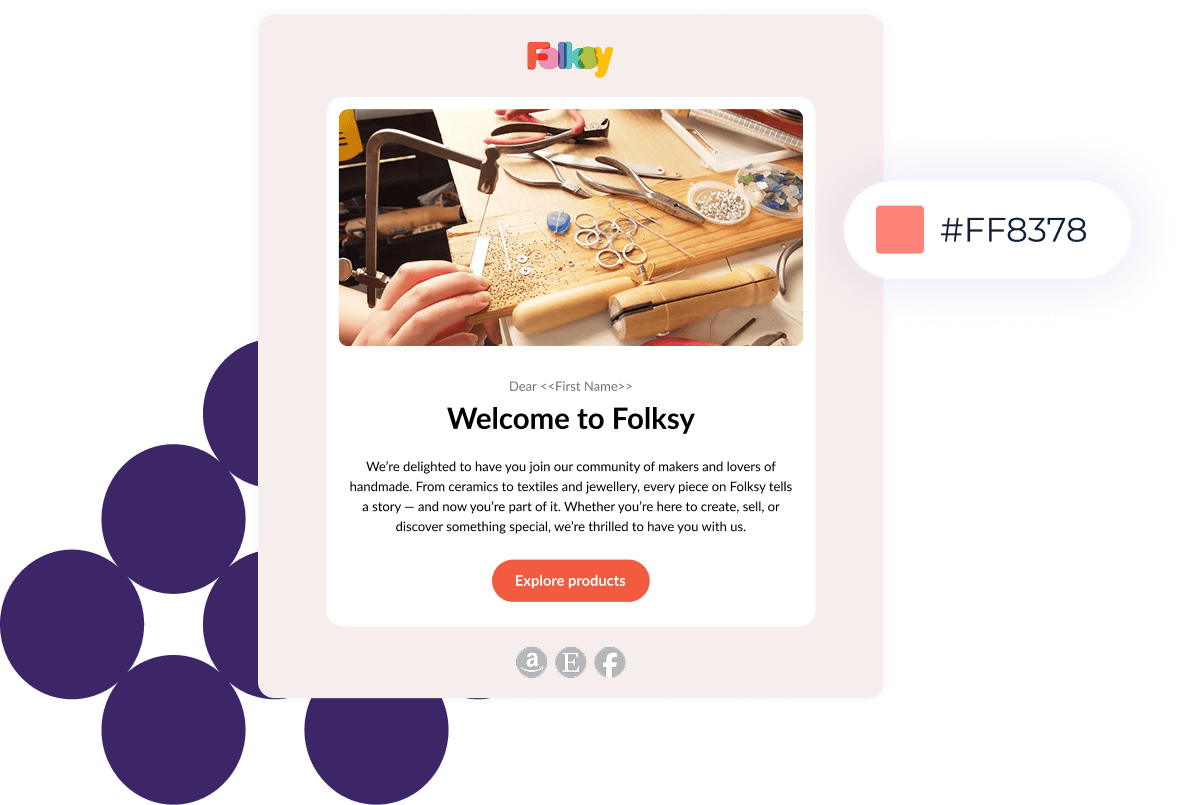
You can create embedded forms, pop-ups, slide-ins and landing pages without code. Starter includes one landing page and one form; Pro removes those limits. This is enough for lead magnets, newsletter signup pages and simple campaign-specific acquisition flows.
Feature #4: Integrations. Will EmailOctopus fit your stack?
EmailOctopus has a large integrations directory, but the connection type matters. Some integrations are direct, while others run through Zapier. For example, its current Shopify and WooCommerce pages explicitly say those integrations run through Zapier.
That setup can be perfectly adequate for list syncing and simple triggers. Ecommerce teams that want product and purchase behavior deeply embedded in the email platform may prefer a more commerce-focused alternative.
EmailOctopus pricing: how much does it cost?
| Plan | What you get |
|---|---|
| Starter | $0. Up to 2,500 subscribers, 10,000 emails/month, one user, one landing page, one form, three automations and 30-day report history. |
| Pro | From $9/month when billed annually at the entry tier. Removes EmailOctopus branding and Starter limits on users, forms, landing pages and automation count, while keeping reports indefinitely. |
| Annual billing | 10% cheaper than the monthly equivalent and charged for 12 months upfront. |
| Nonprofit discount | Eligible charities and nonprofits receive 20% off. |
What can move your bill?
- Subscriber count: plans are based on subscribed contacts as long as you stay within the send allowance.
- Sending volume: a higher send requirement can force a larger tier even if your list size has not changed.
- Duplicate contacts across lists: the same email address stored on several separate lists counts several times.
See our EmailOctopus pricing guide for the full breakdown.
Where EmailOctopus falls short
No regular SMTP transactional sending
Standard EmailOctopus is built around campaigns and automations rather than an SMTP connection for app-generated transactional messages. EmailOctopus Connect is the separate Amazon SES-based option if that is part of your stack.
No RSS-to-email
The current help center says RSS-to-email is not supported. Publishers that depend on automatic post-to-newsletter workflows should account for that before switching.
Testing is more manual than on broader competitors
EmailOctopus has documented a segment-based way to run email experiments, but it does not currently present the same native campaign A/B testing workflow that MailerLite or Mailchimp offers.
List structure can affect cost
Separate lists are independent. If the same subscriber exists on multiple lists, EmailOctopus counts that address once per list toward your plan total. Using one main list with tags and segments can keep billing cleaner.
What EmailOctopus users say
On G2, the strongest recurring sentiment is that EmailOctopus is easy to use and affordable for straightforward email marketing. EmailOctopus currently holds a 4.2/5 rating from 46 reviews. Capterra has a much larger sample, with a 4.8/5 rating from 655 reviews.
- Ease of use is the clearest positive: reviewers repeatedly mention simple setup, a clean interface and low learning curve.
- Value matters: affordability and a roomy free tier appear often in positive feedback.
- Feature depth is the recurring tradeoff: more advanced automation and design flexibility show up in negative feedback.
What users like
“The initial setup was VERY easy.”
Brandon’s review also praises the large free subscriber allowance and lower-cost paid tiers, which fits the value pattern across the broader review set.
“It gets the job done efficiently and fits my needs well.”
Jessica, a real-estate user, describes EmailOctopus as simple and affordable and says she switched from Mailchimp because it was better value for her use case.
Where users get frustrated
“I wish there were more advanced automation workflows.”
That criticism is consistent with the broader pattern: the basics are approachable, but teams with complex automation or deeper customization requirements can hit the product ceiling sooner.
When another email platform is a better choice
- Choose MailerLite if native A/B testing, websites, digital products and deeper ecommerce automation matter.
- Choose Mailchimp if you want a broader marketing ecosystem with more advanced testing, automation and multichannel features.
- Choose Sender if free transactional email and a larger free send allowance are priorities.
- Choose Omnisend if ecommerce behavior should drive most of your customer journeys.
EmailOctopus Review FAQs
Is EmailOctopus free forever?
Yes. Starter has no time limit and supports up to 2,500 contacts and 10,000 emails per month, with limits on users, forms, landing pages, automations and report history.
Does EmailOctopus offer a free trial?
No separate free trial is required. EmailOctopus recommends using the free Starter plan to test the platform before upgrading.
Can EmailOctopus send transactional emails?
Regular EmailOctopus does not provide SMTP transactional sending. EmailOctopus Connect is a separate Amazon SES-based product for users who need that setup.
Does EmailOctopus support RSS-to-email?
No. The current help center says RSS-to-email is not supported.