Relevance AI vs Zapier Agents: Agents or Automation Ecosystem?
Contents
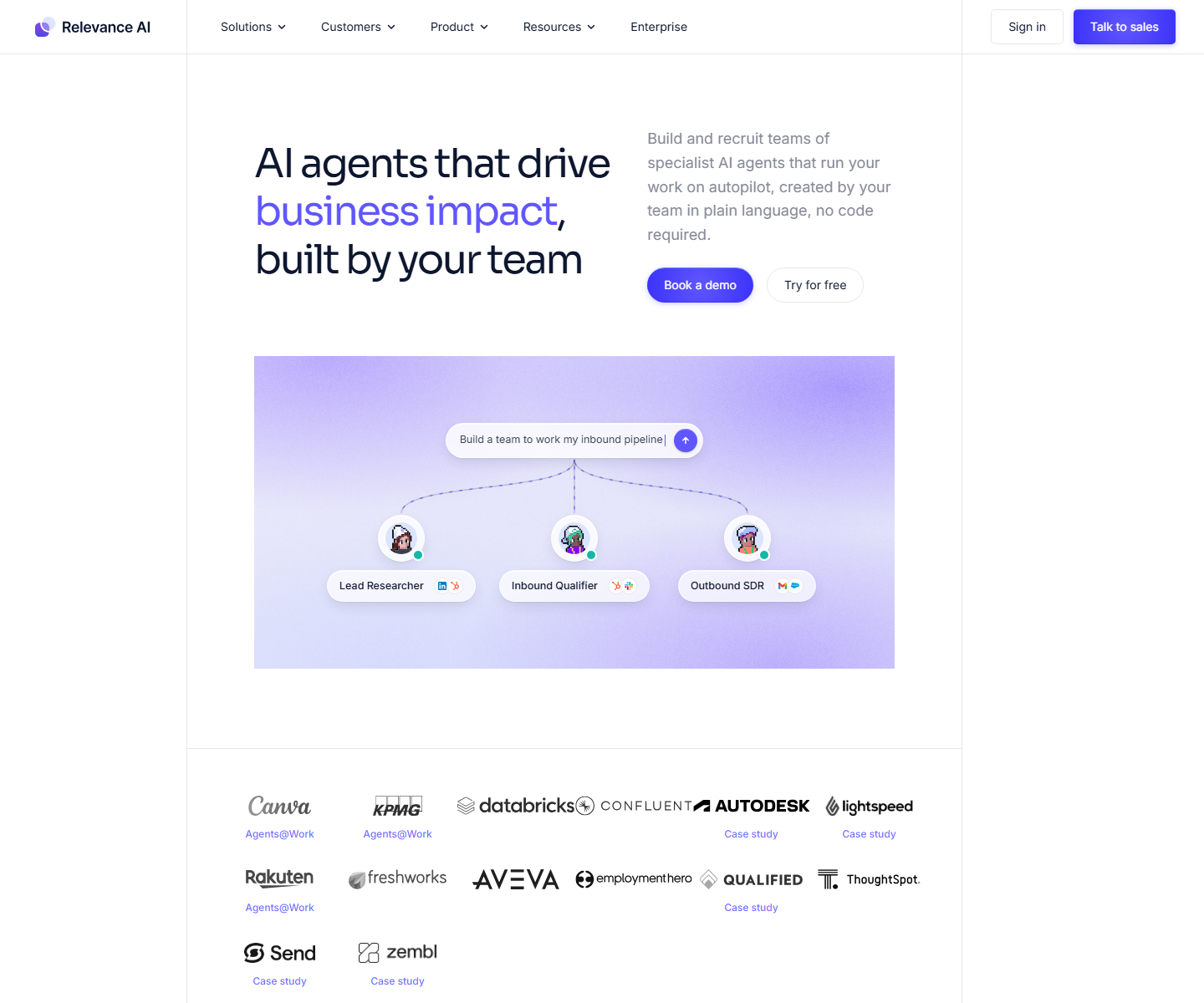
Choose Relevance AI when agent testing, knowledge, Workforces, and governance define the project. Choose Zapier Agents when app reach and an existing Zapier estate matter most. The products overlap, but they begin from different operating assumptions. Relevance AI treats the agent as a specialist worker with instructions, tools, knowledge, triggers, tasks, and optional coordination through a Workforce. Zapier Agents is strongest when automation ecosystem reach is the main requirement.
Relevance AI vs Zapier Agents at a glance
| Decision area | Relevance AI | Zapier Agents |
|---|---|---|
| Primary orientation | Custom agents and coordinated multi-agent Workforces | AI agents connected to Zapier’s broad automation ecosystem |
| Best fit | Teams operating specialized agents across several business functions | Teams already using Zapier that want agents to use familiar app actions |
| Build style | Visual agent builder, Inventor, Marketplace, APIs, webhooks, and MCP | Agent behaviors, live data sources, web browsing, knowledge, and connected Zapier actions |
| Hosting | Managed SaaS | Managed SaaS |
| Integrations | 2,000+ apps documented, plus custom apps, APIs, webhooks, and MCP | Zapier’s large app ecosystem plus Zaps, Tables, Forms, MCP, and Agents |
| Usage meter | Actions plus Vendor Credits | Agents activities; connected Zap automation may have separate task usage |
| Starting agent price | Free plan; Pro starts at $19/month annually | Agents Free includes 400 activities/month; Agents Pro is $33.33/month annually |
Disclosure: Toolfountain may earn a commission if you buy through some links, at no extra cost to you.
The core difference
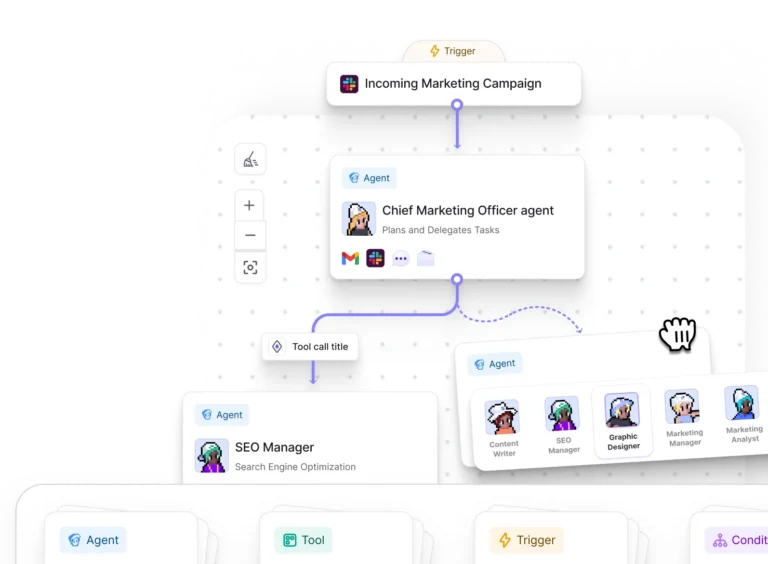
Relevance AI is organized around agents and Workforces. You give an agent a job, connect tools and knowledge, choose triggers and channels, then test and monitor the result. A Workforce coordinates several specialized agents with conditions and handoffs.
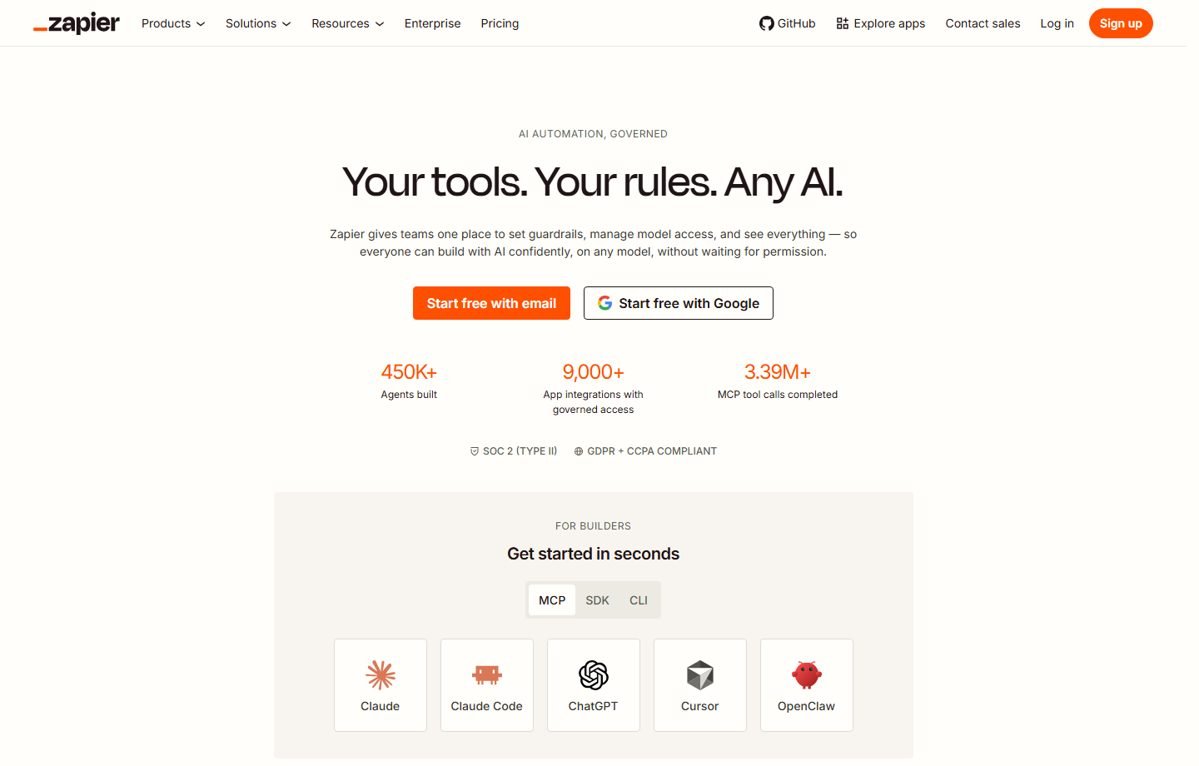
Zapier Agents is better understood through its strongest operating model: 9,000+ app connections and a familiar automation stack spanning Zaps, Tables, Forms, MCP, and Agents. That difference affects who owns the system, how failures are debugged, what the pricing unit means, and how much surrounding infrastructure you need.
Where Relevance AI is stronger
- Specialized agent lifecycle: the product combines agent building, knowledge, tools, triggers, Workforces, task operations, monitoring, and enterprise controls.
- Business-function coverage: official use-case libraries span sales, customer success, marketing, support, operations, HR, and research.
- Agent quality: Enterprise Evals support scenarios, reusable Checks, publish gates, and live monitoring.
- Model flexibility: paid plans can bring their own model keys, while Relevance AI also supplies Vendor Credits.
- Controlled autonomy: escalations, human approvals, work-hour controls, queues, and task views help teams introduce agents gradually.
Where Zapier Agents is stronger
- Its core specialization: 9,000+ app connections and a familiar automation stack spanning Zaps, Tables, Forms, MCP, and Agents.
- Buyer fit: it is designed for teams already invested in Zapier that want agents connected to a very broad automation ecosystem.
- Lower switching friction in its native environment: teams already standardized on its ecosystem can reuse existing connections, skills, identity, or data models.
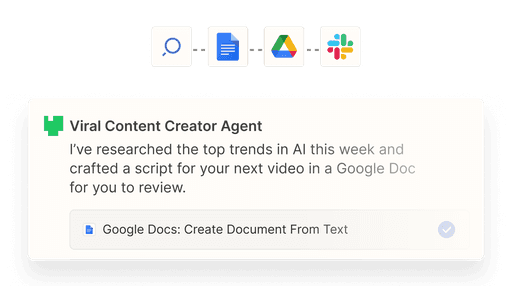
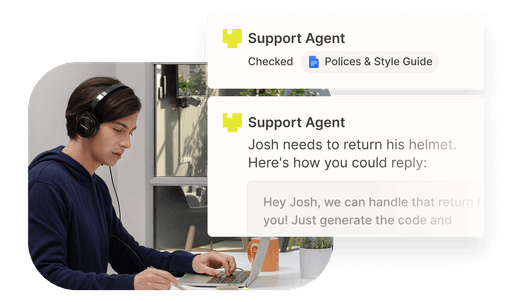
The main tradeoff is that task-based economics and a broad platform can make cost and ownership harder to isolate for agent-heavy systems.
Building and maintaining workflows
Relevance AI offers three practical build paths. Business users can configure agents visually, Inventor can draft and edit assets from natural-language requests, and technical users can work through APIs, webhooks, JavaScript SDKs, or MCP-compatible coding assistants.
Zapier Agents uses a different authoring model. Evaluate how clearly your team can inspect the logic, version changes, test edge cases, identify failed steps, and hand ownership to another person. A fast demo is not enough if the workflow will run customer-facing or revenue-critical work.
Integrations and data access
Relevance AI documents 2,000+ app integrations, 1,000+ app triggers, custom apps, API integrations, popular integrations, integrated knowledge sources, and MCP connections. Some premium and enterprise triggers are plan-gated, so a logo in a directory does not prove that every desired trigger and action is available on your tier.
For Zapier Agents, inspect the exact connector, authentication method, available triggers and actions, rate limits, and whether the integration is native, API-based, or dependent on another automation layer.
Testing, monitoring, and governance
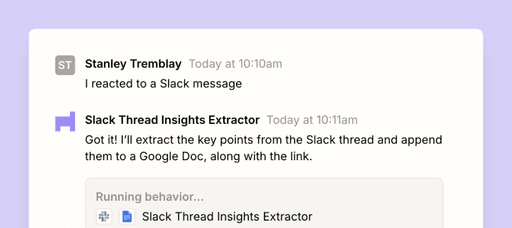
Relevance AI puts A/B testing on Pro and above, Analytics on Team, and Agent Evals, SSO, RBAC, audit logs, work-hour controls, and custom implementation on Enterprise. Its Evals can simulate users, score conversations with reusable Checks, block publishing when required tests fail, and sample production tasks.
Compare that with Zapier Agents at the level your use case needs. A personal research helper does not need the same controls as an agent that sends messages, changes CRM records, or handles sensitive employee data.
Pricing comparison
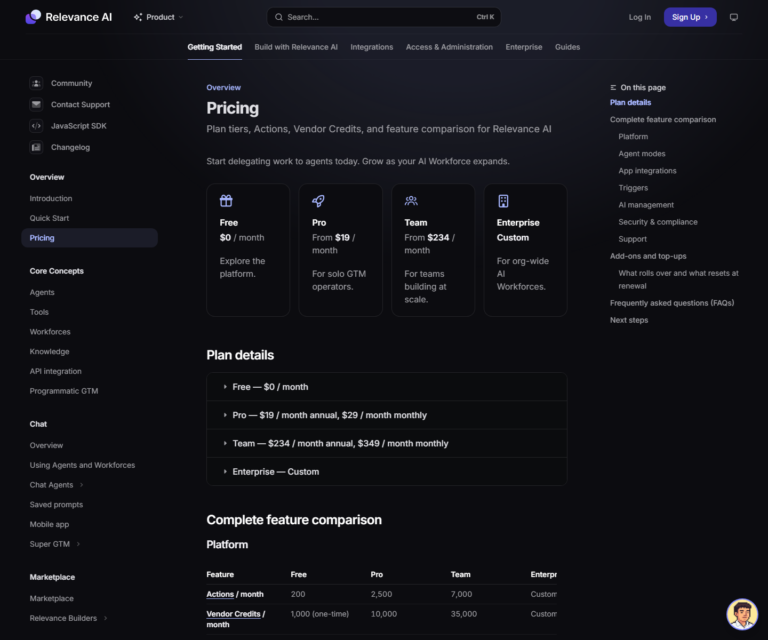
Relevance AI starts with a free plan, then Pro at $19 a month annually or $29 monthly, Team at $234 a month annually or $349 monthly, and custom Enterprise pricing. Usage is split between Actions and Vendor Credits.
Zapier currently lists Agents Free with 400 activities a month and Agents Pro at $33.33 a month when billed annually, with 1,500 activities. Zapier’s general automation plans and task usage are separate considerations when an agent depends on wider Zap workflows. Compare the same completed workflow rather than assuming an activity, task, and Relevance AI Action are equivalent.
Which should you choose?
- Choose Relevance AI when specialized agent lifecycle and a managed cross-functional agent platform are the priority.
- Choose Zapier Agents when automation ecosystem reach defines the project.
- Run a pilot when both can complete the task. Use the same data, success criteria, monthly volume, and approval rules.
Also read the Relevance AI Actions and Vendor Credits guide and the full Relevance AI review before committing.
Disclosure: Toolfountain may earn a commission if you buy through some links, at no extra cost to you.
FAQs
Is Zapier Agents cheaper than Relevance AI?
Both offer free access, but their usage units differ. Zapier Agents Free currently includes 400 activities monthly, while Relevance AI Free includes 200 Actions and a one-time Vendor Credit allowance. Model the same workflow, including any connected Zap tasks and model usage.
Can Relevance AI replace Zapier Agents?
It can replace overlapping agent or automation workflows, but it may not replace Zapier Agents where that product’s native ecosystem, hosting model, or specialist data layer is the main reason for using it.
Which is easier for nontechnical users?
Relevance AI provides a visual builder and Inventor, but production agents still require process design and testing. Zapier Agents may be easier or harder depending on whether its native workflow matches the task.
Which has better integrations?
Count the exact triggers and actions you need. Directory size alone is not enough, especially when premium connectors, enterprise triggers, or custom API work are involved.
Which is better for enterprise deployment?
Both may fit, but the answer depends on identity, data residency, audit, role permissions, observability, support, and the systems already standardized across the company.
Related Relevance AI guides