Relevance AI Actions and Vendor Credits Explained
Contents
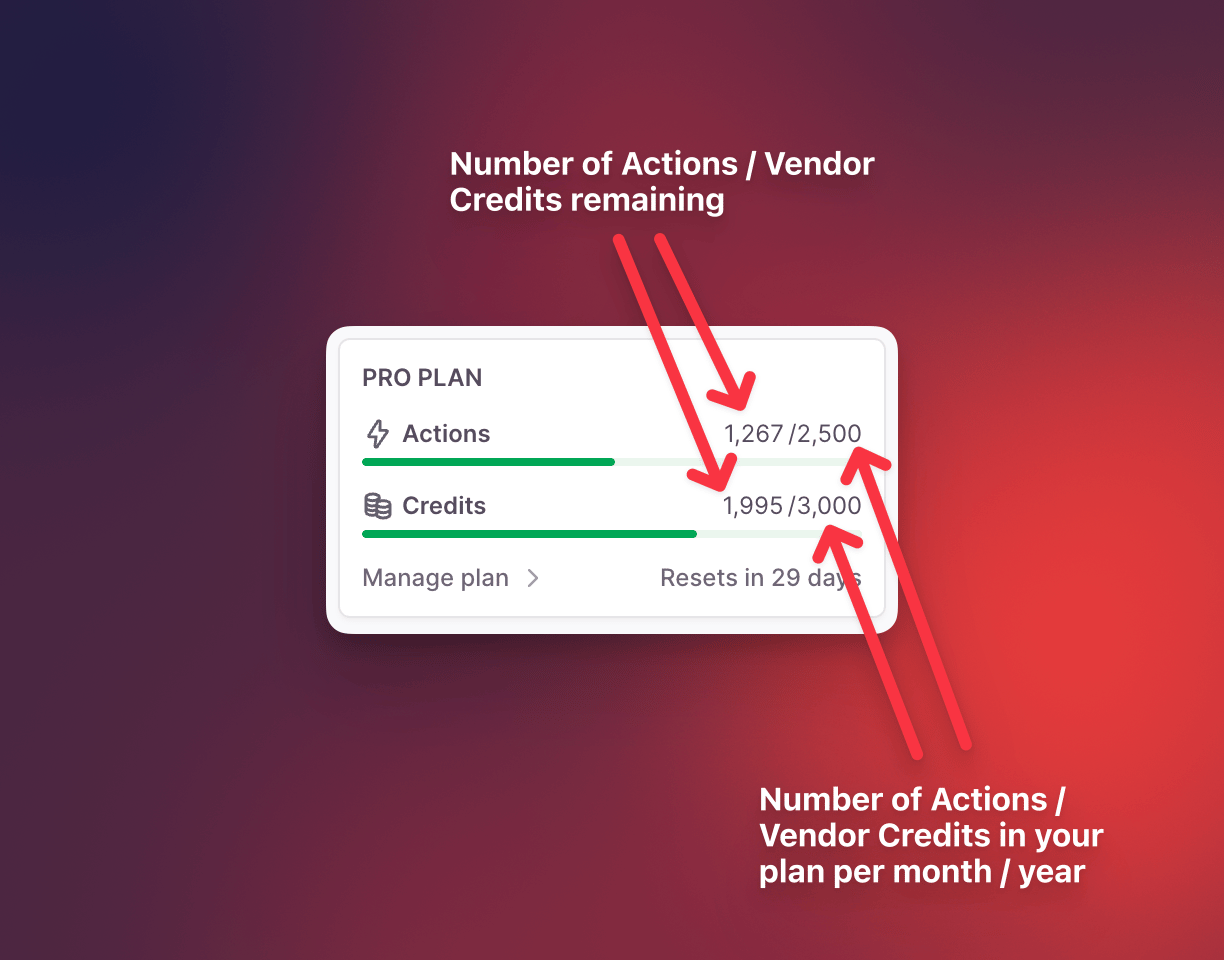
Relevance AI bills agent work through two meters. Actions count tool runs. Vendor Credits cover language-model and eligible tool costs. You need to model both because an agent can use few Actions but expensive models, or many Actions with modest model spend.
| Meter | What triggers it | What happens at renewal | How to reduce it |
|---|---|---|---|
| Actions | An agent runs a tool | Base plan Actions reset; purchased top-ups carry forward | Combine related work into one well-designed tool, remove duplicate steps, and reduce unnecessary retries |
| Vendor Credits | The selected model or a paid tool consumes usage | Included and purchased Vendor Credits roll over while subscribed | Use smaller models for simple steps, shorten context, cache stable data, or bring your own API key on a paid plan |
| Concurrency | Tasks run at the same time | Capacity depends on plan | Queue non-urgent work, stagger schedules, or move to a plan with higher concurrency |
Disclosure: Toolfountain may earn a commission if you buy through some links, at no extra cost to you.
What counts as an Action?
An Action is counted when a tool runs. Relevance AI’s documentation gives examples such as sending an email or updating a CRM. A tool can contain multiple internal steps and still count as one Action when it executes, which makes tool design important for cost control.
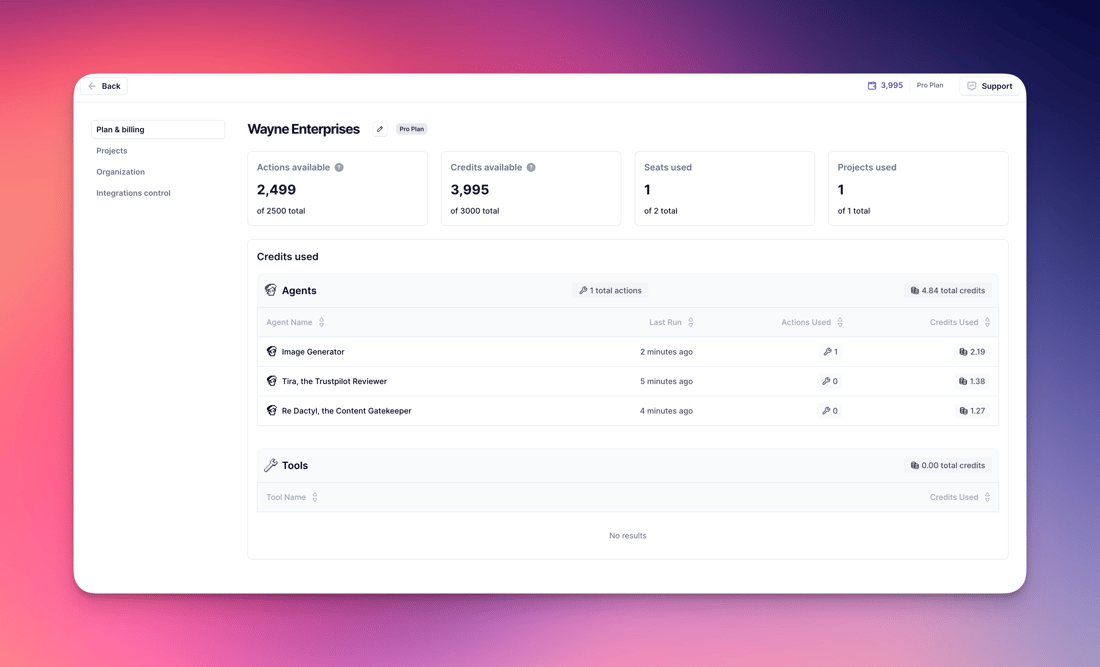
Agent conversation turns by themselves are not the only thing to watch. A single task may call several tools, retry a failed connection, route through a Workforce, and trigger follow-up work. The task view and usage breakdown are the reliable places to see what was actually consumed.
What do Vendor Credits pay for?
Vendor Credits cover the underlying model and eligible paid-tool costs. Relevance AI says it passes those costs through without markup. The amount depends on the model, input and output size, tool usage, and the structure of the task.
Paid plans can connect their own model API keys. That bypasses Relevance AI Vendor Credits for those calls, but it does not make the model free. The cost moves to your model-provider account and still needs monitoring.
How rollover works
- Included Vendor Credits roll over indefinitely while the subscription remains active.
- Purchased Vendor Credit top-ups also roll over while subscribed.
- Base plan Actions reset to the plan allowance at renewal.
- Purchased Action top-ups carry forward into the next billing cycle.
- Enterprise customers should confirm their contract-specific terms.
Top-up prices
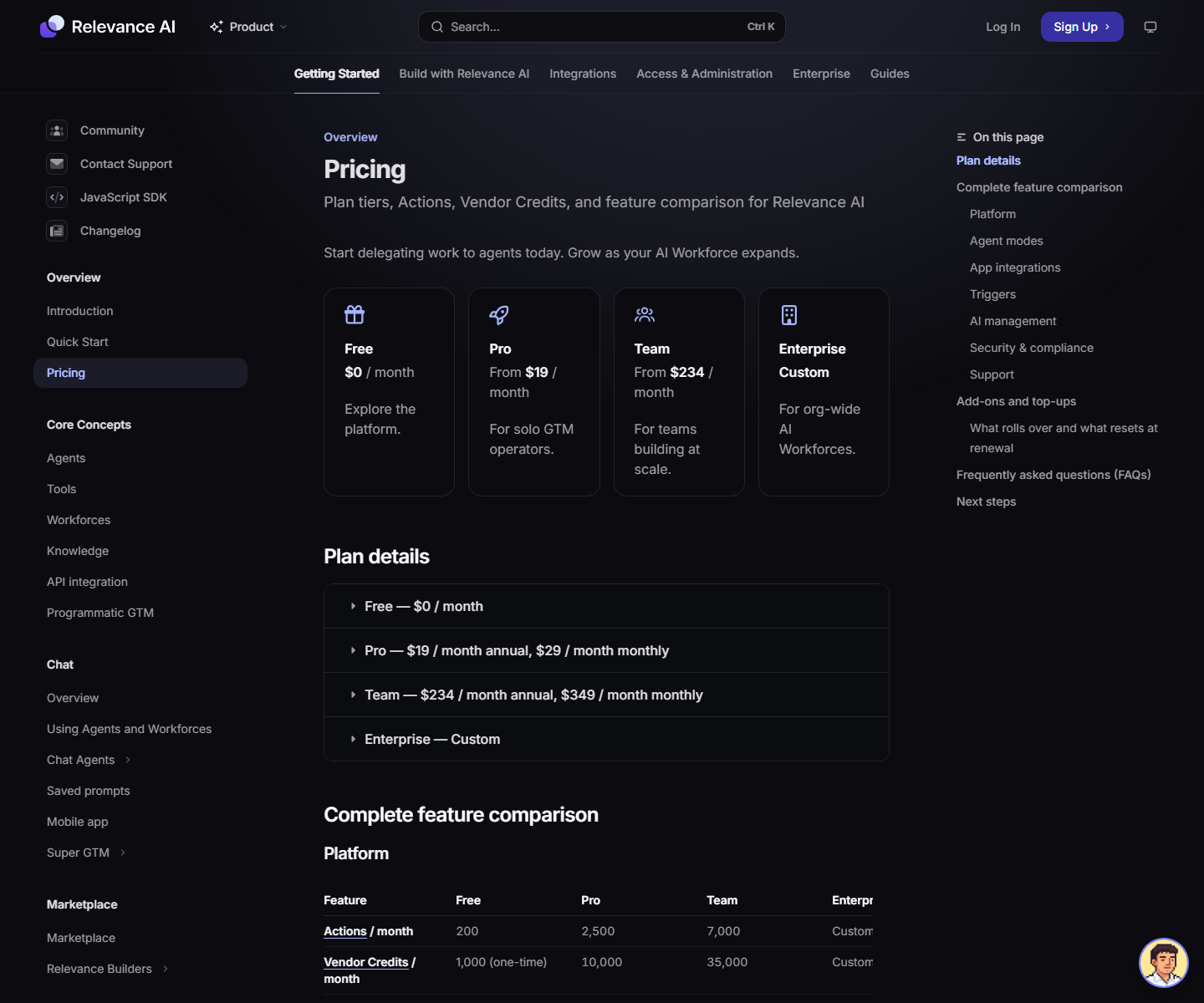
Current documentation lists extra Actions at $80 per 1,000 and extra Vendor Credits at $20 per 10,000. Top-ups are available on paid plans. Free accounts must upgrade before purchasing additional capacity.
A simple usage-estimation method
- Define the unit of work. Use one lead, one ticket, one document, one account, or one meeting as the unit.
- Count tool runs. Include search, enrichment, CRM updates, notifications, and follow-up tools.
- Multiply by volume. Add expected retries and a testing allowance.
- Run a sample. Inspect the model and tool cost breakdown rather than guessing Vendor Credits.
- Add Evals. Each Check costs an Action, and simulated and judged conversations consume Vendor Credits.
- Set limits. Use usage alerts, hard limits, and spend controls before increasing volume.
Example: lead qualification workflow
Assume one lead runs a research tool, an enrichment tool, a scoring tool, and a CRM-update tool. That is roughly four Actions per lead before retries or follow-up. At 500 leads a month, the workflow uses about 2,000 Actions. The Vendor Credit cost depends on the models and tools used in each step.
Combining enrichment, scoring, and routing into one carefully designed workflow tool can reduce Action count, but it also creates a larger unit that may be harder to debug. Cost optimization should not remove the checkpoints needed for reliable output.
How to control Relevance AI spend
- Use a smaller model for classification, extraction, and formatting.
- Reserve frontier models for ambiguous reasoning or high-value outputs.
- Limit context to the documents and fields required for the task.
- Stop loops with explicit retry and maximum-iteration rules.
- Test with a small batch before enabling schedules or high-volume triggers.
- Set organization and project usage alerts.
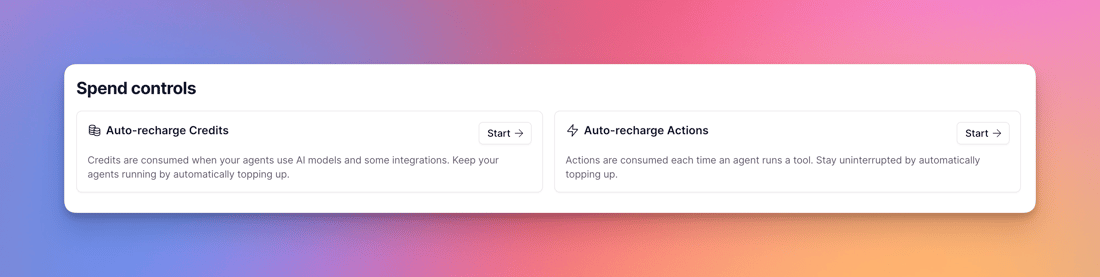
- Use spend controls for automatic top-ups only after the workflow is stable.
- Review usage by agent and tool each week during rollout.
Actions versus competitor meters
Do not compare only headline subscription prices. n8n prices around full workflow executions, Make counts module actions as credits, Zapier uses tasks, Clay separates Data Credits and Actions, and Microsoft and Salesforce use their own consumption units. Compare the cost of the same completed business outcome, including model spend and human review.
For a broader look at product fit, plan considerations, and tradeoffs, read the full Relevance AI review.
Disclosure: Toolfountain may earn a commission if you buy through some links, at no extra cost to you.
FAQs
Is one agent run equal to one Action?
Not necessarily. Actions are tied to tool runs, so one agent task can consume several Actions if it calls several tools.
Do Vendor Credits roll over?
Yes, while the subscription remains active. Relevance AI says both included and purchased Vendor Credits roll over.
Can I avoid Vendor Credits?
Paid users can bring their own model API keys. Model usage is then billed by the provider rather than through Relevance AI Vendor Credits.
Do Evals cost extra?
Yes. Each Check costs one Action, and the simulated user, agent run, and LLM-based judge consume Vendor Credits.
Can Free users buy top-ups?
No. The current documentation says top-ups are available on paid plans.
Related Relevance AI guide