5 Best One-Time Payment Email Marketing Software
Contents
If you are paying $200 a month to keep your email list on a platform like ConvertKit or ActiveCampaign, you are essentially renting your own audience.
The moment you stop paying, you lose access to your subscribers. It is a “Subscription Tax” that punishes you for growing.
One-Time payment email marketing software are tools you buy once (like a video game or a piece of furniture) and own forever. You connect them to a cheap delivery service (like Amazon SES or SendGrid), and your monthly costs drop by 95%.
Here are the best tools that let you pay once and send forever.
Quick Comparison
| Tool | Price | Type | Best For |
| Maillayer | $249 (Lifetime)Get 150 off here>>> | Self-Hosted | #1 Overall Choice. Modern UI + Easiest Setup. |
| Sendy | $69 (Lifetime) | Self-Hosted | The budget choice (but dated interface). |
| SendFox | ~$49 (LTD) | SaaS | Creators who want zero technical setup. |
| MailWizz | $89 (Lifetime) | Self-Hosted | Power users & selling email services to others. |
| Acelle Mail | ~$65 (Lifetime) | Self-Hosted | Developers who need open-source flexibility. |
1. Maillayer
(Source: Maillayer)
Price: $249 (One-time payment)
Type: Self-Hosted (Modern Stack)
Verdict: The new standard for one-time payment software.
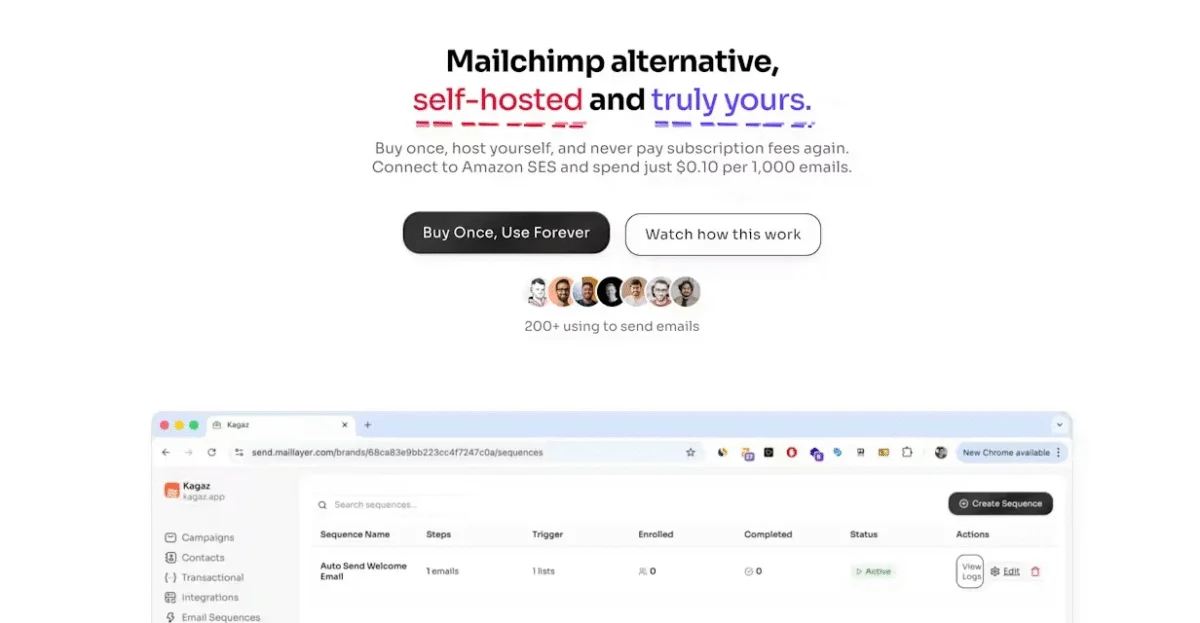
For the last decade, if you wanted to avoid monthly fees, you were forced to use clunky, ugly scripts that looked like Windows 95. Maillayer has changed that.
It is a self-hosted email platform that actually feels like a premium SaaS product. It features a slick, modern dashboard, a drag-and-drop builder that rivals Mailchimp, and instant analytics. Because you host it yourself, you send unlimited emails without crossing your plan’s limits.
Related: Maillayer Review (2026): Is It Worth It?
Features:
- Visual Email Builder: A React-based editor that ensures your emails look perfect on mobile.
- Multi-Provider: Switch between Amazon SES, Mailgun, or SendGrid instantly if one blocks you.
- Advanced Analytics: Real-time tracking of opens, clicks, and bounces.
- Team Access: Invite writers or VAs to your account without sharing your admin password.
Pros:
- True Ownership: You pay $249 once. If you use it for 5 years, your software cost is virtually $0/month.
- Data Sovereignty: Your list lives on your server. No “Compliance Team” can ban you and delete your subscribers.
- High Performance: Built on a modern tech stack, it handles large lists (100k+) faster than older PHP scripts.
Related: Maillayer pricing (2026): What are you really paying for?
Cons:
- Self-Hosting: Requires a small amount of initial setup (approx 15 mins), though their documentation is excellent.
2. Sendy
(Source: Sendy)
Price: $69 (One-time payment)
Type: Self-Hosted (PHP)
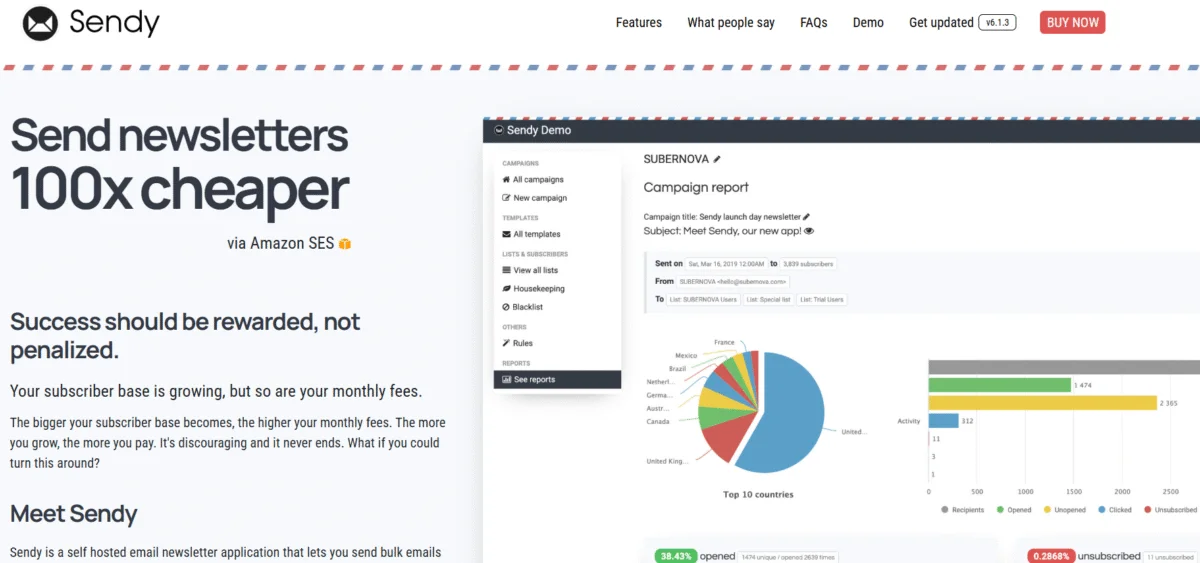
Sendy is the reliable grandfather of the one-time payment movement. Launched years ago, it became famous for letting marketers send emails for 100x cheaper than Mailchimp.
Sendy is incredibly stable. It runs on almost any cheap shared hosting (like Bluehost or SiteGround) because it is built on PHP. However, its age is showing. The interface is text-heavy and functional, lacking the polish of modern tools.
Features:
- White Labeling: You can brand the dashboard for your clients.
- Housekeeping: Automatically cleans bounces and complaints via Amazon SNS.
- Autoresponders: Set up simple time-based drip sequences.
Pros:
- Lowest Price: At $69, it is the cheapest professional option available.
- Compatibility: Works on virtually any web host in the world.
Cons:
- No Visual Automation: You can’t build “If/Then” logic flows (e.g., “If they click link A, send email B”).
- Clunky Editor: You will likely need to design your HTML elsewhere and paste it in.
3. SendFox
(Source: SendFox)
Price: ~$49 (via AppSumo/Lifetime Deal)
Type: SaaS (Cloud)
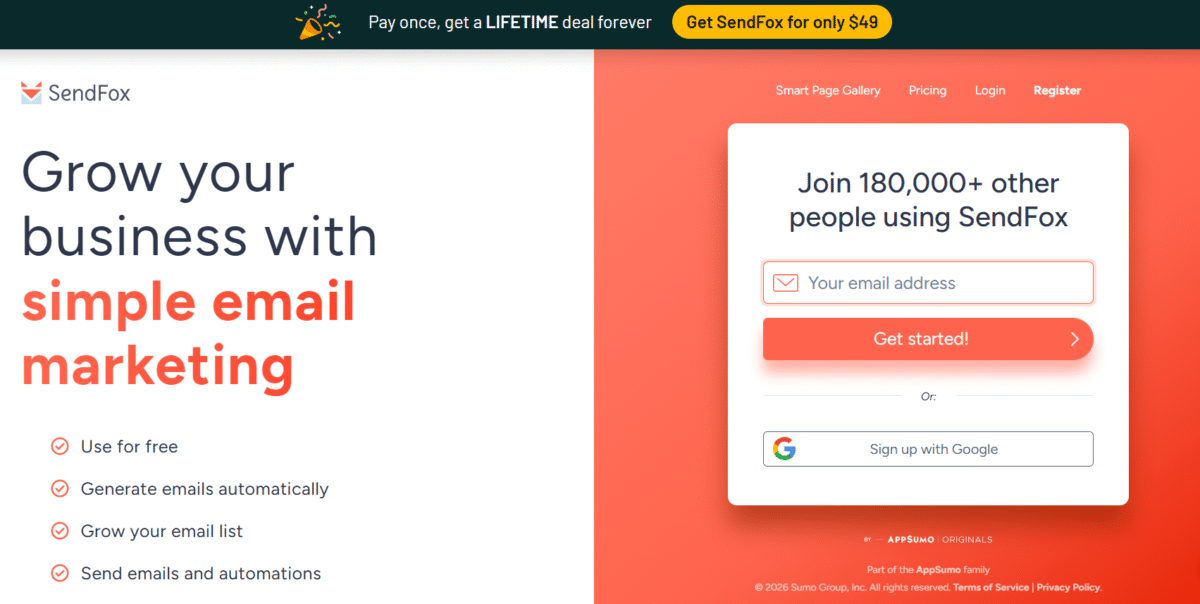
If the idea of “hosting your own software” sounds scary, SendFox is your best bet. It is a SaaS tool (cloud-based), but they are famous for offering a “Lifetime Deal” where you pay once for a set number of subscribers (usually 5k to 10k).
Created by the team behind AppSumo, SendFox is designed specifically for content creators who want simplicity, not complex features.
Features:
- Smart Pages: Auto-generates landing pages from your social media bio.
- RSS Automation: Automatically drafts emails when you publish a new blog post.
- Referral System: Built-in rewards system to encourage subscribers to refer friends.
Pros:
- No Setup: Log in and start typing. No servers, no API keys.
- Simplicity: The editor is “text-first,” forcing you to write clean, personal emails.
Cons:
- Limits Apply: Unlike Maillayer or Sendy, you are capped on subscribers based on which tier you buy.
- Branding: Lower tiers often require you to keep the “SendFox” branding in your footer.
4. MailWizz
(Source: MailWizz)
Price: $89
Type: Self-Hosted (PHP)
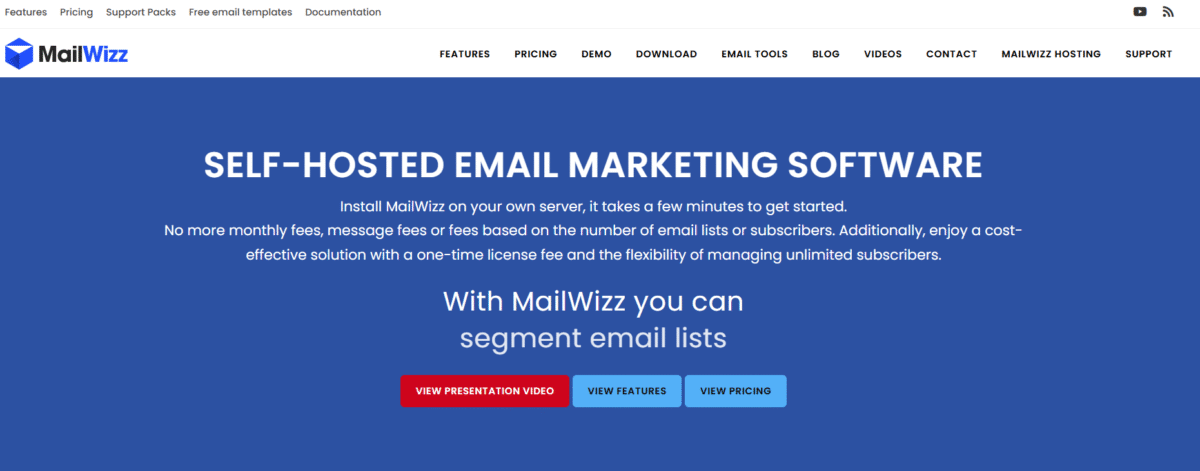
MailWizz is the heavy lifter. It is famously used by agencies who wish to start their own “Mailchimp Competitor.” You can install MailWizz, set up payment gateways (Stripe/PayPal), and actually charge other people to send emails through your system.
Features:
- SaaS Features: Built-in customer management, billing, and subscription plans.
- Complex Segmentation: Filter users by virtually any data point or behavior.
- Multiple Delivery Servers: Rotate your sending between 5 different SMTP providers to keep deliverability high.
Pros:
- Power: It has features that even enterprise tools lack.
- Resell Potential: You can turn your email server into a revenue stream.
Cons:
- Steep Learning Curve: The settings menu alone has hundreds of options. It is overkill for a simple newsletter.
5. Acelle Mail
(Source: Acelle Mail)
Price: ~$65 (One-time payment via CodeCanyon)
Type: Self-Hosted (Laravel/PHP)
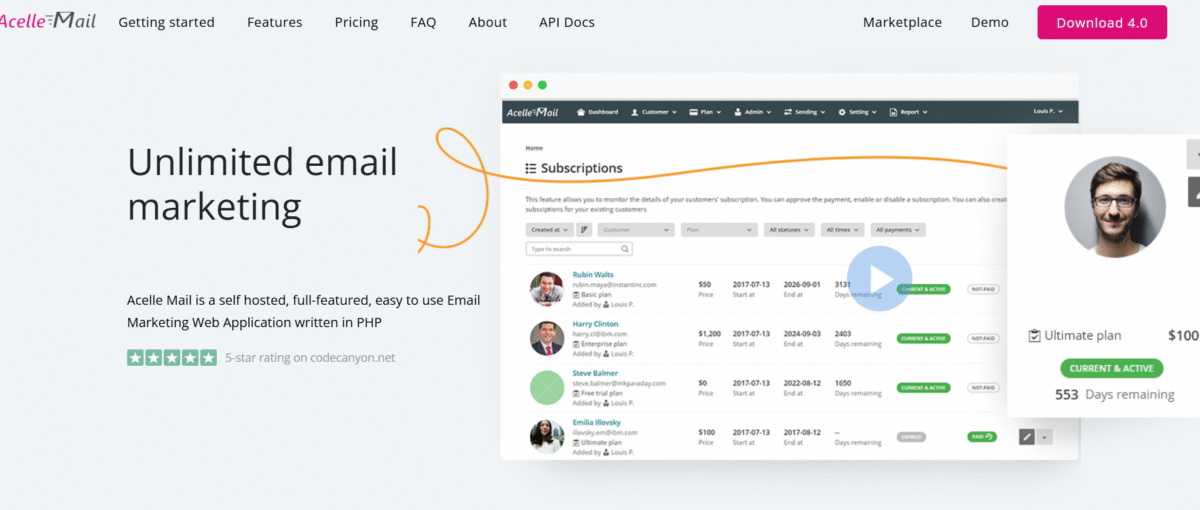
Acelle Mail is the “Developer’s Favorite.” While Sendy and MailWizz run on standard PHP, Acelle is built on the modern Laravel framework. This makes it a dream for developers who want to modify the source code or integrate it deeply into their own web apps.
Like MailWizz, it is often used to build SaaS platforms. It has a cleaner, more modern interface than MailWizz, but retains the powerful ability to manage multiple customers and plans.
Features:
- Open Source (Laravel): If you know PHP, you can customize every single pixel of this tool.
- SaaS Ready: Comes with built-in support for Stripe/PayPal so you can sell email services to clients.
- Automation: Features a visual workflow builder (similar to ActiveCampaign) for creating drip sequences.
Pros:
- Modern Tech Stack: It feels faster and more secure than older scripts.
- Visual Automation: Unlike Sendy, it has a true visual builder for your funnels.
Cons:
- Support: Since it is sold on a marketplace (CodeCanyon), support can be slower than a dedicated company like Maillayer.
Buying Guide: Is a One-Time Payment Right for You?
Leaving the subscription world is great for your wallet, but it requires a mindset shift. Here is what you need to know before buying one-time payment software.
1. You become the Support Team
When Mailchimp breaks, you chat with support. When self-hosted software breaks (rare, but possible), you have to fix it.
- Verdict: If you are comfortable editing a DNS record or following a YouTube tutorial, you will be fine with Maillayer or Sendy. If you don’t know what an “API Key” is, stick to SendFox.
2. Deliverability is Your Job
Subscription tools hide the technical “plumbing” of email. With one-time tools, you must connect an SMTP provider (like Amazon SES).
- The Good News: This separates your “Sender Reputation” from the platform. If Mailchimp bans you, you lose everything. If Amazon SES bans you, you just plug a different SMTP (like Mailgun) into Maillayer and keep going.
Related: Best Amazon SES Frontends (UIs) for Marketing Emails
3. Updates vs. Upgrades
- SaaS (SendFox): You get new features automatically.
- Self-Hosted (Maillayer/Sendy): You usually get free minor updates (security patches), but you might have to pay a small fee for major version jumps (e.g., Version 1.0 to 2.0). Even with this, it is still cheaper than paying monthly.
Frequently asked questions on one-time payment email marketing software
How to send 10,000 emails at once?
To send 10,000 emails at once without getting banned, you must use a dedicated bulk sending service like Amazon SES or Brevo, as standard inboxes like Gmail strictly limit you to 500 emails per day.
What is the cheapest email marketing software?
The cheapest email marketing software is a self-hosted frontend (like Maillayer or Sendy) connected to Amazon SES, which costs just $0.10 per 1,000 emails compared to the high monthly fees of competitors like Mailchimp.
How much is 1000 emails worth?
If you are wondering how much 1,000 emails are worth, industry data suggests that a healthy list typically generates between $1,000 and $2,000 in monthly revenue (approx. $1–$2 per subscriber).
Is GetResponse free forever?
Although GetResponse is free forever, this plan is strictly limited to 500 contacts and 2,500 monthly emails, meaning most active businesses will eventually be forced to upgrade to a paid tier.
Before you decide…
If you are tired of your email marketing costs going up every time you get a new subscriber, it’s time to switch. For most users, Maillayer offers the perfect balance of modern design and raw power. Grab a license, connect your SES account, and never worry about “subscriber limits” again.