Best Amazon SES Frontends (UIs) for Marketing Emails
Contents
Email sending is actually cheap.
Amazon SES (Simple Email Service) charges $0.10 per 1,000 emails. That means sending a newsletter to 100,000 people costs $10. On Mailchimp, that same list would cost you over $600 every month.
But Amazon SES has a catch: It is just an API. It has no drag-and-drop builder, no list management, and no automation workflows. To use it for marketing, you need a Frontend (UI).
Here are the best tools to manage your Amazon SES campaigns, ranked by value, UI quality, and feature set.
Quick Comparison
| Tool | Type | Pricing Model | Best For |
| Maillayer | Self-Hosted | $249 (Lifetime)Get 150 off here>>> | #1 Overall Choice. Modern UI + No Monthly Fees. |
| Sendy | Self-Hosted | $69 (One-time) | The budget option (dated UI). |
| MailBluster | SaaS | Free (up to 3k/mo) | The “Mailchimp” experience on a budget. |
| EmailOctopus | SaaS | Free (up to 2.5k subs) | Easiest User Interface (UI). |
| BigMailer | SaaS | $10+/mo | Agencies & managing multiple brands. |
1. Maillayer
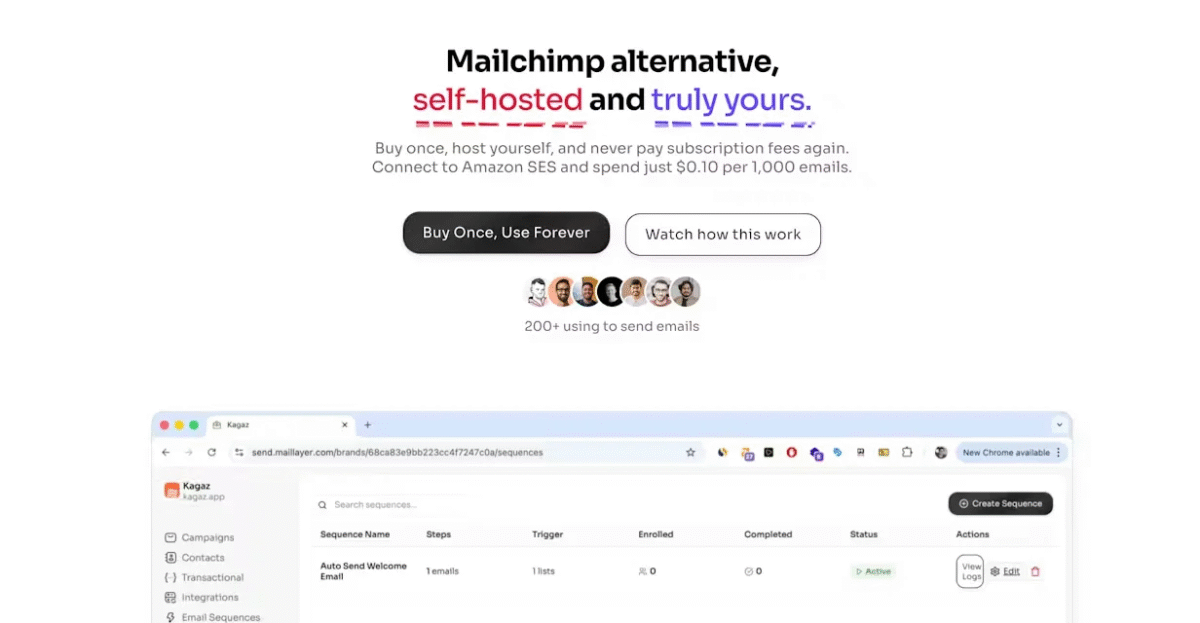
(Source: Maillayer)
Type: Self-Hosted (Modern Stack)
Price: $249 (One-time license)
Related: Maillayer pricing (2026): What are you really paying for?
Verdict: Best overall value and design.
Maillayer feels like a premium SaaS product (think ConvertKit or Beehiiv). It uses a modern React-based email editor, offers real-time analytics, and installs easily on your own server. Because it is self-hosted, you own your data completely—no platform can ban your account or hold your list hostage.
Key Features:
- Modern React Editor: Write emails in a clean, block-based editor that produces responsive HTML automatically. No coding required.
- Multi-Provider Support: While built for Amazon SES, it also supports SendGrid and Mailgun if you ever need to switch delivery vendors.
- Unlimited Everything: Since you host it, there are no limits on subscribers, lists, or sending volume.
- Team Management: Unlike many budget tools, Maillayer allows you to invite team members and assign roles.
Pros:
- No Monthly Subscriptions: You pay $249 once. If you use it for 5 years, your software cost is virtually $0/month.
- Privacy Focused: Your subscriber list sits on your database, not a third-party cloud.
- High Performance: Built on a modern tech stack, it handles large lists (100k+) faster than older PHP scripts.
Cons:
- Self-Hosting: You need a small VPS (like a $5 DigitalOcean droplet) to run it. (Though their installation documentation is copy-paste simple).
Related: Maillayer Review (2026): Is It Worth It?
2. Sendy
(Source: Sendy)
Type: Self-Hosted (PHP)
Price: $69 (One-time fee)
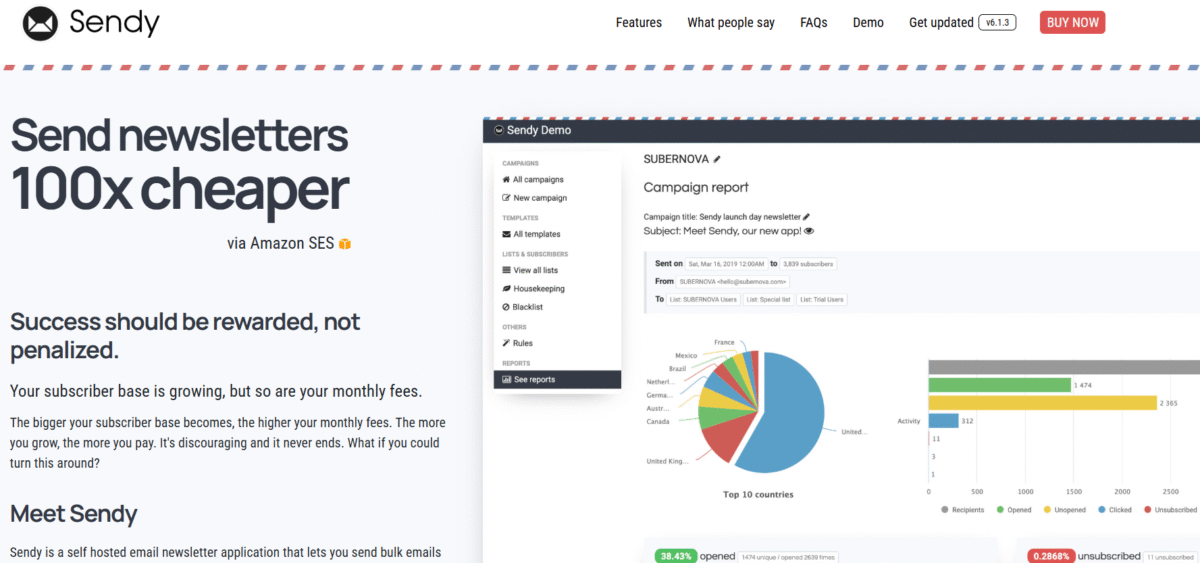
Sendy is the grandfather of SES frontends. It has been around for over a decade and is reliable, stable, and cheap. It runs on almost any cheap shared hosting plan because it is built on PHP. However, its age is showing. The interface looks like it is from 2010, and the email builder lacks the fluidity of modern tools.
Key Features:
- Client Accounts: You can create sub-accounts for clients and charge them a markup. For example, you can charge your client $0.20 per 1k emails while paying Amazon $0.10.
- Autoresponders: Basic drip campaigns based on time intervals.
- Bounce Handling: Excellent integration with Amazon SNS to automatically unsub bad emails.
Pros:
- Cheapest Entry Point: At $69, it is the lowest cost upfront.
- Works on Shared Hosting: You don’t need a VPS; it runs on standard cPanel hosting.
Cons:
- Dated UI: It feels clunky. Creating beautiful, complex newsletters takes more effort.
- Paid Updates: Major version updates (e.g., v5 to v6) sometimes require a small renewal fee.
3. MailBluster
(Source: MailBluster)
Type: SaaS (Cloud)
Price: Free for unlimited subscribers; pay only for what you send.
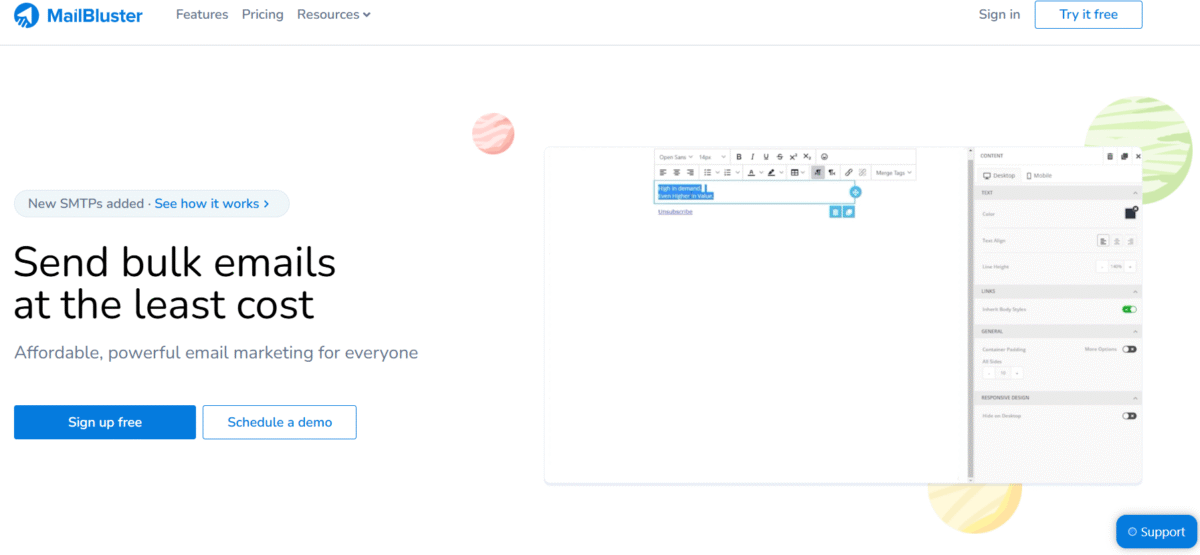
If you don’t want to deal with servers, installation, or databases, MailBluster is the best “Cloud” option. It connects to your Amazon SES account but hosts the interface for you. Uniquely, they charge based on sending volume rather than list size.
Key Features:
- Drag & Drop Editor: A very polished, commercial-grade visual builder.
- Timewarp Delivery: Schedule emails to arrive at 9 AM in the subscriber’s local time zone.
- Advanced Segmentation: Filter users by “Opened Campaign X” and “Clicked Link Y”.
Pros:
- Free Storage: You can store 1 million subscribers for free. You only pay when you email them. This is perfect for businesses with large, infrequent lists.
- Zero Maintenance: No servers to update or secure.
Cons:
- Branding: The free tier includes “Powered by MailBluster” branding in the footer.
- Strict Compliance: Because it is a SaaS, they police your list. If you get too many complaints, they will ban you to protect their IP reputation, even though you are using your own SES.
4. EmailOctopus
(Source: EmailOctopus)
Type: SaaS
Price: Free for the first 2,500 subscribers, then $9 per month.
Note: Make sure you choose “EmailOctopus Connect,” not their standard Pro plan.
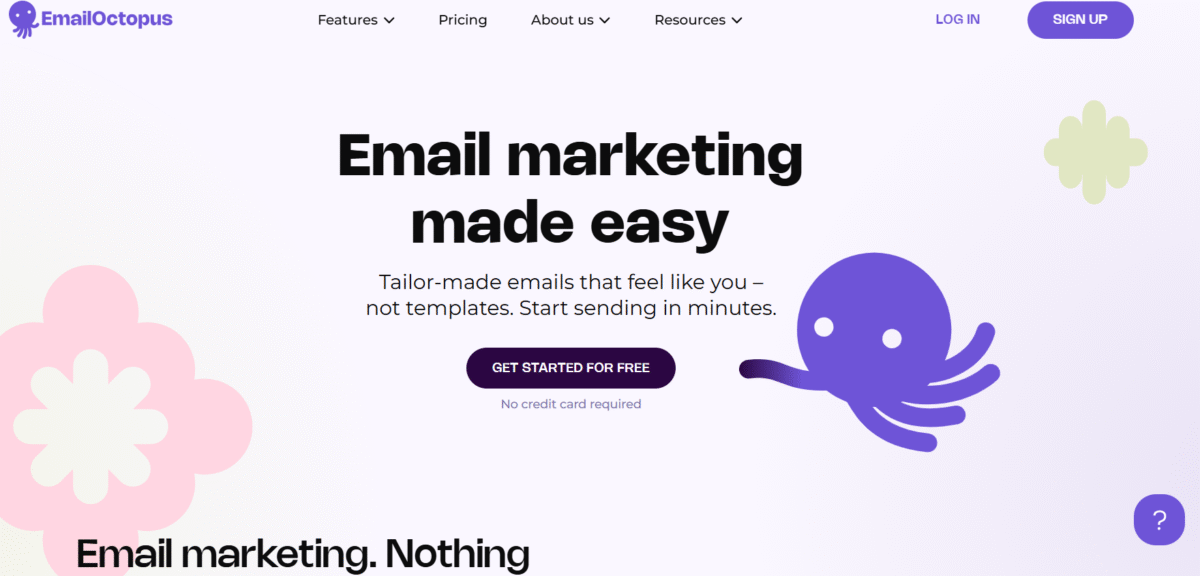
EmailOctopus is the “Designer’s Choice.” It is widely regarded as having the most beautiful, intuitive dashboard of any SES frontend. If you are handing this off to a marketing intern or a non-technical client, this is the safest bet.
Key Features:
- Visual Automation: A tree-style view of your email sequences (e.g., If user opens -> wait 2 days -> send email B).
- Direct Integrations: Native plugins for WordPress, Shopify, and Webflow without needing Zapier.
Pros:
- Ease of Use: Unmatched UX. It just works.
- Generous Free Tier: Managing 2,500 subscribers for free is a very high limit compared to competitors.
Cons:
- Price Scaling: Once you exceed 2,500 subscribers, they charge a monthly fee. While cheaper than Mailchimp, it is infinitely more expensive than Maillayer or Sendy in the long run.
5. BigMailer
(Source: BigMailer)
Type: SaaS
Price: Starts at $10/mo (for up to 25k contacts).
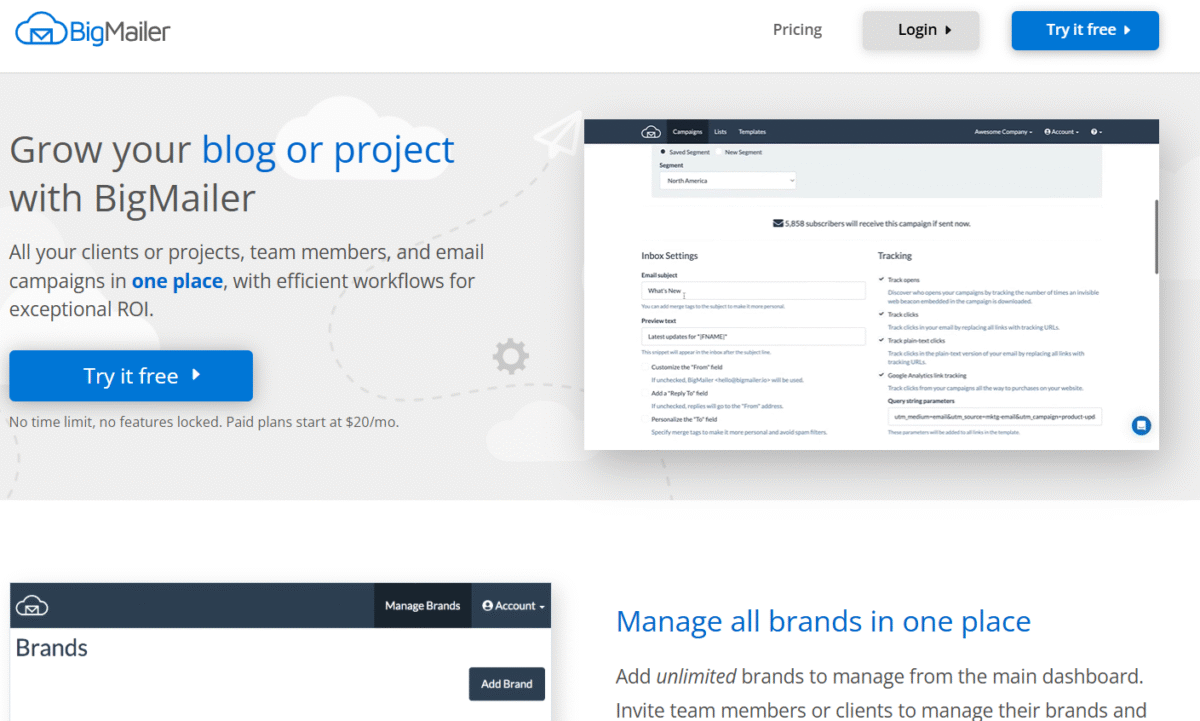
BigMailer is built for power users and agencies. Its “Killer Feature” is Brand Management. If you manage email marketing for 5 different companies, BigMailer lets you toggle between them in a single dashboard without logging in and out.
Key Features:
- Unlimited Brands: Manage distinct lists, templates, and settings for multiple projects.
- RSS-to-Email: Automatically scrape your blog and send a weekly digest.
- Detailed Heatmaps: See exactly where users are clicking within your email design.
Pros:
- Agency Friendly: The workflow is designed for high-volume managers.
- High Volume Pricing: Their pricing tiers for lists over 100k are very competitive for a SaaS tool.
Cons:
- Complex UI: The dashboard is data-dense and can be overwhelming for a beginner.
The “Must-Haves”: A Buying Guide
Before you choose a frontend, ensure it handles the following three technical requirements. (Note: All 5 tools listed above pass this test).
1. Automatic Bounce Handling (SNS)
Amazon SES has a strict “Probation” policy.
- The Rule: If your bounce rate hits 10%, Amazon will suspend your account.
- The Solution: Your frontend must connect to Amazon SNS (Simple Notification Service). When an email bounces, Amazon tells the frontend, and the frontend must instantly mark that subscriber as “Bounced” and never email them again.
- Warning: Do not use a custom script or a cheap WordPress plugin that lacks SNS integration. You will get banned.
2. List Ownership vs. Cloud Convenience
- Self-Hosted (Maillayer, Sendy): You own the data. If the company goes out of business, your software still works. However, if your server crashes, your email stops.
- SaaS (MailBluster, BigMailer): They handle the uptime. But they technically “own” the access to your data and can lock you out if you violate their Terms of Service.
3. The “Warm Up” Feature
If you just got approved for Amazon SES, you cannot send 50,000 emails on Day 1. Amazon will flag you as a spammer. You must “warm up” your IP by sending 100 emails, then 200, then 500.
- Maillayer and BigMailer have automated warm-up features that throttle your sending speed automatically to keep Amazon happy.
Frequently asked questions on the best Amazon SES frontends (UIs) for marketing emails
1. Does using a cheap frontend like Maillayer hurt my email deliverability compared to Mailchimp?
No. Your deliverability (whether you hit the inbox or spam folder) is determined by Amazon SES and your domain reputation, not the frontend software. As long as the frontend properly handles bounces (removing invalid emails automatically), tools like Maillayer or Sendy offer the exact same deliverability as Mailchimp but at 1/100th of the cost.
2. Why do I need a frontend? Can’t I just send marketing emails directly from the Amazon AWS console?
You technically can, but you shouldn’t. The Amazon AWS console is designed for developers sending test emails. It lacks legally required features for marketing, such as a “One-Click Unsubscribe” link, list management, and open-rate tracking. Using the raw console for newsletters puts you at risk of violating the CAN-SPAM Act.
3. Is Amazon SES actually free? What is the hidden cost?
Amazon SES has a “Free Tier” (62,000 emails/month) only if you send from an Amazon EC2 server. Most users, however, will connect via an external frontend (like Maillayer or MailBluster). In this case, you pay $0.10 per 1,000 emails. There are no hidden fees, but you must pay this small amount directly to Amazon, separate from your frontend software cost.
4. I’m not a developer. How hard is it to connect Maillayer or BigMailer to Amazon SES?
It is a “copy-paste” process that takes about 15 minutes. You simply create an “API Key” inside your Amazon dashboard and paste it into your frontend settings. The most complex part is verifying your domain (adding DNS records), but you only have to do this once.
5. What happens if I get too many spam complaints? Will the frontend save me?
No software can stop users from clicking “Spam.” If your complaint rate exceeds 0.1% or your bounce rate hits 5%, Amazon will pause your account. This is why it is critical to use a frontend that integrates with Amazon SNS (Simple Notification Service) to instantly unsubscribe anyone who marks you as spam, preventing you from emailing them again and protecting your reputation.
Before you decide…
- If you want the best value and modern design: Get Maillayer. It’s a one-time payment, looks beautiful, and keeps you free from monthly subscriptions.
- If you are an agency managing 10+ clients: Get BigMailer.
- If you have a tiny list (<2,000) and want zero tech setup: Get EmailOctopus Connect.
The first step is always getting your Amazon SES account approved. Once you have your API keys, grab a license for Maillayer, connect the two, and you’ll have a world-class email marketing engine for the price of a few coffees.