9 Best Free Email Marketing Tools for Small Businesses
Contents
While social media algorithms change overnight, your email list is an “owned” asset and a direct line to your customers that no platform can take away.
For most small businesses, the challenge isn’t whether to use email, but which tool to start with.
The “Free-forever” tier is the smartest starting point because it allows you to:
– Test the interface without a financial commitment.
– Scale your list organically before taking on a monthly overhead.
– Automate basic tasks (like welcome sequences) while you focus on daily operations.
However, “free” always comes with trade-offs: some tools limit your subscriber count, while others cap your monthly sends.
Free email marketing tools comparison
While every tool listed here is “Free Forever,” they each prioritize different features. Some give you more subscribers, while others give you more automation power.
| Tool Name | Free Subscriber Limit | Monthly Send Limit | Free Automation? | Best For | Key Limitation |
| Kit (ConvertKit) | 10,000 | Unlimited | Limited (1 Sequence) | Creators & Newsletters | No advanced visual automation |
| Sender | 2,500 | 15,000 | Yes (Full) | High Sending Volume | Limited segmentation options |
| EmailOctopus | 2,500 | 10,000 | Yes (3 Workflows) | Simple, No-Frills UI | No A/B testing on the free plan |
| Zoho Campaigns | 2,000 | 6,000 | No | Zoho Ecosystem Users | Automation is a paid feature |
| MailerLite | 500 | 12,000 | Yes (Full) | Ease of Use & Design | Low subscriber limit (500) |
| Brevo | 100,000 | 9,000 (300/day) | Yes (Limited) | Sales & CRM Integration | Strict 300 daily send cap |
| Mailchimp | 500 | 1,000 | Limited (1-Step) | App Integrations | Very restrictive send limits |
| HubSpot | Varies | 2,000 | Limited | CRM-led Marketing | HubSpot branding is prominent |
| Omnisend | 250 | 500 | Yes (Full) | E-commerce / Shopify | Very low monthly sends |
The 9 Best Free Email Marketing Tools for Small Businesses
1. Kit (formerly ConvertKit)
(Source: Kit)
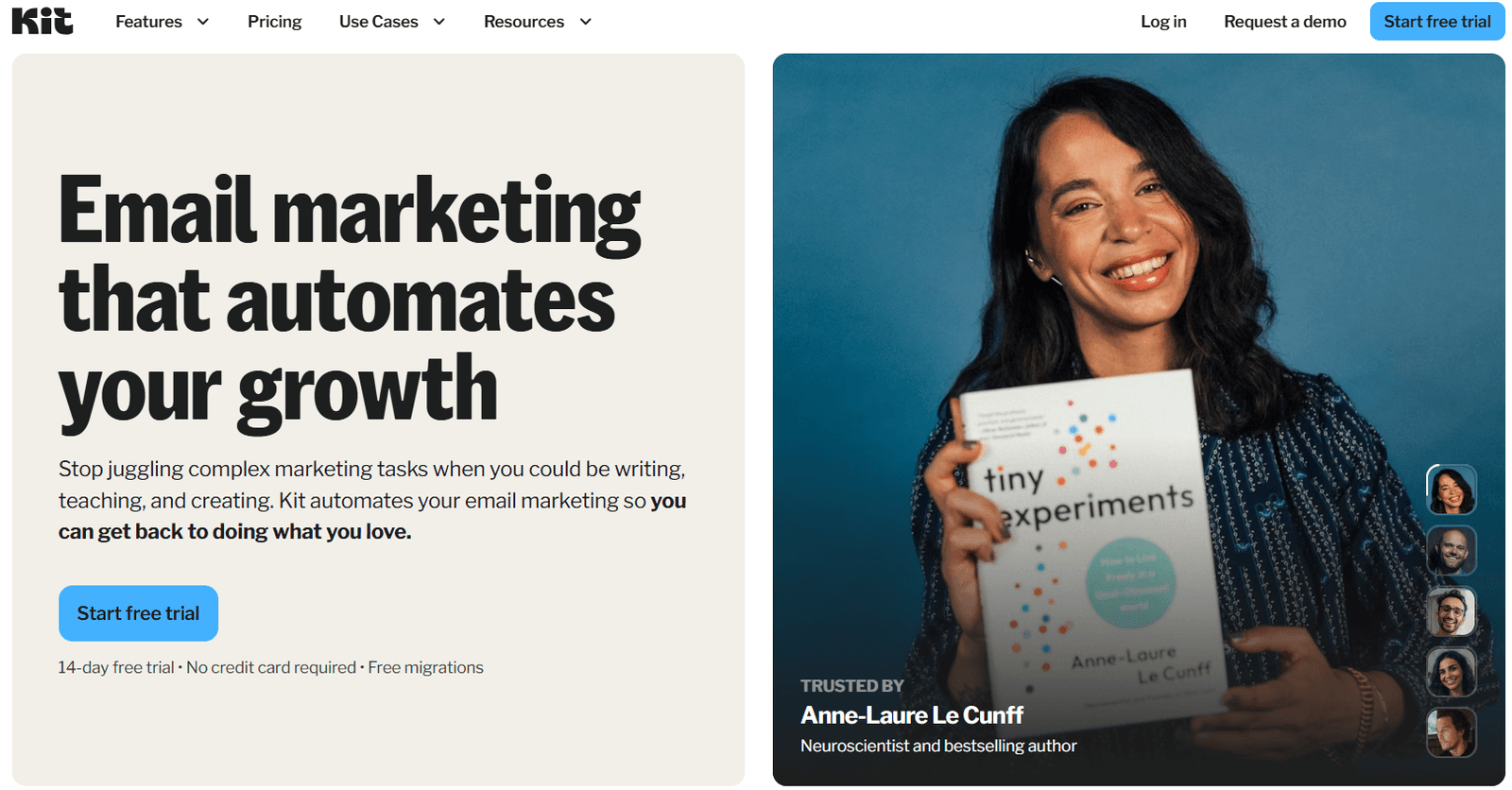
Kit (formerly ConvertKit) is a professional-grade email platform built specifically for creators, bloggers, and podcasters who want to build a personal brand.
Overview of the free plan:
– Subscriber limit: Up to 10,000 subscribers.
– Sending limit: Unlimited email broadcasts.
– Core features included: Unlimited landing pages, sign-up forms, audience tagging/segmentation, and the ability to sell digital products or paid newsletter subscriptions.
What you’ll like:
– The 10k limit: Currently, the most generous subscriber cap on the market for a free plan.
– Monetization ready: You can actually sell products (e-books, courses) or set up a “Tip Jar” directly on the free plan.
– Ease of use: The interface is clean and stays out of your way so you can focus on writing.
Main limitations:
– Minimal automation: You are limited to just one automated sequence and one visual automation on the free tier.
– No integrations: The free plan does not allow you to connect Kit to third-party apps (like your Shopify store or a specialized CRM) via the Kit App Store.
– Branding: Your forms and emails will include a “Built with Kit” badge and recommendations for other newsletters.
When to upgrade: Upgrade to the Creator Plan when you need to set up multiple automated “funnels,” need to remove Kit branding, or require direct integrations with other business tools.
2. Sender
(Source: Sender)
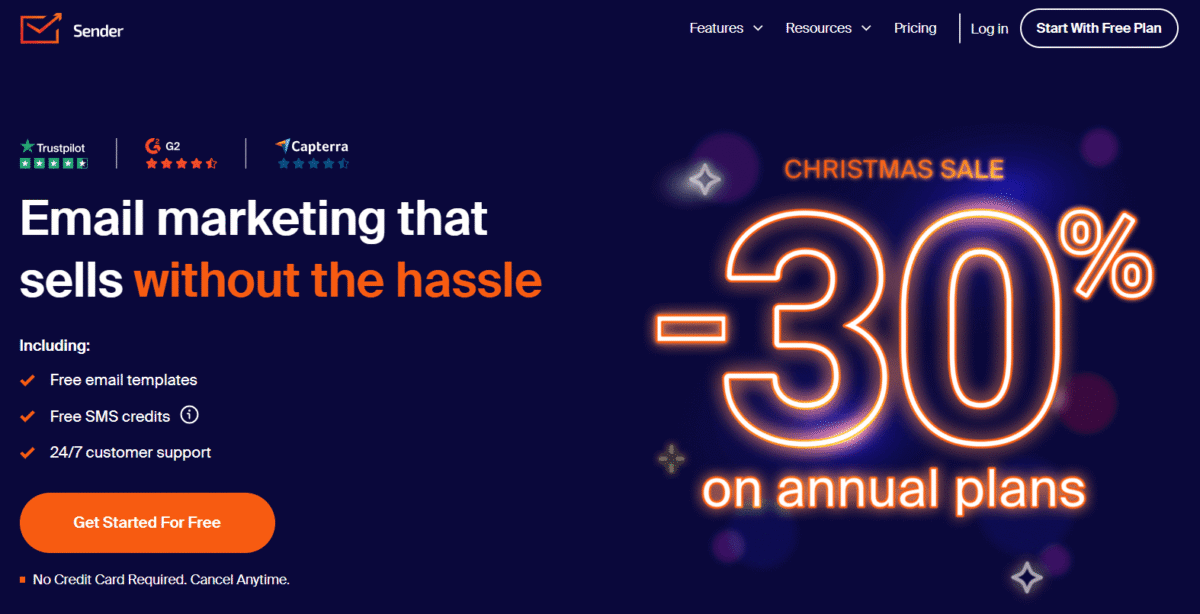
Sender is a high-value, all-in-one marketing platform known for offering “premium” features like full automation completely free of charge.
Overview of the free plan
– Subscriber limit: Up to 2,500 subscribers.
– Sending limit: 15,000 emails per month.
– Core features included: Drag-and-drop editor, 1-click automated workflows (welcome, abandoned cart), landing page builder, and basic segmentation.
What you’ll like:
– Full automation: Unlike most competitors, Sender gives you access to their visual automation builder on the free plan. You can set up “if/then” logic and multi-step sequences.
– High limits: A 2,500-subscriber cap is significantly higher than the industry standard (usually 500–1,000).
– Landing pages included: You can build and host a basic landing page to capture leads directly within the app.
Main limitations:
– Sender branding: Your email footers will prominently feature the Sender logo.
– Support: While they offer 24/7 support, free users are often lower in the priority queue compared to paid subscribers.
– Integrations: Direct integrations are somewhat limited compared to “big” names like Mailchimp.
When to upgrade: Upgrade to the Standard Plan when you need to remove the Sender branding from your emails or if you want to start using SMS marketing alongside your email campaigns.
3. EmailOctopus
(Source: EmailOctopus)
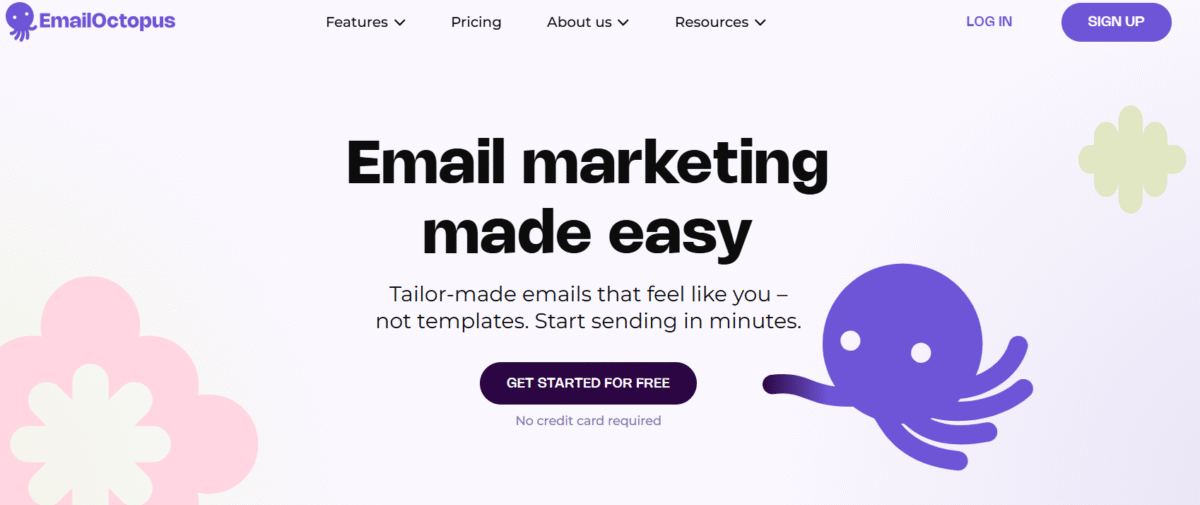
EmailOctopus is a simple, lightweight email marketing platform that strips away the bloat to focus on high deliverability and ease of use.
Overview of the free plan:
– Subscriber limit: Up to 2,500 subscribers.
– Sending limit: 10,000 emails per month.
– Core features included: Drag-and-drop editor, basic automation (welcome sequences), up to 3 landing pages/forms, and 30 days of reporting data.
What you’ll like:
– Generous buffer: Like Sender, the 2,500-subscriber limit is very high for a free plan, giving you plenty of room to grow.
– Clean interface: The dashboard is intuitive and fast. You won’t get lost in sub-menus or complex “advanced” settings you don’t need.
– Reliability: It focuses on the essentials, which often translates to better inbox placement and faster campaign setup.
Main limitations:
– Automation cap: You are limited to 3 automated workflows with a maximum of 5 steps each.
– Limited history: You can only view your campaign reports and analytics for 30 days on the free plan.
– Branding & users: Includes EmailOctopus branding on all emails and is restricted to 1 user account.
When to upgrade: Upgrade to the Pro Plan when you need to remove branding, require unlimited automation steps, or need access to your campaign data for longer than a month.
4. Zoho Campaigns
(Source: Zoho Campaigns)
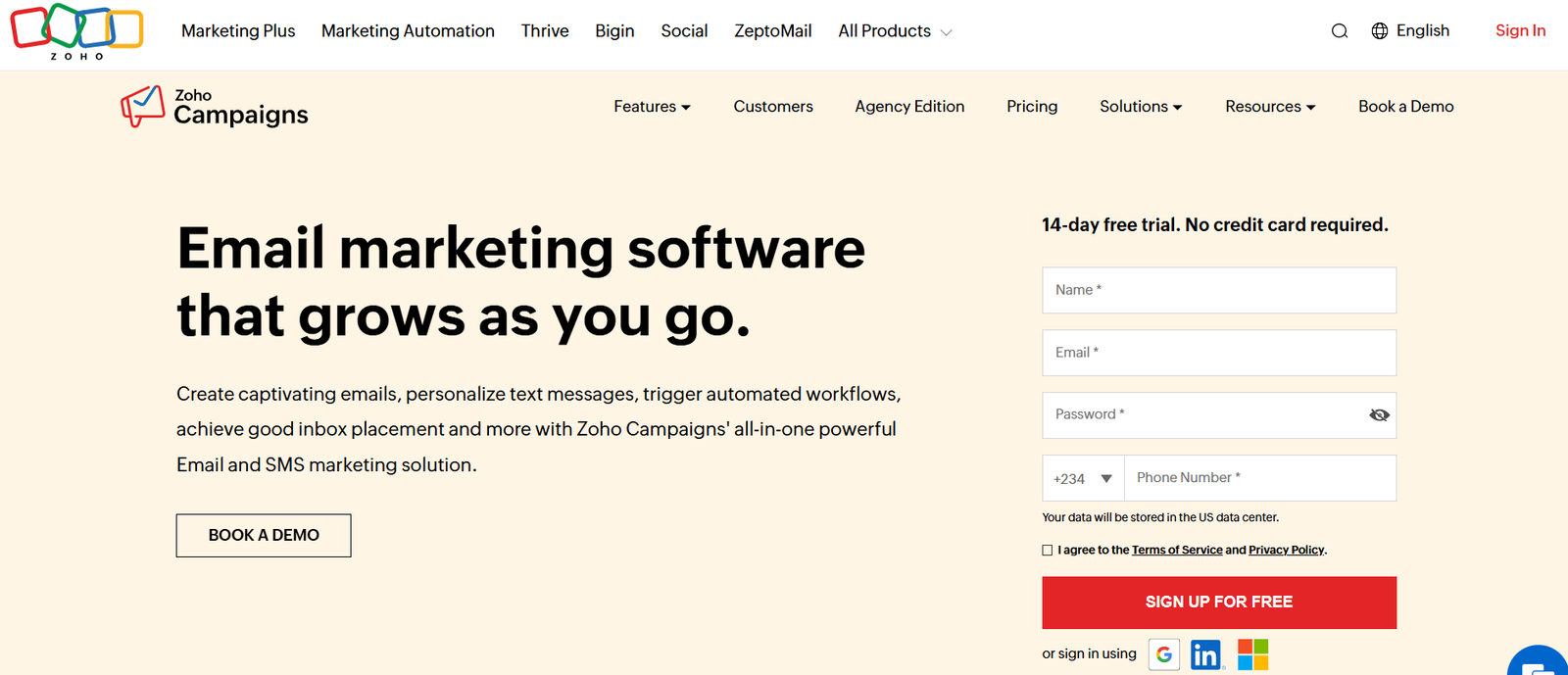
Zoho Campaigns is a versatile email marketing tool designed for small to mid-sized businesses, especially those already utilizing the Zoho ecosystem for CRM or accounting.
Overview of the free plan
– Subscriber limit: Up to 2,000 contacts can be managed on the “Forever Free” tier.
– Sending limit: 6,000 emails per month, with a restriction of three campaigns per month.
– Core features included: Drag-and-drop email builder, basic segmentation, compliance checks, and access for up to 5 users.
What you’ll like
– Multi-user access: Unlike many free plans that limit you to one user, Zoho allows up to 5 team members to collaborate on marketing tasks.
– Industry compliance: The platform includes built-in anti-spam engines and compliance tools like GDPR and CAN-SPAM checks to protect your sender reputation.
– CRM synergy: It offers seamless data syncing with Zoho CRM, allowing you to create targeted campaigns based on sales data.
Main limitations
– Restricted campaigns: You are limited to sending only three email campaigns per month, which may be insufficient for high-frequency senders.
– Feature locks: Advanced tools like email marketing automation, eCommerce marketing, and scheduling are restricted on the free plan.
– Limited visuals: The free tier does not support email attachments or certain dynamic content elements.
When to upgrade: Upgrade to the Standard Plan when you need to send unlimited monthly emails, require basic automation workflows, or need to manage more than 2,000 contacts.
5. Mailerlite
(Source: Mailerlite)
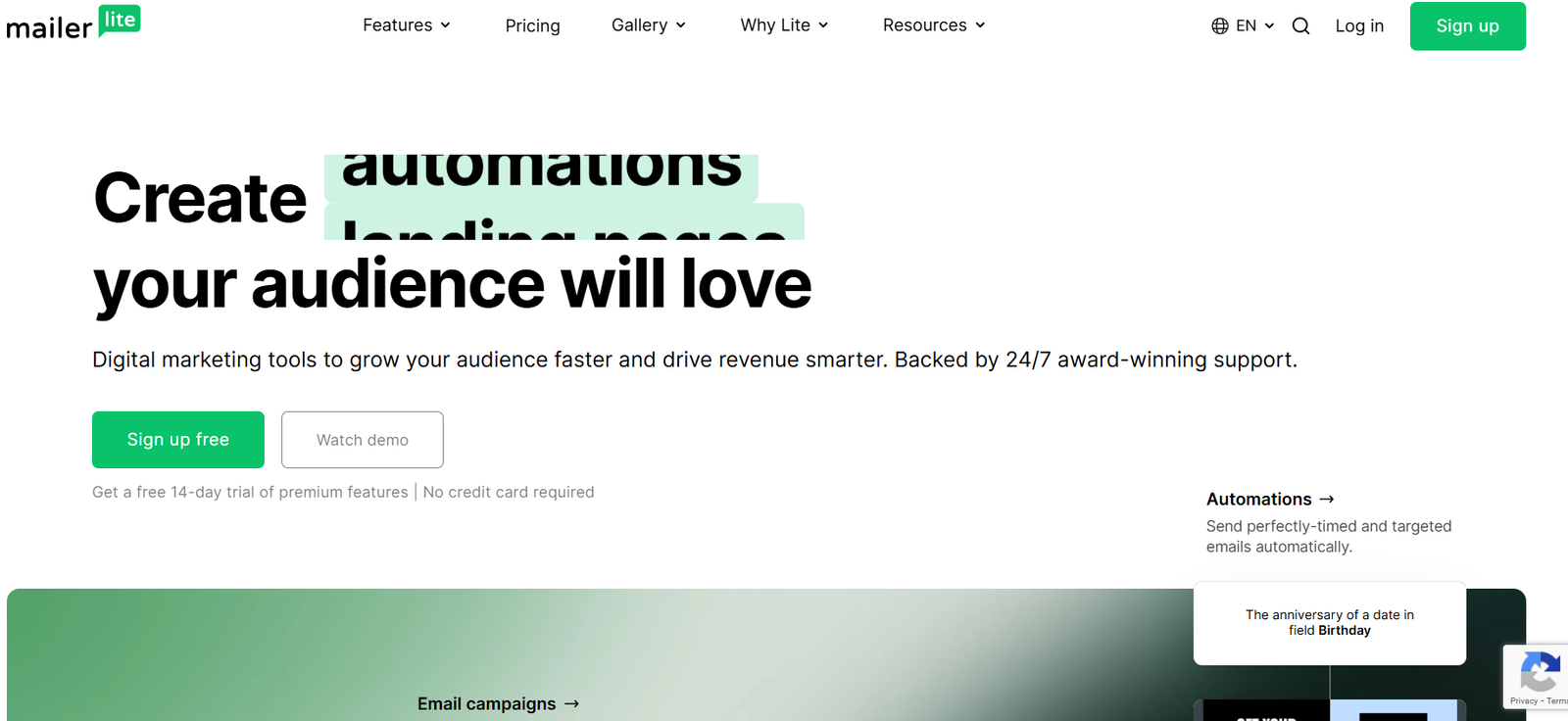
Mailerlite is a modern, user-friendly email marketing platform known for providing a clean interface and sophisticated features like automation to businesses on a budget.
Overview of the free plan
– Subscriber limit: Up to 500 active subscribers.
– Sending limit: 12,000 emails per month.
– Core features included: Drag-and-drop editor, visual automation builder, 10 landing pages, and unlimited signup forms or pop-ups.
What you’ll like
– Automation access: You get access to a powerful visual automation builder on the free tier, which is often a paid feature in competing tools.
– Landing page builder: The ability to create 10 distinct landing pages is highly generous for a free plan, allowing you to test multiple lead magnets.
– Ease of use: The platform is designed with a “lite” philosophy, making it very easy for beginners to set up professional campaigns quickly.
Main limitations
– Lower subscriber cap: The free limit was recently reduced from 1,000 to 500 subscribers, meaning growing businesses will hit the paywall faster.
– No pre-made templates: Access to professional newsletter templates is locked, requiring free users to build their designs from scratch using content blocks.
– Basic support: Live chat and priority support are reserved for paid plans after an initial 14-day premium trial period.
When to upgrade: Upgrade to the Growing Business plan when your list grows past 500 contacts, if you need to remove the “Powered by MailerLite” logo, or if you want access to the library of professional email templates.
6. Brevo
(Source: Brevo)
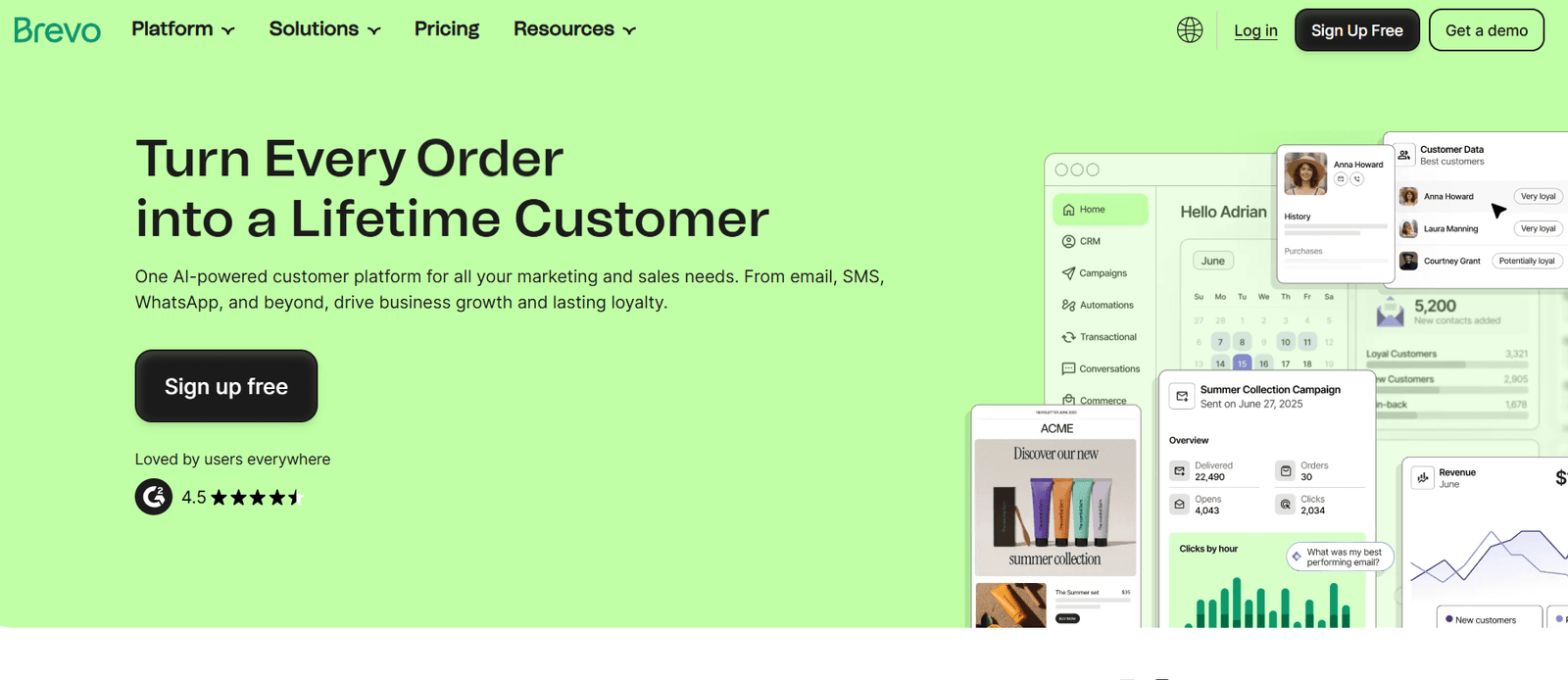
Brevo is an all-in-one marketing platform that scales based on email volume rather than contact list size.
Overview of the free plan
– Subscriber limit: You can store up to 100,000 contacts on the free tier.
– Sending limit: 300 emails per day, totaling roughly 9,000 emails per month.
– Core features included: Access to a drag-and-drop editor, transactional email capabilities, and marketing automation for up to 2,000 contacts.
What you’ll like
– Unlimited contacts: You aren’t penalized for growing your list, making it ideal for businesses that only message certain segments at a time.
– Transactional emails: Unlike many competitors, Brevo includes professional SMTP relay for sending order confirmations and password resets for free.
– Multi-channel marketing: The platform allows you to manage SMS and WhatsApp campaigns alongside your standard email marketing.
Main limitations
– Daily sending cap: The strict 300-email limit per day means you cannot send a single blast to a list of 500 people at once.
– Restricted reporting: Advanced analytics, such as click heatmaps and geography tracking, are reserved for the paid Business plans.
– Brevo branding: All emails sent on the free plan will feature a “Powered by Brevo” logo in the footer.
When to upgrade: Upgrade to the Starter Plan when you need to send campaigns to more than 300 people in a single day or if you want to remove the Brevo logo from your newsletters.
7. Mailchimp
(Source: MailChimp)
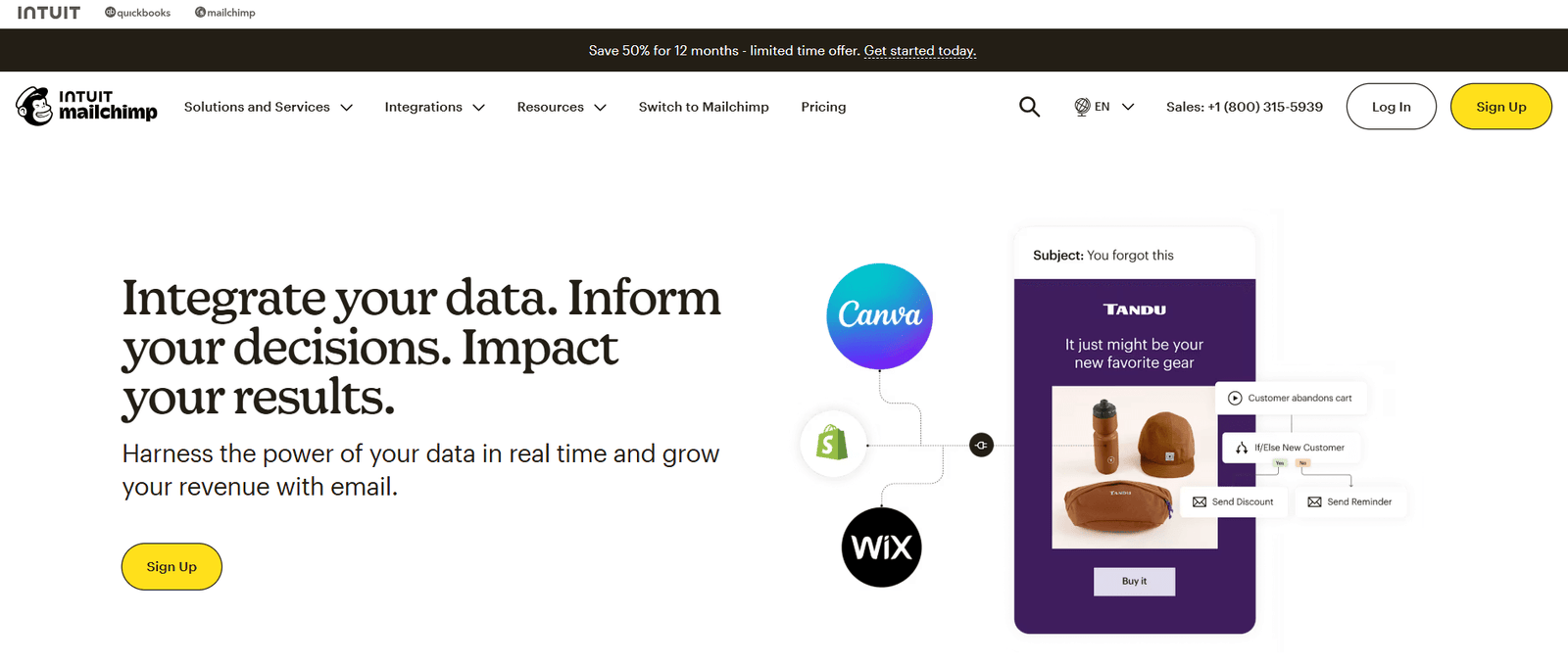
MailChimp is a widely recognized marketing platform that has evolved from a simple email tool into an all-in-one marketing suite with powerful design features.
Overview of the free plan
– Subscriber limit: Up to 500 contacts.
– Sending limit: 1,000 emails per month with a daily cap of 500 sends.
– Core features included: Access to the creative assistant, 300+ app integrations, basic reporting, and a one-step automated welcome email.
What you’ll like
– Creative assistant: The AI tool can automatically generate professional-looking email designs based on your brand’s colors and logo.
– Extensive integrations: Mailchimp connects with more third-party apps than almost any other tool, making it easy to sync with Shopify, Canva, or Google Analytics.
– Advanced testing: Even on the free plan, you can access basic segmentation tools and survey features to better understand your audience.
Main limitations
– Highly restrictive limits: The 500-contact and 1,000-monthly email limits are among the lowest in the industry, making it difficult to scale without paying.
– Limited automation: You are restricted to basic, single-step automations; complex multi-email journeys are reserved for paid tiers.
– Customer support gap: Free users only receive email support for the first 30 days; after that, you must rely on the self-service knowledge base.
When to upgrade: Upgrade to the Essentials Plan when you need to remove Mailchimp branding, require 24/7 support, or need to send more than 1,000 emails per month.
8. HubSpot
(Source: HubSpot)
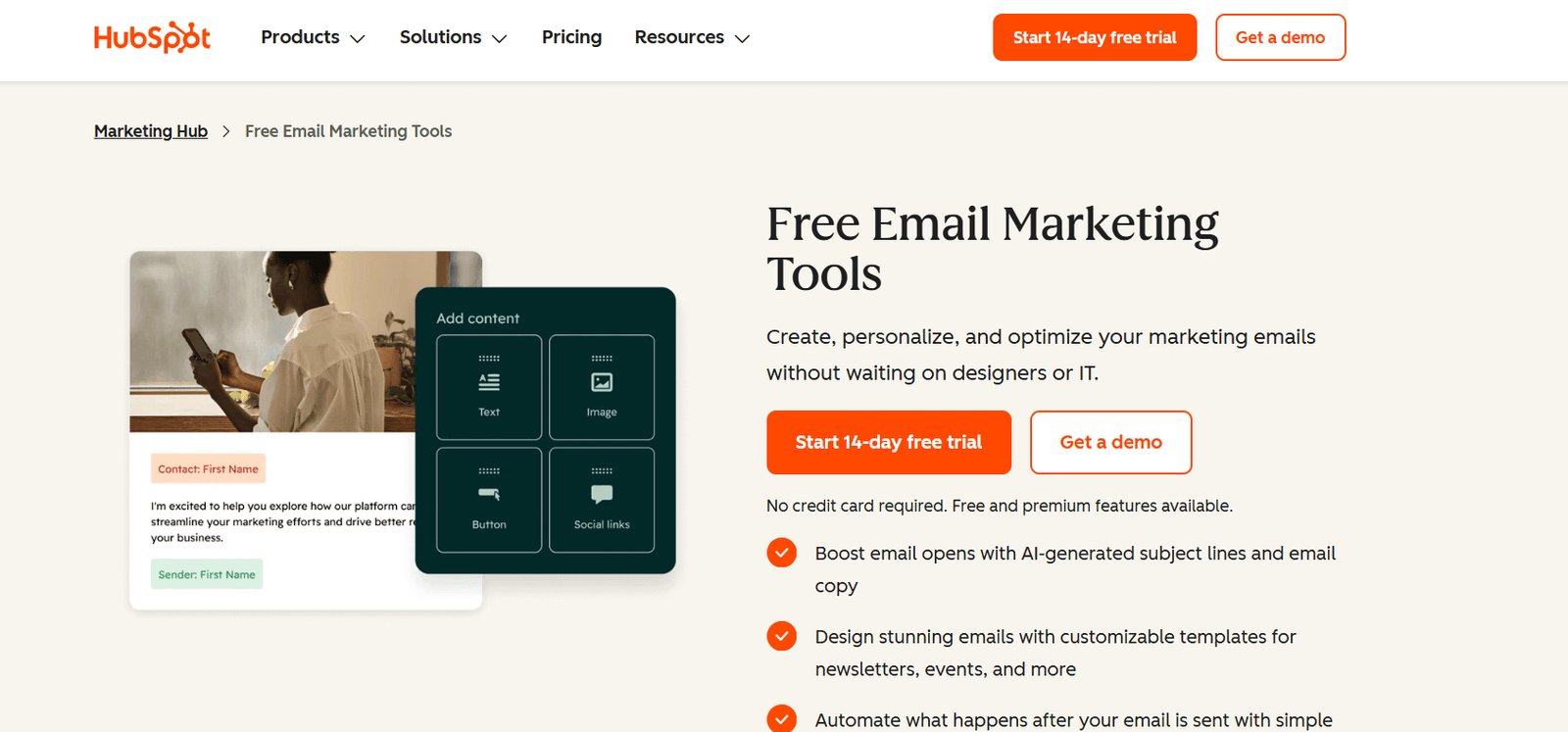
HubSpot is a comprehensive CRM-led marketing platform that integrates email marketing directly with sales and customer service tools.
Overview of the free plan
– Subscriber limit: You can store up to 1,000,000 contacts in the CRM, but marketing email limits apply to how many you can actually message.
– Sending limit: 2,000 marketing emails per month.
– Core features included: Drag-and-drop editor, website forms, landing pages, live chat, and basic contact segmentation.
What you’ll like
– CRM integration: Every email interaction is automatically logged in the CRM, giving you a full view of your leads’ behavior and history.
– Powerful lead capture: The free plan includes highly customizable forms and pop-ups that sync directly with your contact database.
– Deliverability and trust: HubSpot has a strong reputation with inbox providers, which helps ensure your emails land in the primary inbox rather than the spam folder.
Main limitations
– Prominent branding: Every marketing email and form will feature noticeable HubSpot branding that cannot be removed on the free tier.
– Restricted analytics: You only get high-level campaign data; detailed reporting on individual link clicks or geography is locked.
– Costly scaling: While the free plan is robust, moving to a paid plan is often more expensive than other competitors like MailerLite or Sender.
When to upgrade: Upgrade to the Marketing Hub Starter plan when you need to remove HubSpot branding, access more advanced automation, or want to use a custom domain for your landing pages.
9. Omnisend
(Source: Omnisend)
Omnisend is an eCommerce marketing platform designed specifically for online stores to integrate email, SMS, and push notifications into a single automated workflow.
Overview of the free plan
– Subscriber limit: You can store an unlimited number of contacts, but you are limited to reaching only 250 of them per month.
– Sending limit: 500 emails per month and 500 web push notifications.
– Core features included: Access to all professional features, including the drag-and-drop builder, eCommerce automations, and $1 in free SMS credits.
What you’ll like
– All features included: Unlike many competitors, the free plan gives you access to every feature available on paid tiers, including advanced automation and segmentation.
– eCommerce optimization: The tool features a dedicated product picker that lets you pull items directly from your Shopify or WooCommerce store into your emails.
– Multichannel workflows: You can combine email with SMS and web push notifications within a single automated sequence for better customer engagement.
Main limitations
– Very low send volume: A cap of 500 emails per month is quite restrictive for any business that sends more than two campaigns a month to their list.
– Watermark presence: All emails and signup forms created on the free plan will display a prominent Omnisend watermark.
– Support constraints: Free users do not have access to live chat or email support and must rely on the self-service help center.
When to upgrade: Upgrade to the Standard Plan when your list exceeds 250 contacts or when you need to send more than 500 emails per month to maintain your marketing frequency.
Final Recommendations: Which free email tool should you choose?
Most of these platforms make it easy to export your list and move elsewhere if your needs change. If you’re still staring at the list and can’t decide, here is how I would break it down based on what you actually need to do today.
Best overall free email tool
If you want the best balance of a high subscriber ceiling and powerful features, go with Sender. It’s the “unicorn” of free plans because it gives you 2,500 subscribers and full automation without asking for a dime. It isn’t the flashiest tool, but it is the most practical for a growing business that needs a lot of room to move.
Best for beginners: Maillerlite
If the thought of setting up an email campaign gives you a headache, start with MailerLite. The interface is incredibly clean, and everything feels where it should be. While the 500-subscriber limit is lower than others, the ease of use will save you hours of frustration as you learn the ropes.
Best for newsletters: Kit
If you are a writer, blogger, or creator whose primary goal is to send a weekly newsletter, Kit (formerly ConvertKit) is the winner. The 10,000-subscriber limit is massive, meaning you can focus purely on growing your audience for a long time before you ever have to worry about a monthly subscription fee.
Best for eCommerce: Omnisend or Brevo
If you run an online shop on Shopify or WooCommerce, Omnisend is built for you. Even though the monthly send limits are tight, the way it pulls products directly into your emails and handles “abandoned cart” messages is far superior to general-purpose tools. If your list is already over 250 people, look at Brevo as a secondary eCommerce option.
Best for automation: Sender or Mailerlite
If you want to build complex “if this, then that” sequences (like a 5-day welcome series that changes based on what a user clicks), Sender or MailerLite are your best bets. They are the most generous with their automation builders on the free tier, whereas others, like Zoho or Mailchimp, lock the best automation features behind a paywall.
Best if you plan to scale soon: Brevo
If you expect your list to explode in size very quickly, go with Brevo. Because they don’t charge based on how many contacts you have, you can store 50,000 leads and only pay for the specific number of emails you send. It’s the best way to avoid the “subscriber tax” that hits most businesses once they cross the 2,000-contact mark.
Frequently asked questions on free email marketing tools for small businesses
What is the best free email marketing tool?
The best free email marketing tool is Sender if you need the highest combination of subscriber limits (2,500) and full access to automation features. For those focused strictly on the largest possible audience for a newsletter, the best free tool is Kit due to its 10,000-subscriber limit.
What is the best free email service for small businesses?
The best free email service for small businesses needing deep customer data is HubSpot, as it integrates your marketing directly into a professional-grade CRM. If your business is already using the Zoho ecosystem, then Zoho Campaigns is the best service for seamless integration and team collaboration.
How to send 1,000 emails for free?
To send 1,000 emails for free, use Sender, EmailOctopus, or Kit, as these platforms allow you to send a single blast to over 1,000 people at once.
Is MailChimp actually free?
MailChimp is actually free for up to 500 contacts and 1,000 monthly email sends, but it is one of the most restrictive “free” plans currently available. Once you grow past 500 subscribers or need to send more than two emails a month to your full list, you are required to upgrade to a paid plan.